Step 4, Set up:
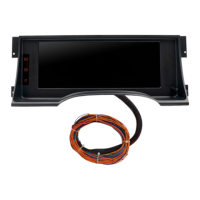
This dash comes equipped with a button/knob referred to as the “Selector Knob”. To enter the dash menu, simply push & release the
Selector Knob one time. The menu will appear. The knob also turns slightly left or right. Use the left or right motion to scroll through the
menu. Think of pushing & releasing the knob as an “Enter” command.
If you attempt to enter the menu while driving (vehicle in motion), you will only get a partial menu. For full menu, you must be stopped.
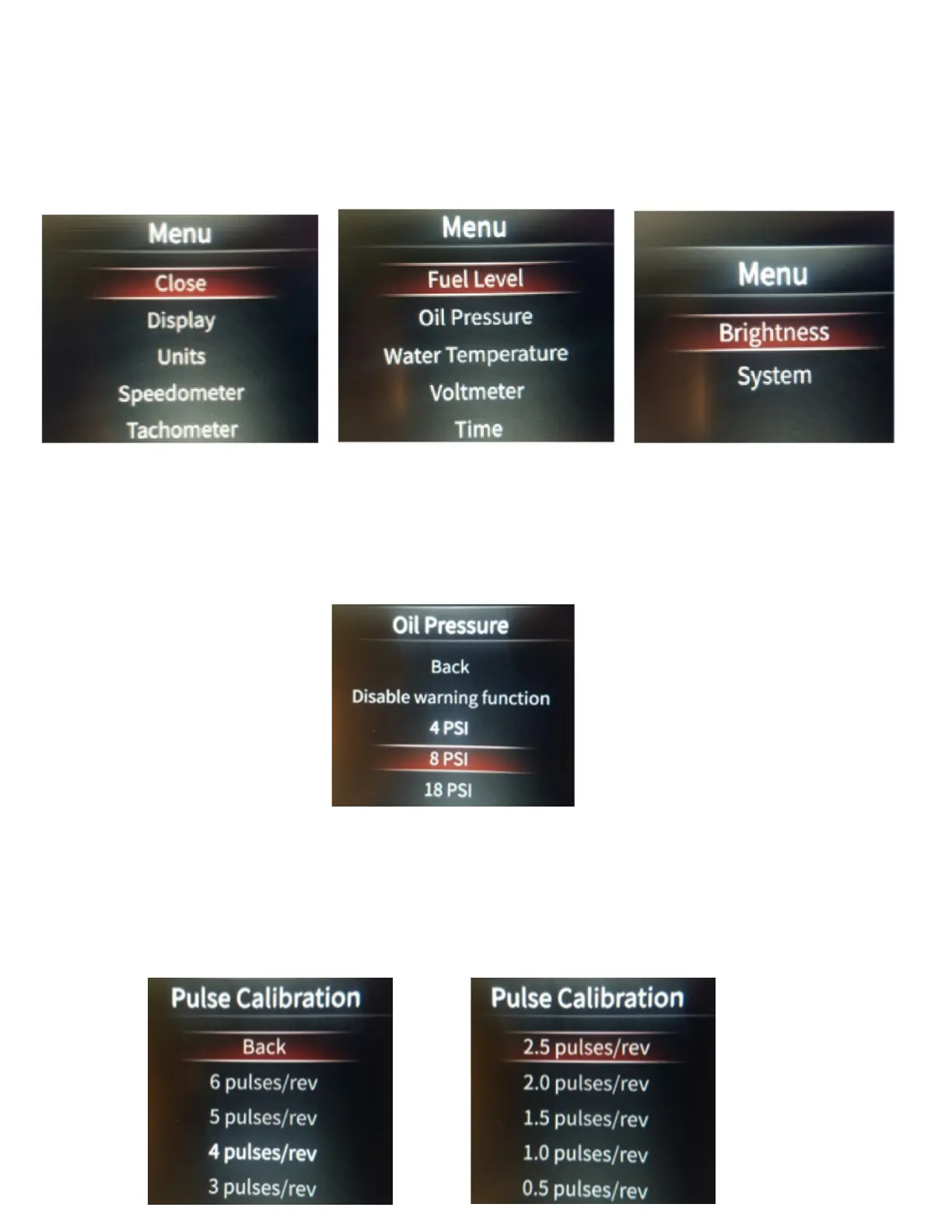
Engine can be running or not, just as long as power is turned on. Full Menu shown in below pictures.
Warnings This dash provides an audible and visual warning for certain parameters.
Fuel Level is non-adjustable, and comes as warning at around 1/8 tank. You can however disable the warning if you choose.
Oil pressure can be adjusted to warn at 4, 8, or 18psi. This can also simply be disabled.
Water temp can be adjusted to warn at 220, 235, or 250 degrees. This can also simply be disabled.
Volt Meter can be adjusted to warn at 11.5, 12.2, or 15.0 volts. This can also simply be disabled.
To adjust, or disable, enter into the Main Menu, then scroll to the gauge you want to adjust (we will show oil pressure here), and press
Enter. Scroll back to the value you wish to set it to, and press Enter.
To exit, you may now scroll up to Back and press Enter.
Once you are nished adjusting your warnings, and you are back in the Main Menu, simply scroll back to the top until Close is highlighted,
and press Enter.
Tachometer PPR (Pulse Calibration) This is the tachometer calibration. PPR stands for pulses per revolution. A standard V8 with a
distributor type ignition system will be 4ppr. This is also the standard setting for the dash. If you have an in line 6, your setting would be
3ppr. And if you have updated your drivetrain to an LS type engine and are using a factory PCM, the PCM tachometer output is actually
2ppr.
To adjust PPR, enter into the Main Menu. Scroll to Tachometer, and press Enter. Next, scroll to Pulse Calibration, and press Enter.


 To Next Page
 Loading...