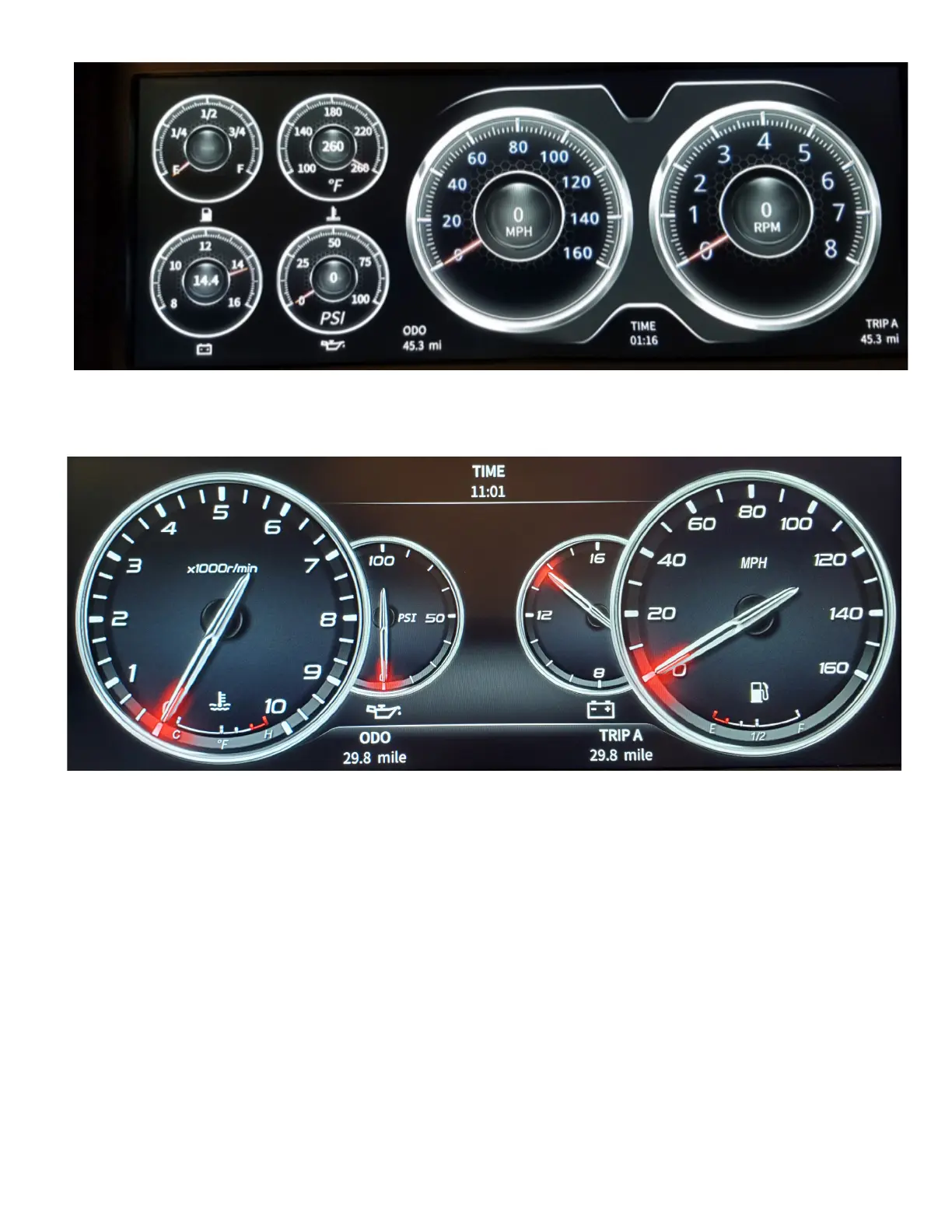
Display Three
Display Four
If you choose Display three, you also have a choice of colors. Displays one, two, and four do not have a choice of colors. When you choose
Display three, and press Enter the unit will go to Display three, then to access the color options, Enter into the main menu again, choose
Display, then scroll to Display three (which will already be in bold white), and press Enter. Now the color options will come up (there are two
pages of color options). Scroll to the desired color and press Enter.



 To Next Page