Brightness You will no longer adjust brightness with the factory dash light dimmer. Once power is applied from the lighting to the dash, it
will automatically dim down to the brightness as adjusted by the dash via the Selector Knob. You can adjust daytime brightness, as well as
night time brightness.
To adjust the brightness, enter into the main menu, then scroll down until you reach Brightness, and press Enter. Once you are in the
Brightness settings, scroll down one time for Daytime settings and press Enter. You may now scroll left of right to choose the percentage of
brightness.
When you are satised, press Enter then scroll down one time again for Nighttime and press Enter. You can again scroll left or right for the
percentage of brightness desired. *When adjusting Nighttime, you should have the vehicles lights turned on.
When nished adjusting Nighttime, press Enter, then scroll up to Back, and press Enter. Then scroll up to Close to exit the Main menu.
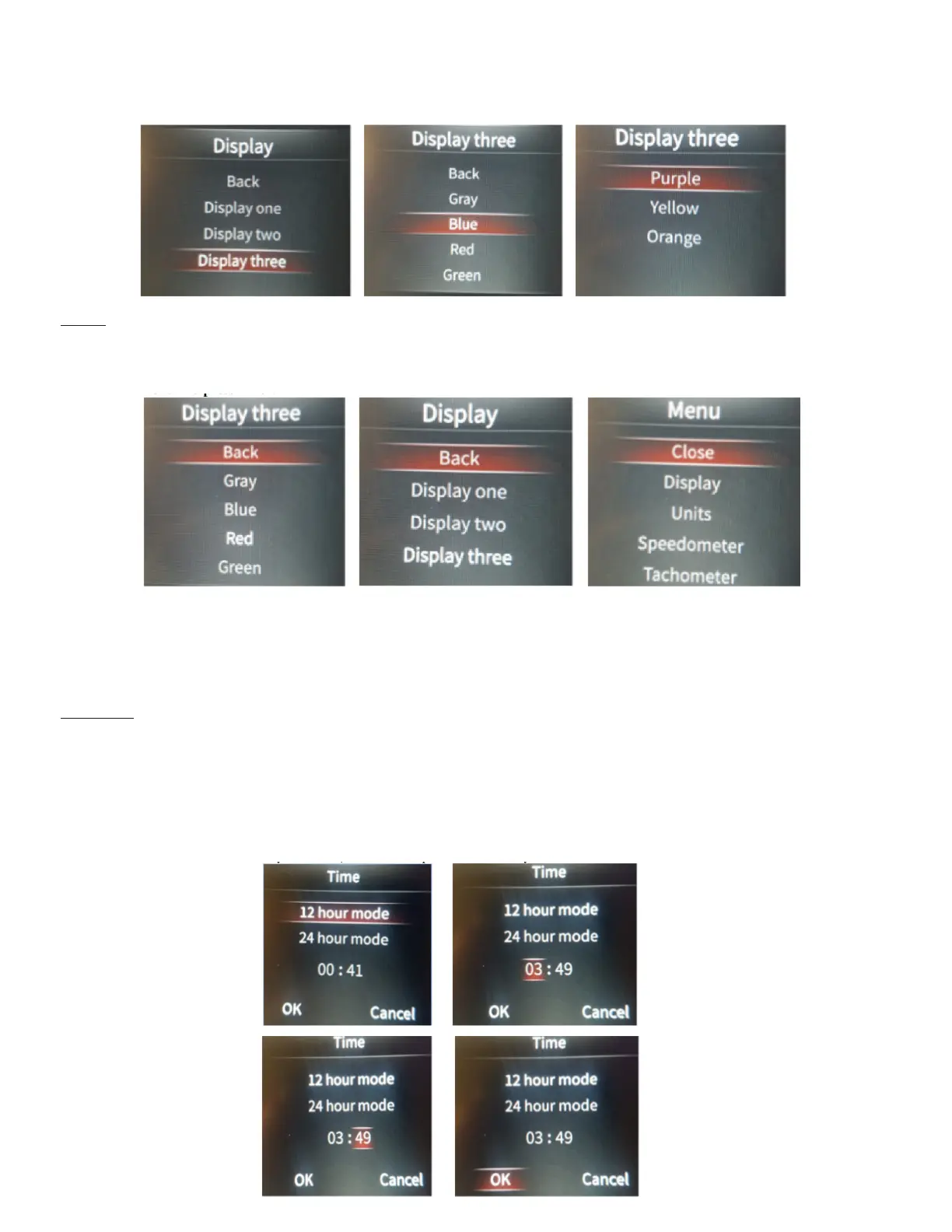
To Exit, simply scroll up to Back, and press Enter., then scroll up to Back on the Display menu, and press Enter, then scroll up to Close on
the Main menu and press Enter.


 To Next Page
 Loading...