65
Digital Video Recorder User Manual
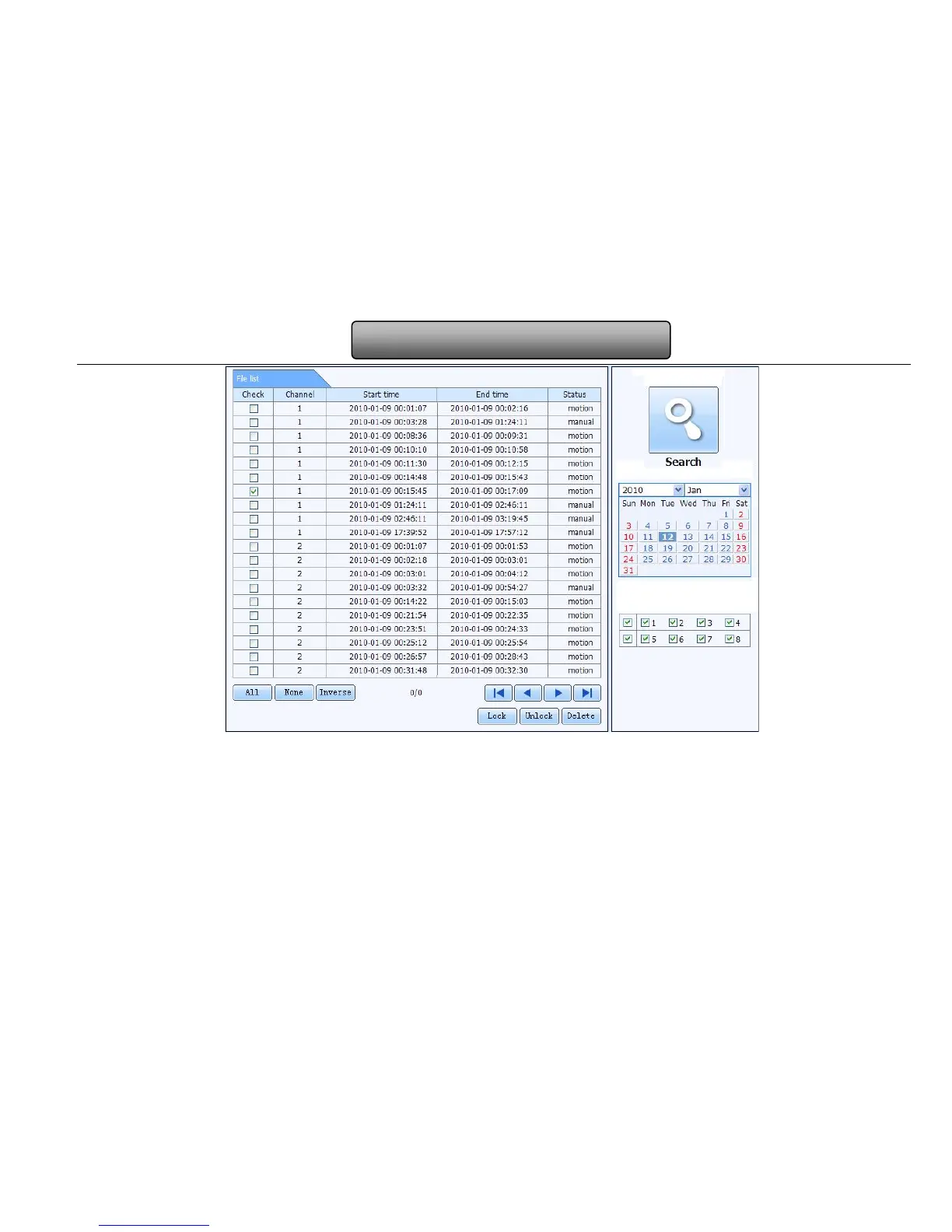
Fig 7-9 file management interface
Lock: select certain file item in the file list box and click “Lock” button to lock this file that ca not be deleted or overlaid
Unlock: select a locked file and click “unlock” button to unlock this file
Delete: select an unlock file and click “delete” button to delete this file from file list
7.4.2 Remote backup
Click Backup button to enter into backup interface, refers to Fig 7-10:



 To Next Page