EasyManua.ls Logo

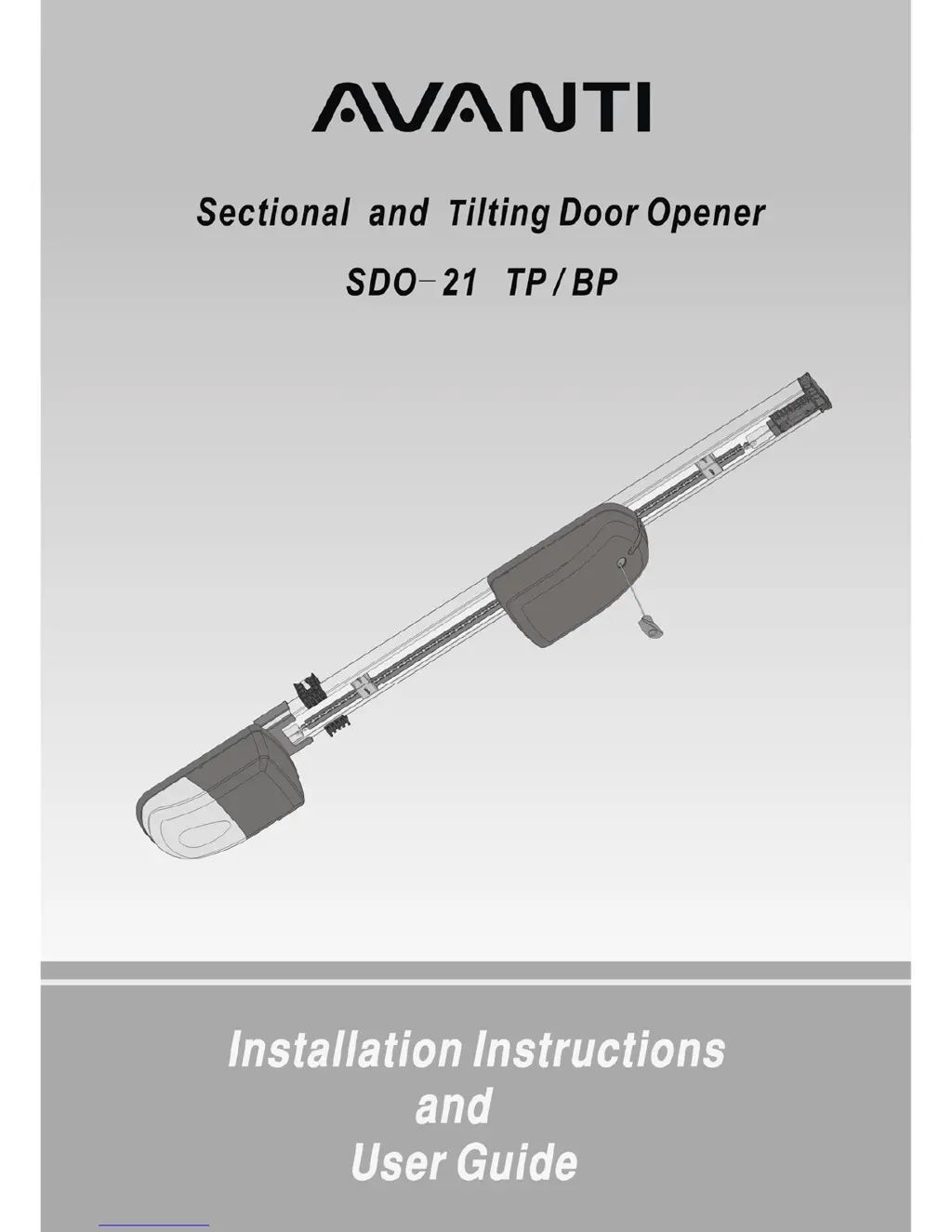
Avanti SDO-21 TP/BP - User Manual

Avanti SDO-21 TP/BP
28 pages
Print Icon
To Next Page IconTo Next Page
Loading...
- 1 -

Questions and Answers

Summary

Important Safety Recommendations

Qualified Installation and Door Condition

Ensure qualified installation and a balanced, well-maintained garage door.

Installation Guidelines and Safety Labels

Proper mounting height, secure brackets, and correct placement of warning labels.

Safe Operation and System Checks

Follow safe operating procedures and regularly check system functionality.

Warranty Exclusions

Assembly Instructions

Identify Garage Door Type

Select the appropriate door type and installation method for your application.

Identify Installation Method

Choose between Method A, B, or C based on door type and installation requirements.

Assembly Steps

Detailed instructions for assembling the drive rail, chain, and terminal brackets.

Options and Features Selection

Configure functionality via dip switches and external accessories.

Installation Instructions

Header Bracket Mounting

Securely fasten the header bracket to the garage wall or ceiling structure.

Towing Bracket Mounting

Mount the towing bracket to the garage door based on door type.

Attaching Drive Rail to Header Bracket

Connect the assembled drive rail to the header bracket.

Mounting Drive Rail Assembly to Ceiling

Securely hang or mount the drive rail assembly to the ceiling structure.

Attaching Towing Arms

Connect the straight and bent towing arms to the drive unit and towing bracket.

Connecting to Power Supply

Plug the AGDO into a properly earthed power outlet.

Engaging and Disengaging the AGDO

Learn how to engage or disengage the drive unit for manual operation.

Settings and Adjustments

Door Travel Adjustment

Set the fully open and closed positions by adjusting limit prongs.

Safety Obstruction Force Adjustment

Configure the force sensitivity for obstruction detection in different modes.

Adaptive Mode Configuration

Enable and set up Adaptive Mode for automatic safety adjustments.

Manual Mode Configuration

Enable and set up Manual Mode for direct safety force adjustments.

Testing Safety Obstruction Force

Procedures to test and verify safety force settings for open and close directions.

Options and Features

Accessory Connections and Basic Features

Connect accessories, auto close, back jump, and battery backup for enhanced functionality.

Advanced Features and Control Access

Battery power, solar, warning buzzer, and accessing the control box.

Component Settings and Operation

Configure courtesy lamp, dip switches, door monitor, transmitters, and buttons.

Safety Systems Configuration and Testing

Install, align, and configure safety beams and safety reverse.

Operational Modes and Speed Control

Adjust soft start/stop, speed, and manage vacation mode.

User Interface and Maintenance

Install wall switches and perform routine maintenance for optimal performance.

Technical Specifications

Troubleshooting Guide

Summary

Important Safety Recommendations

Qualified Installation and Door Condition

Ensure qualified installation and a balanced, well-maintained garage door.

Installation Guidelines and Safety Labels

Proper mounting height, secure brackets, and correct placement of warning labels.

Safe Operation and System Checks

Follow safe operating procedures and regularly check system functionality.

Warranty Exclusions

Assembly Instructions

Identify Garage Door Type

Select the appropriate door type and installation method for your application.

Identify Installation Method

Choose between Method A, B, or C based on door type and installation requirements.

Assembly Steps

Detailed instructions for assembling the drive rail, chain, and terminal brackets.

Options and Features Selection

Configure functionality via dip switches and external accessories.

Installation Instructions

Header Bracket Mounting

Securely fasten the header bracket to the garage wall or ceiling structure.

Towing Bracket Mounting

Mount the towing bracket to the garage door based on door type.

Attaching Drive Rail to Header Bracket

Connect the assembled drive rail to the header bracket.

Mounting Drive Rail Assembly to Ceiling

Securely hang or mount the drive rail assembly to the ceiling structure.

Attaching Towing Arms

Connect the straight and bent towing arms to the drive unit and towing bracket.

Connecting to Power Supply

Plug the AGDO into a properly earthed power outlet.

Engaging and Disengaging the AGDO

Learn how to engage or disengage the drive unit for manual operation.

Settings and Adjustments

Door Travel Adjustment

Set the fully open and closed positions by adjusting limit prongs.

Safety Obstruction Force Adjustment

Configure the force sensitivity for obstruction detection in different modes.

Adaptive Mode Configuration

Enable and set up Adaptive Mode for automatic safety adjustments.

Manual Mode Configuration

Enable and set up Manual Mode for direct safety force adjustments.

Testing Safety Obstruction Force

Procedures to test and verify safety force settings for open and close directions.

Options and Features

Accessory Connections and Basic Features

Connect accessories, auto close, back jump, and battery backup for enhanced functionality.

Advanced Features and Control Access

Battery power, solar, warning buzzer, and accessing the control box.

Component Settings and Operation

Configure courtesy lamp, dip switches, door monitor, transmitters, and buttons.

Safety Systems Configuration and Testing

Install, align, and configure safety beams and safety reverse.

Operational Modes and Speed Control

Adjust soft start/stop, speed, and manage vacation mode.

User Interface and Maintenance

Install wall switches and perform routine maintenance for optimal performance.

Technical Specifications

Troubleshooting Guide

Avanti SDO-21 TP/BP Specifications

General IconGeneral
BrandAvanti
ModelSDO-21 TP/BP
CategoryGarage Door Opener
LanguageEnglish

Related product manuals