9
Giacomini
Connection Adapter
M28*1.5
Connection Adapter
Caleffi
Connection Adapter
APP operating instructions
Description of the distribution network
A green light and a red light are flashing on the gateway, and it has entered network
configuration state. (For the status of gateway configuration, please refer to the operation
instructions of the gateway).
Controller network configuration
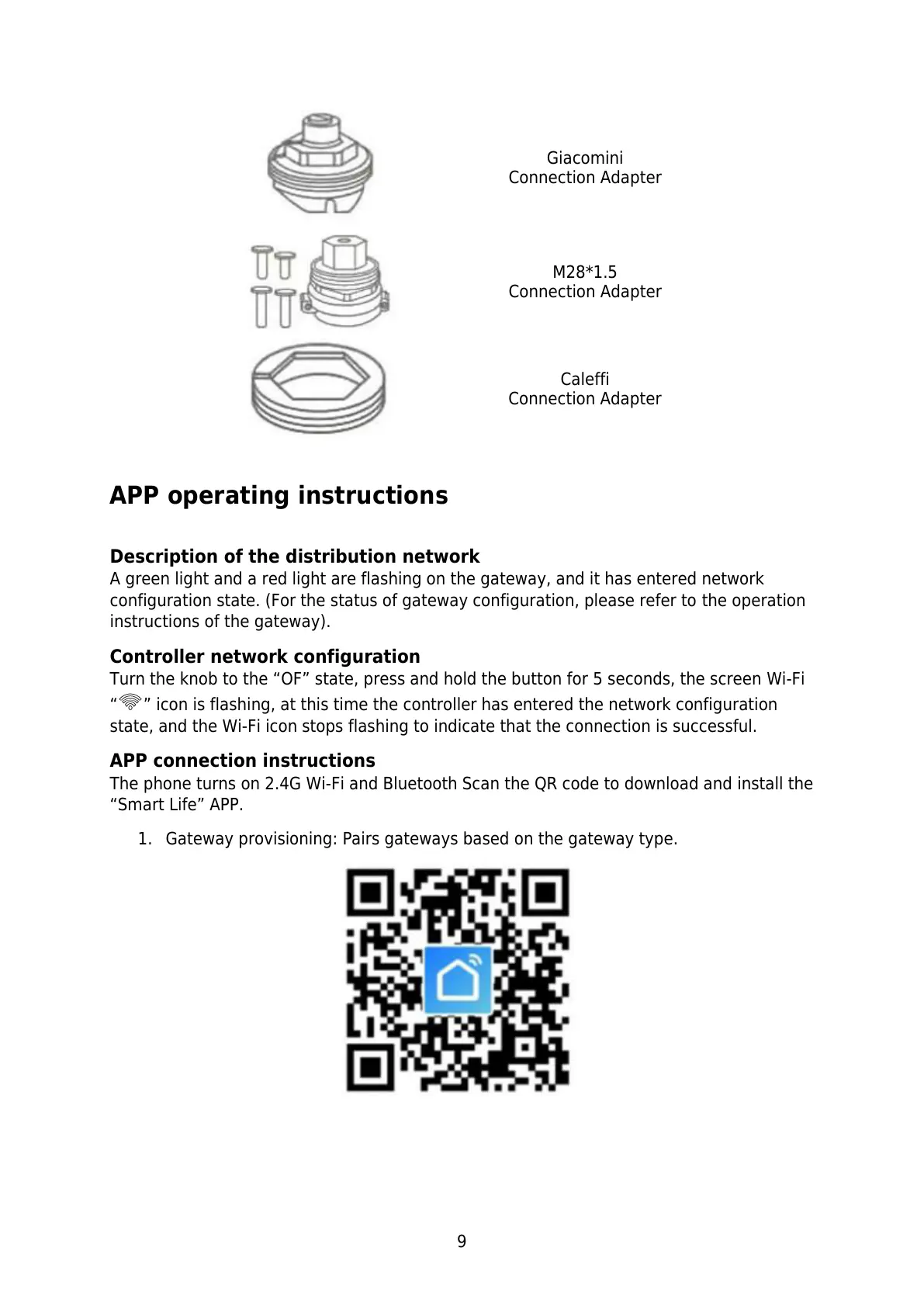
Turn the knob to the “OF” state, press and hold the button for 5 seconds, the screen Wi-Fi
“ ” icon is flashing, at this time the controller has entered the network configuration
state, and the Wi-Fi icon stops flashing to indicate that the connection is successful.
APP connection instructions
The phone turns on 2.4G Wi-Fi and Bluetooth Scan the QR code to download and install the
“Smart Life” APP.
1. Gateway provisioning: Pairs gateways based on the gateway type.


 To Next Page