English-8
Web Setup
Access the Tracing Box via AVer IPCam Utility
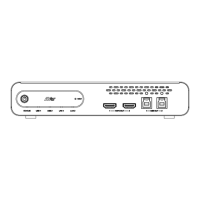
1. Download the IPCam Utility from https://www.aver.com/download-center and run the IPCam
Utility.
2. Click Search, and all available devices will be listed on the screen.
3. Select the tracking box from the list, the device info will be displayed in the Settings field.
[Note]
The default network of the tracking box is Static IP (as shown below), and the default
ID/Password are admin/admin.
If you want to configure the network to DHCP, input the ID/Password in the Login field, select
the “device model” on the list, select “DHCP” and then click the Apply button.
The main web screen is displayed as below.


 To Next Page
 Loading...