7
AVer Information Inc. Support Guide – AVer Pro-AV Camera (3/9/2020)
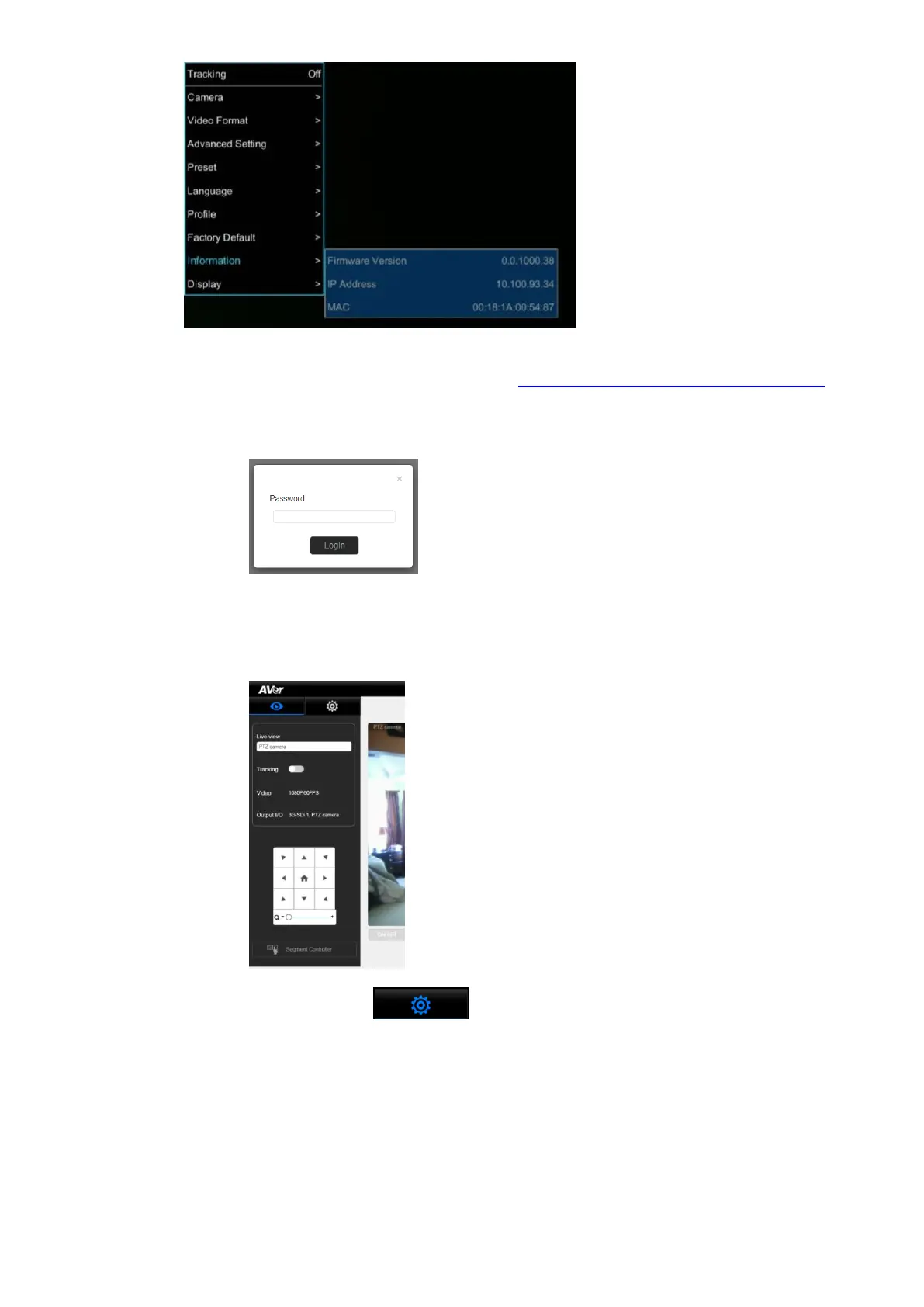
2. Another way to find the Camera IP address (On same Subnet) is to use the AVer IPCam Utility to
find the camera. AVer software can be found here: https://www.aver.com/download-center.
3. Next, type the IP address in your Chrome browser (Setup on same subnet) and you should now
see a login to the TR320/530 camera shown below.
4. The default password is “admin”.
5. Next, you should now see the main login screen with a “Live View” of the PTZ Camera.
6. Next, select the settings gearbox , then select Video & Audio setting, this is where
you can select Video Output, Audio, and the type of Streaming mode to use and Streaming video
standard.



 To Next Page