Quick Installation Guide
English – 5
* A signal error can occur in the following situations:
- No signal
- HDCP signal
- Unsupported resolution
- PC or tablet in sleep mode
Check your cable connection, adjust the source resolution or wake up the source device to
solve these issues.
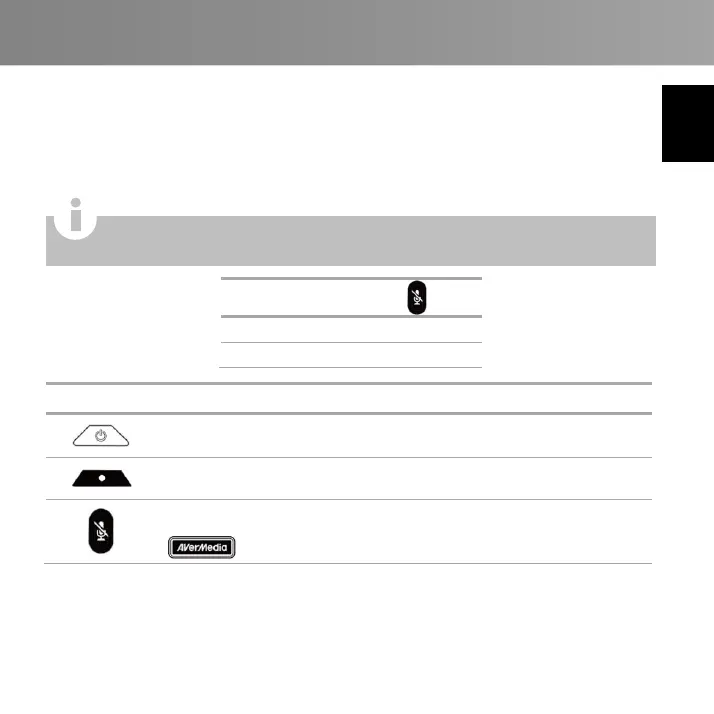
Press to turn on the device.
Press and hold for 4 seconds to turn off the device.
Press to start recording, press again to stop recording.
Press to mute, press again to unmute.
Press and hold to start sound test, release to stop.
turns Red when the surrounding sound is too loud. *
* Excessive sound can cause recording distortion. When the Status Indicator turns Red
constantly, lower the volume or move the device further away from the sound.
Capturing protected content like HDCP is not supported; if video source is
HDCP-protected, images will not show properly.



 To Next Page