Quick Installation Guide
3.1 Video Quality and Recording Setup
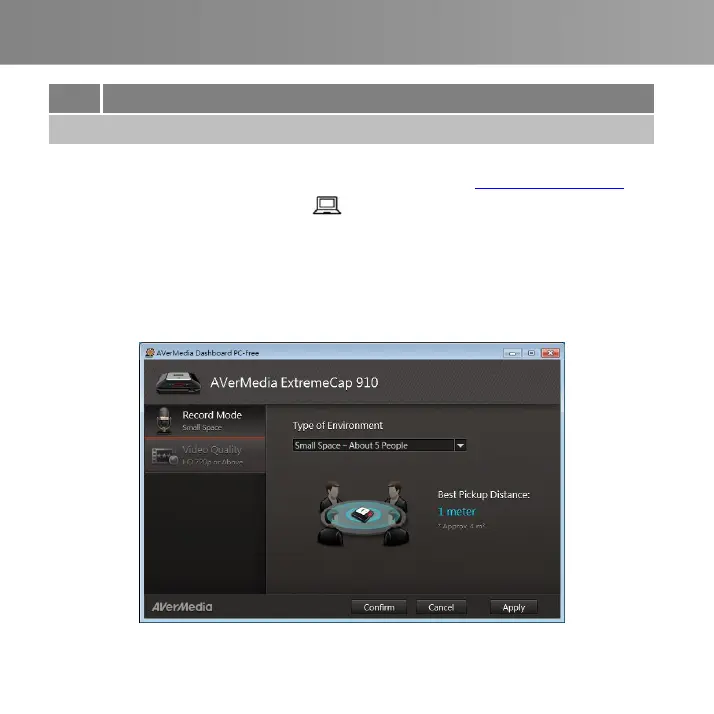
AVerMedia Dashboard PC-Free helps users to set their desired video quality and
environment. You can download the software and driver at www.avermedia.com.
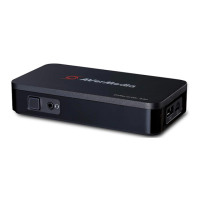
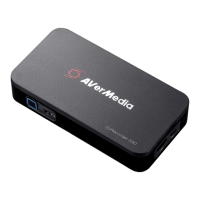
Step 1: Connect the mini USB port on the device to a PC using the included
mini USB cable.
Step 2: Power on the device. Install the ExtremeCap 910 Driver and run
AVerMedia Dashboard PC-Free on the PC.
Step 3: Choose your settings. Click Confirm to save the settings. Disconnect the
device from the PC before use.



 To Next Page