Quick Installation Guide
English – 3
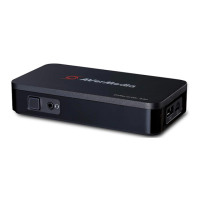
Step 1: Connect the device to an AC outlet and a video source. Insert an SD card*.
(Refer to Chapter 3.2–3.4 for details.)
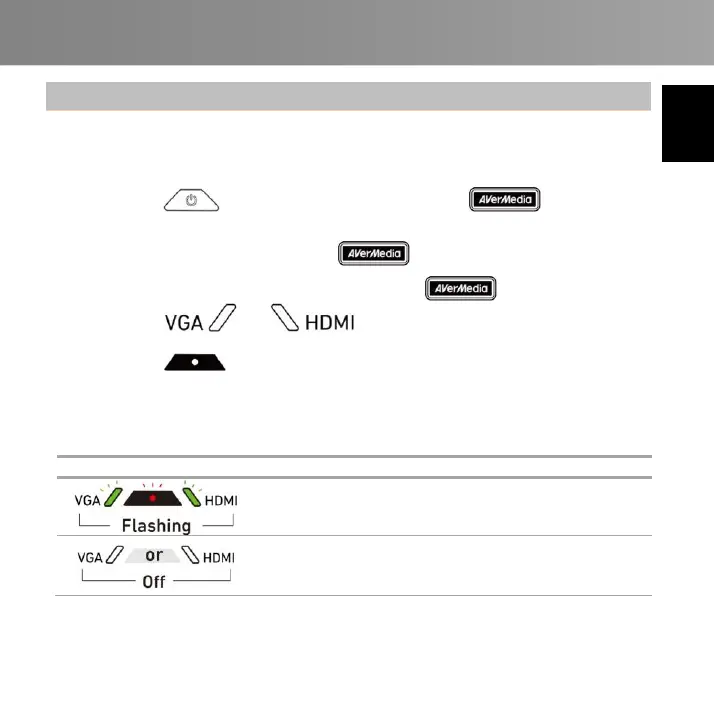
Step 2: Press to turn on the device and wait for to stop
flashing.
Ready to record voice when turns solid Green.
Ready to record voice and screen when turns solid Green
and or turns solid Green.
Step 3: Press to start recording.
* A FAT32-formatted SD card is required.
Troubleshooting
Insert an SD card or free up
more space.
Check the cable connection,
adjust the source resolution, or
wake up the source device.



 To Next Page