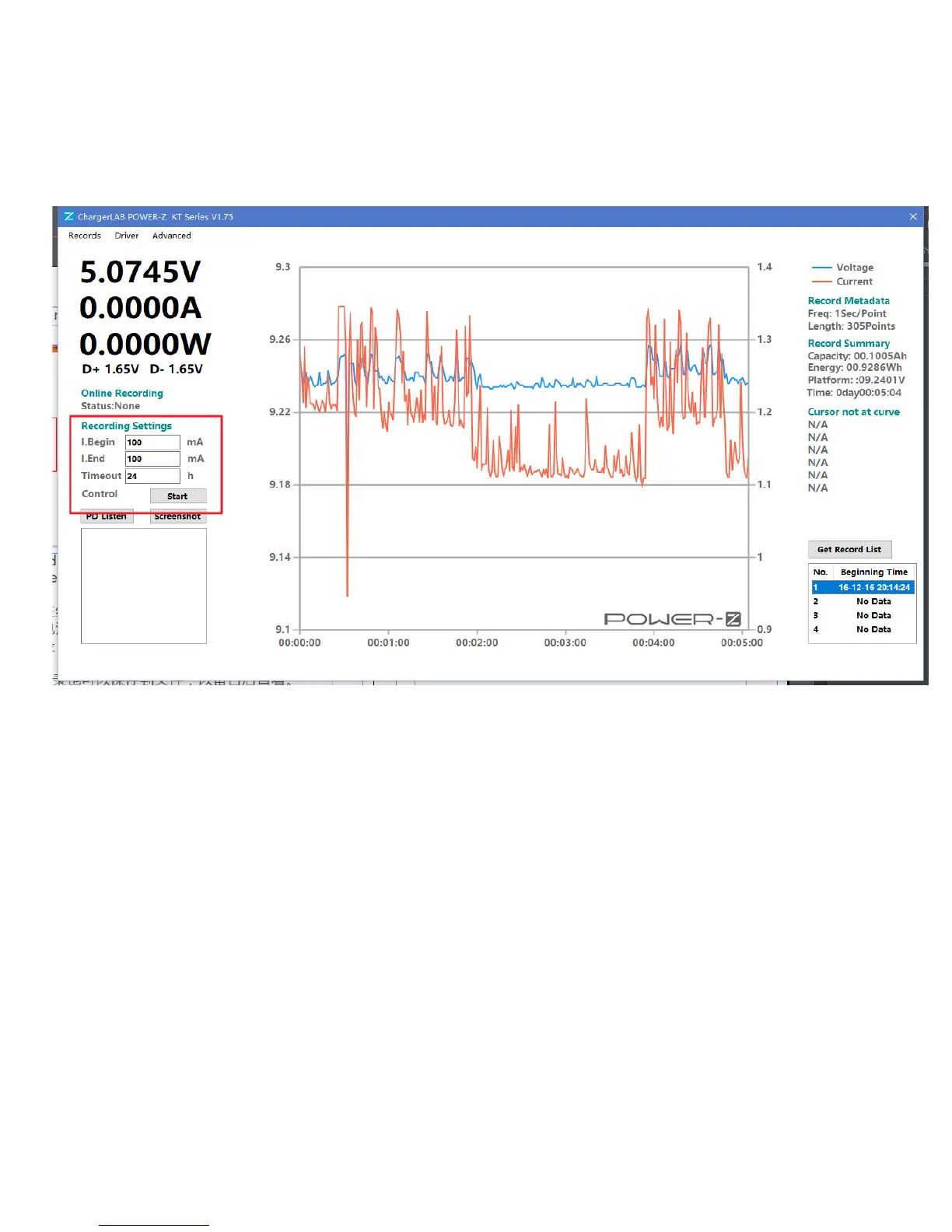
You can save & open the record in "Record" menu.
Records can be directly recorded by the PC.
Set the start threshold, stop threshold, cutoff
timeout. Then click "Start" button to start recording.
when online record is running, the diagram will be
refreshed dynamically.
Online record can also be saved to file.



 To Next Page