Select the message you concerned, the detailed
information(Message header, message objects and
their analysis) of the message will be shown on the
right, the hex raw data is shown in the box at the
right-bottom side (in little-endian).
Sometimes, GoodCRC messages will make the
messages confusing, you can mask the GoodCRC
messages by unchecking "GoodCRC" checkbox.
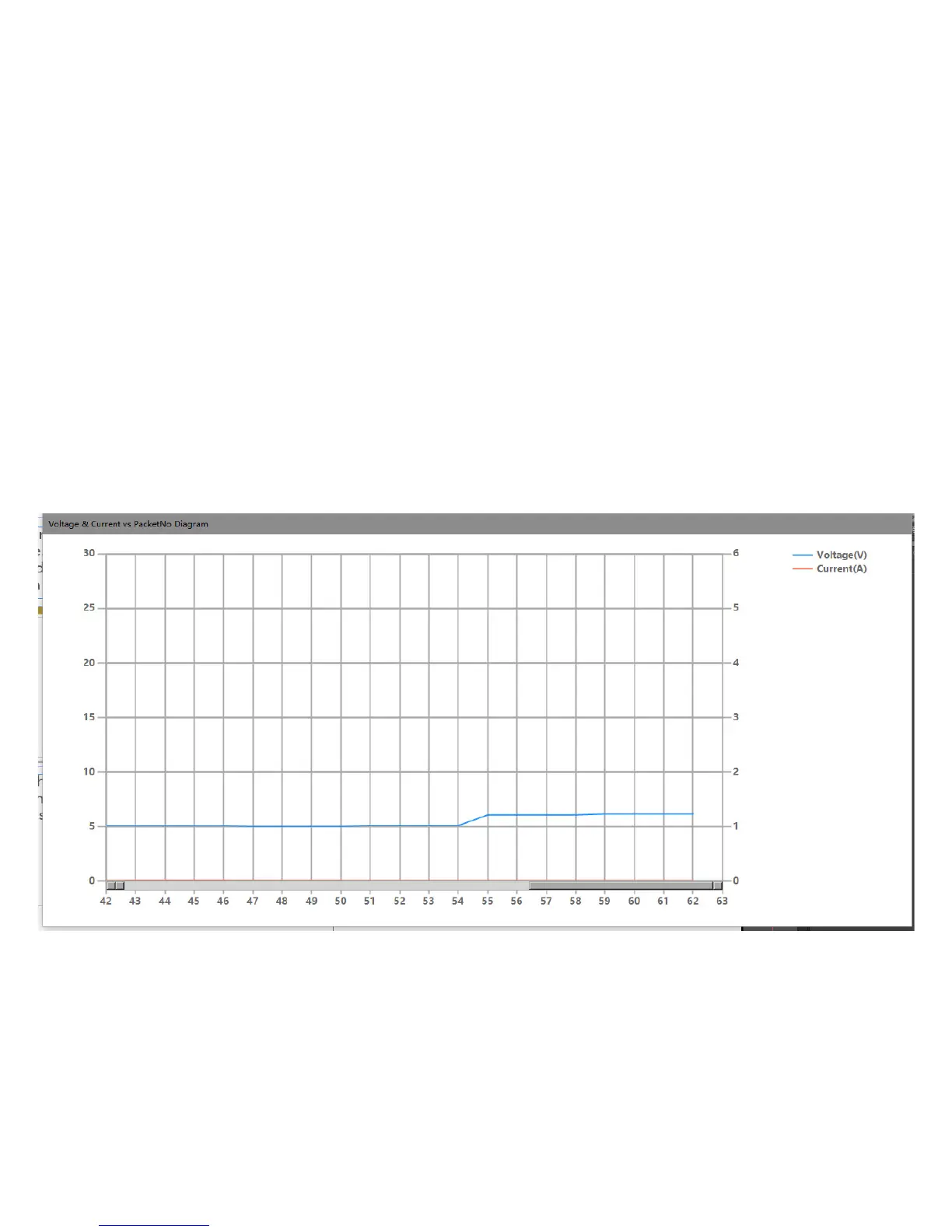
You can see the voltage & Current when each
packet is sent on the diagram form.



 To Next Page