Please note that the watch has two power sources: 1) coin battery for powering the hand
movement and 2) lithium battery for powering the rest of the module. When the lithium
battery is drained, the watch will continue to keep time.
3. Activating Your Watch
The watch is in an inactive state when used for the first time and the device screen
should display: . To activate, long press the pusher (or tap the screen) for 3s to
activate the watch. The phone’s screen will switch to the main menu and must display
this . The watch is now activated.
4. Installing the App
For Android Users
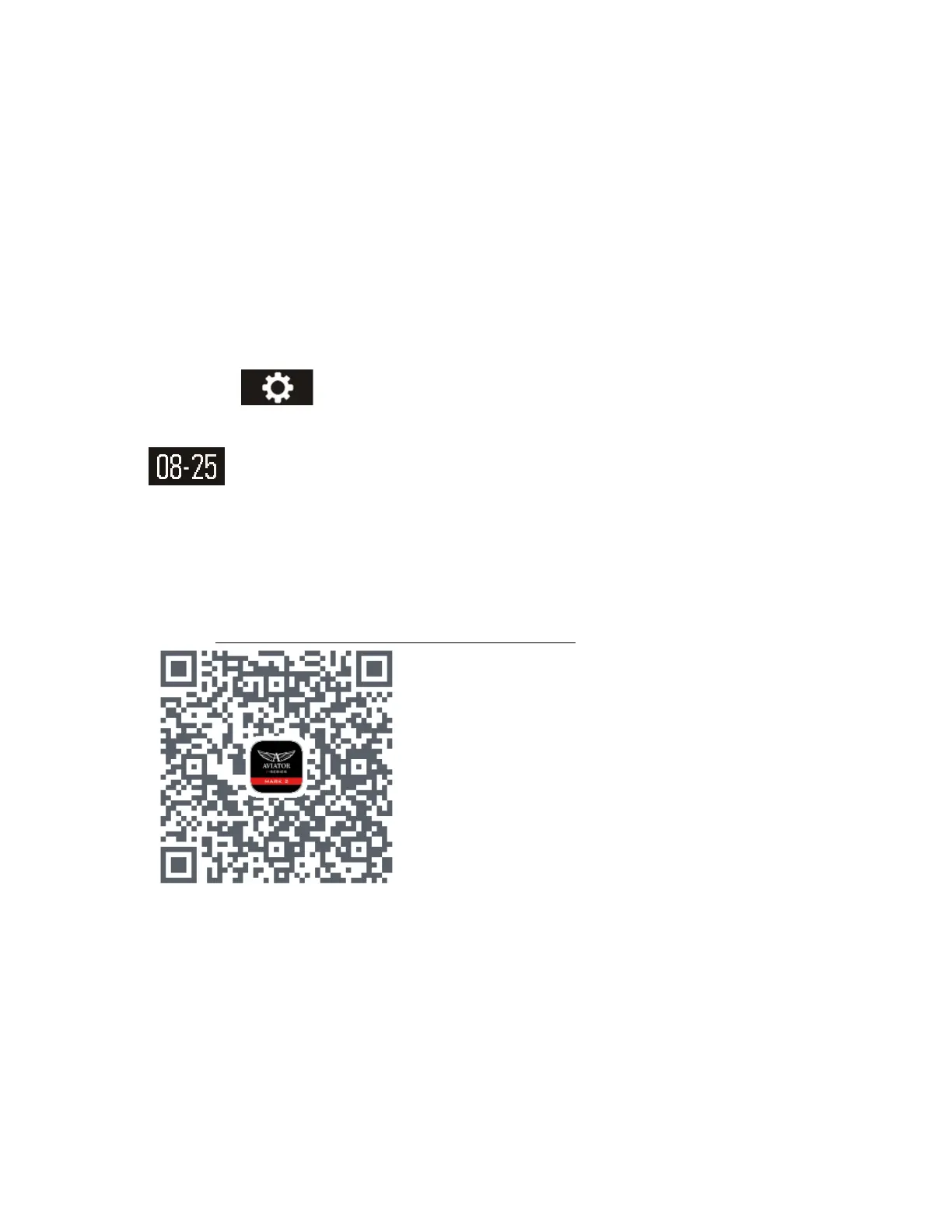
1. Visit https://www.pgyer.com/Aviator_MK2_watch or scan the QR code below:
2. Enter the password: aviator (no capital).
3. Tap on Enter. and wait for the download page to Open.
4. Tap on Install App and accept all download requests.
5. When the download is finished, go to the Browser Download folder and open
the file “Aviator_MK2.apk” + install the app.
6. Follow instructions to install, open the app then connect and set your
smartwatch.



 To Next Page