12
960P WIFI OUTDOOR IP CAMERA
FR
D - CONFIGURATION
iOS
Android
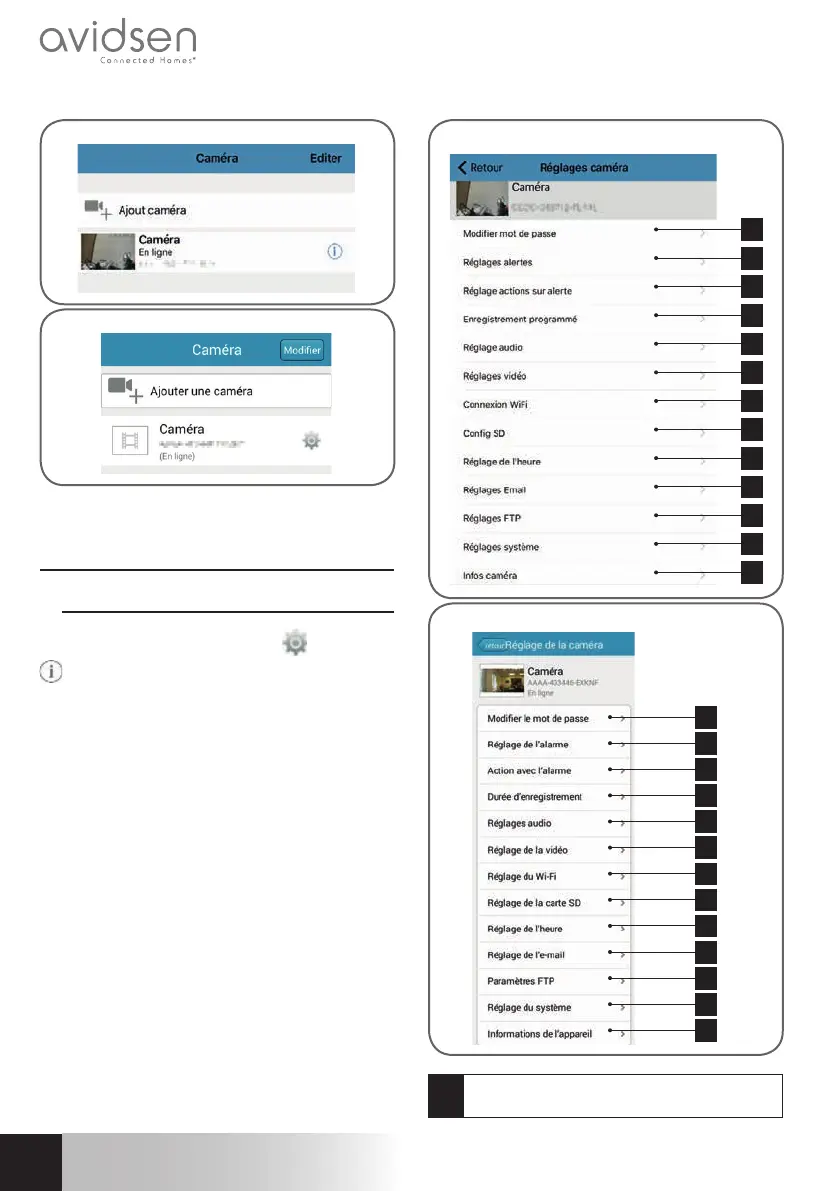
Your camera will appear in the list and you can
access its video and settings.
2 - ACCESS TO ALL SETTINGS
2.1 - Confi guration
From the list of cameras, click the
(Android) or
(iOS) icon to the right of the name of your camera
to display the confi guration menus:
1
2
3
4
5
6
7
8
9
10
11
12
13
iOS
1
2
3
4
5
6
7
8
9
10
11
12
13
Android
1
Changing the password to log in to the
camera (“admin”, by default)



 To Next Page