3.1.2 Loading Your Document in the ADF Paper Tray
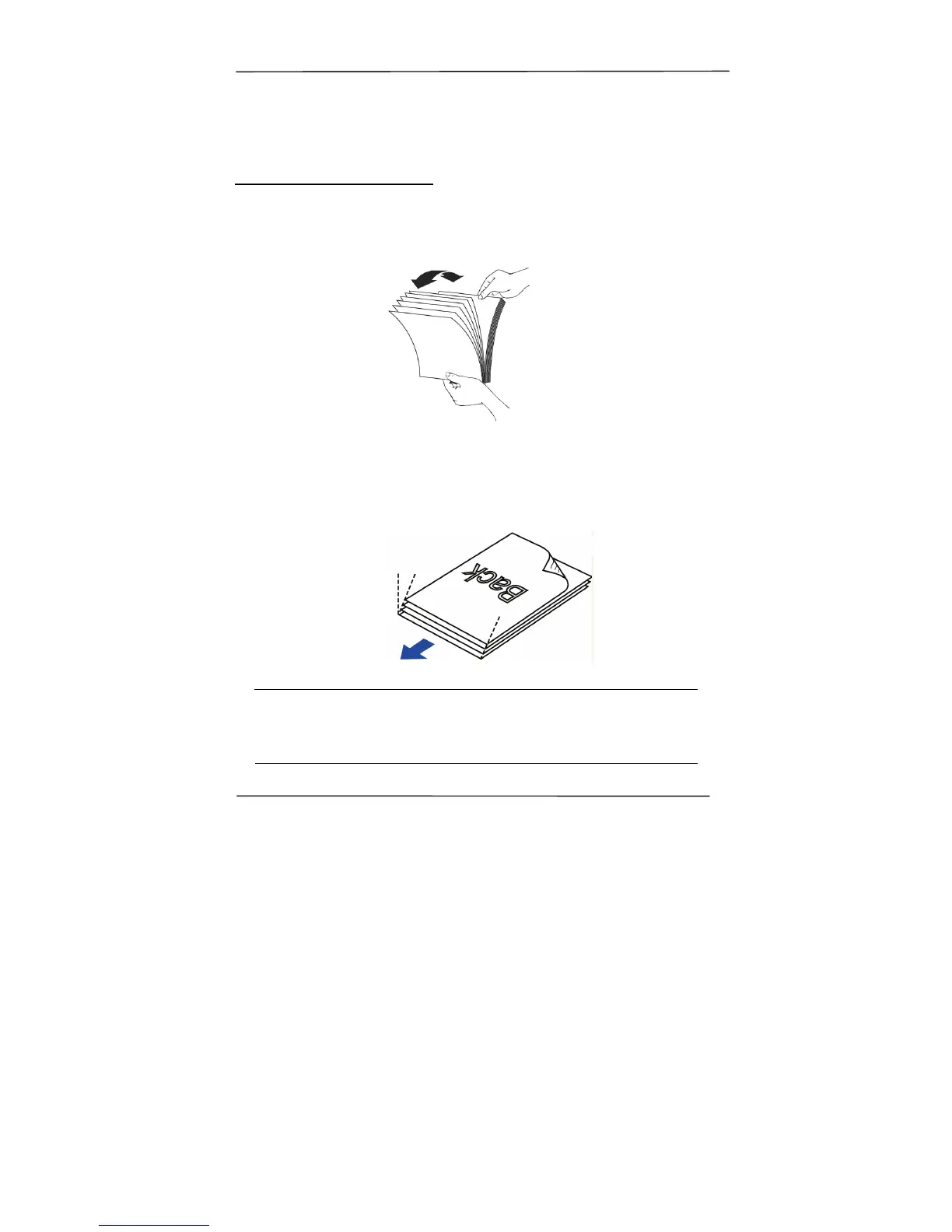
Fanning Your Document
1. Hold both ends of the documents and fan them a few
times.
2. Rotate the documents by 90 degrees and fan them in the
same manner.
3. Align the edges of the documents in a step-like pattern
(see picture below).
Attention
Paper jams or damage to documents may occur if you
scan the documents without fanning them and aligning the
edges first.
Step-like



 To Next Page