3-2
3.1.2 Placing Your Document in the ADF Paper Tray
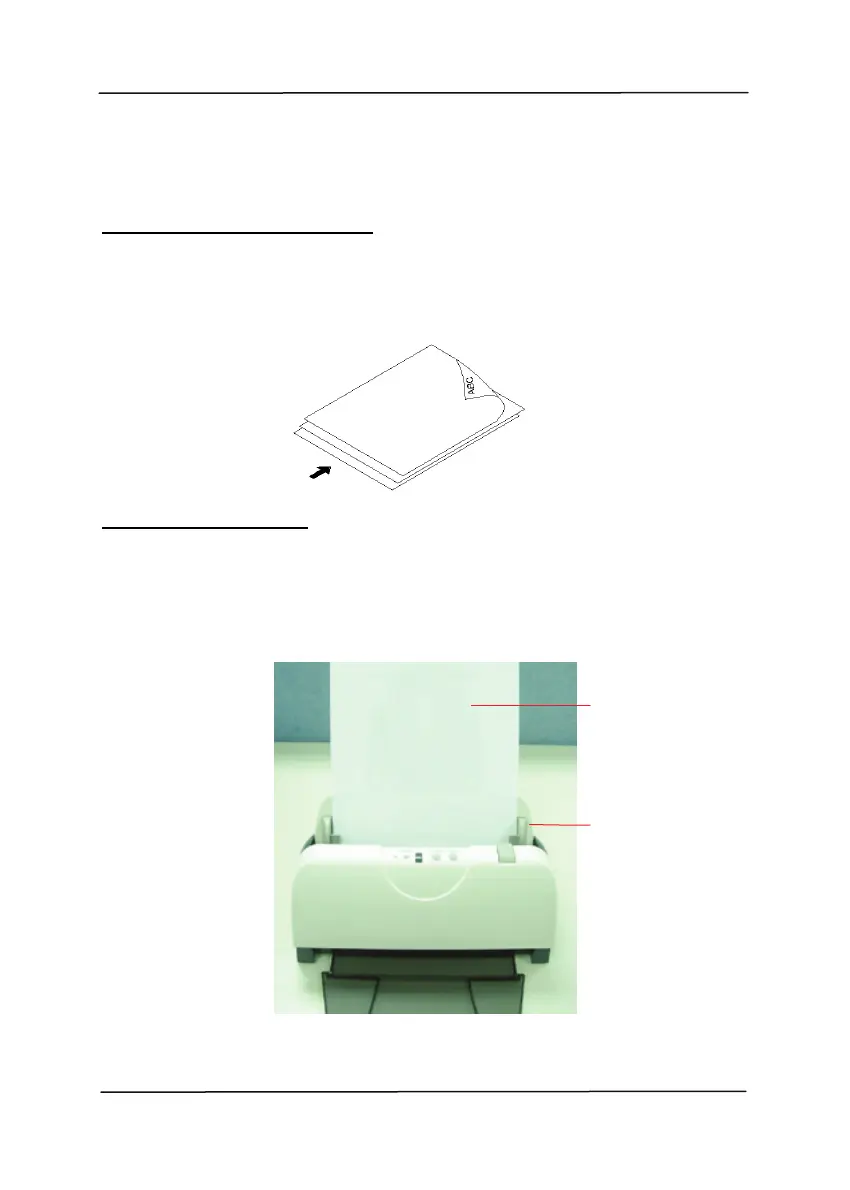
Fanning Your Document
Standard paper size should feed easily through the scanner.
To avoid occasional paper jam when automatically feeding
multiple documents, loosen the paper before loading.
Document feeding
Place your document with the text face down on the ADF
Paper Tray. Align the two sides of the document with the
slide guides. Please note that the ADF Paper Tray can hold
up to 50-page document at a time.
Your
Document
(Face Down)
Paper Slider



 To Next Page