3-4
3. In the Scan Validation dialog box, click the Scan button
(
) or choose Scan from the File menu.
4. The document will be scanned and displayed in the Scan
Validation screen. After the scanned images have been
displayed, your scanner installation verification is
completed.
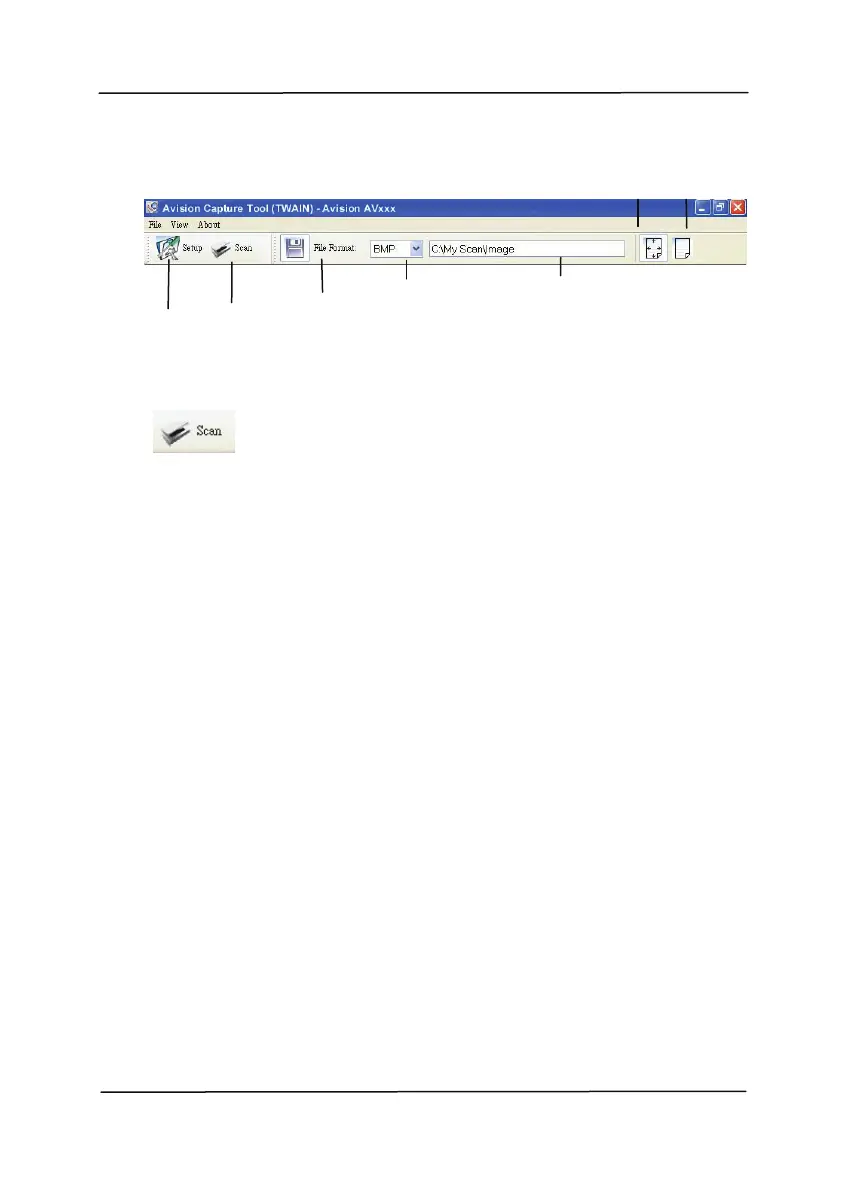
Setup
Actual
Size
Fit
Page
Scan
File Format
Save File Path



 To Next Page