User’s Manual
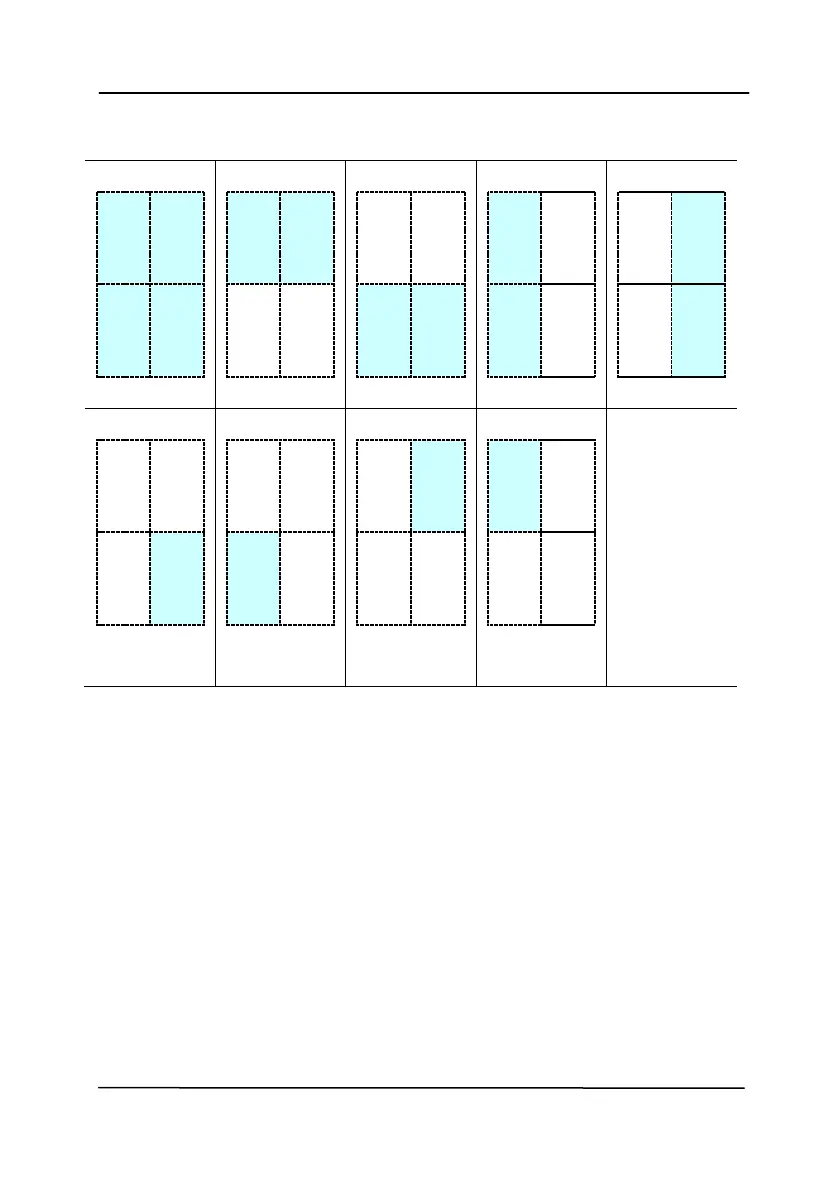
Choice for barcode zone on a page:
Patch code Detection:
Check [Enable] to detect patch codes and notify the software
application for advanced processing.
A patch code is a pattern of parallel, alternating black bars and
spaces (i.e. a barcode) that is printed on a document. Patch
code sheet is most commonly used as a document separator in
a stack of document.



 To Next Page