CONNECTING DEVICES AND USING YOUR AVIVA
IMPORTANT NOTICE: Verify your device is suitable for use with
the AVIVA M470. All of the power station output ports have
their own max power capacity. Check the Specifications to
ensure your device is compatible.
IMPORTANT NOTICE: Press the AC and DC power button
located on the front of your AVIVA M470 to activate its power
function. Pressing the DC power button will activate the USB
ports. When not using the AC or DC ports, make sure to turn
the power off to conserve power.
How to use this product to power DC 12V devices
IMPORTANT NOTICE: Make sure the interface of DC 12V
device is a DC 6530 male connector, with an outer diameter
power plug of 6.5mm. As per the specifications, the DC 6530
port can take in devices that are <8A, peak 10A.
Connect the appliance to the DC6530 interface of
this product.
Press and hold the DC button for 1 second to
power the device.
Press and hold the DC button for 1 second to turn
off the output.
1.
2.
3.
Charging from your vehicle’s 12V port
Using the included cables and adapter, attach the cable to
the DC 5521 port on the front of AVIVA M470. Plug into your
vehicle’s 12V port (also known as a cigarette lighter port). You
will know the AVIVA is charging when the icon is flashing on the
display. The AVIVA is fully charged when the battery display
indicator reads 100%.
IMPORTANT NOTICE: It is recommended to use this charging
method only when the vehicle engine is running.
What you can power and charge
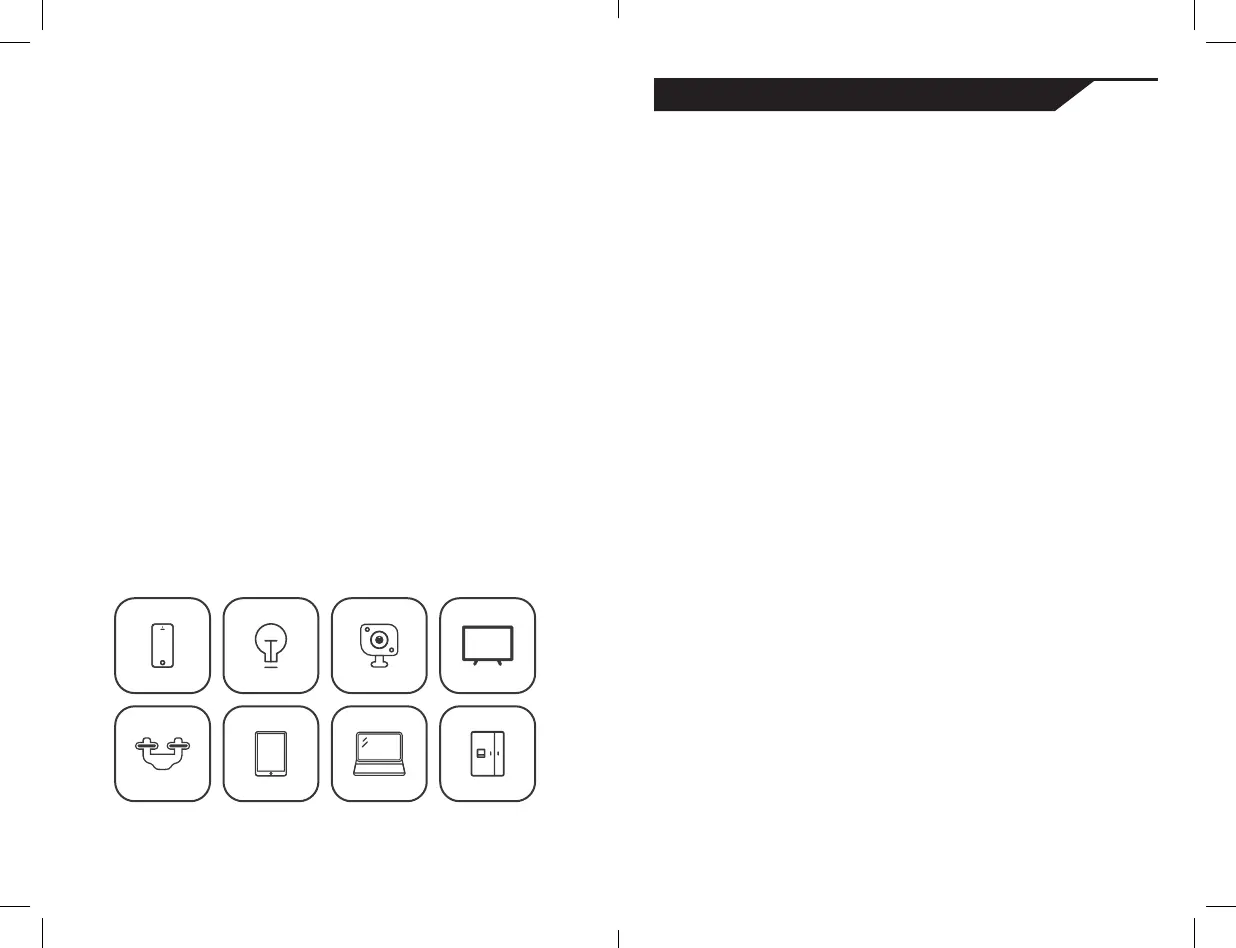
Only devices that are 120W with a peak of 240W can be used
to power or charge. This includes many small electronics and
appliances. To determine how long your device will run or how
many charges you can receive from your AVIVA M470, some
math is involved. We recommend an internet search to learn
about the relation of energy (Wh) and the consumption of
watts (W) by your device.
+
more
14 15


 To Next Page
 Loading...