9
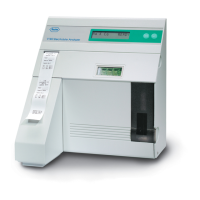
The thermal printer uses heat-sensitive paper to
output information in 16 columns. The analyzer will
print measured values, calibration values, electrode
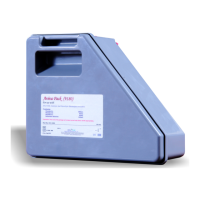
voltages, and amount of liquid remaining in the ISE
SnapPak
TM
as well as cleaning and maintenance
information. The unit is configured to allow conve-
nient storage of a second roll of paper in the paper
tray.
See illustration 1-11.
The model and serial number is located on an identifi-
cation plate above the probe mechanism.
See illustration 1-12.
The rear panel of the unit contains a serial number
plate, as well as the power switch/power receptacle
module and an RS232 interface port.
See illustration 1-13.
Congratulations
Youve just learned the basic components of the
analyzer and are now ready to install your system.
1-11. Thermal printer
1-12. Model - Serial No. plate
1-13. Rear panel
U18-005
9180


 To Next Page
 Loading...