www.avsl.com 149.505UK User Manual
3. Auto code search
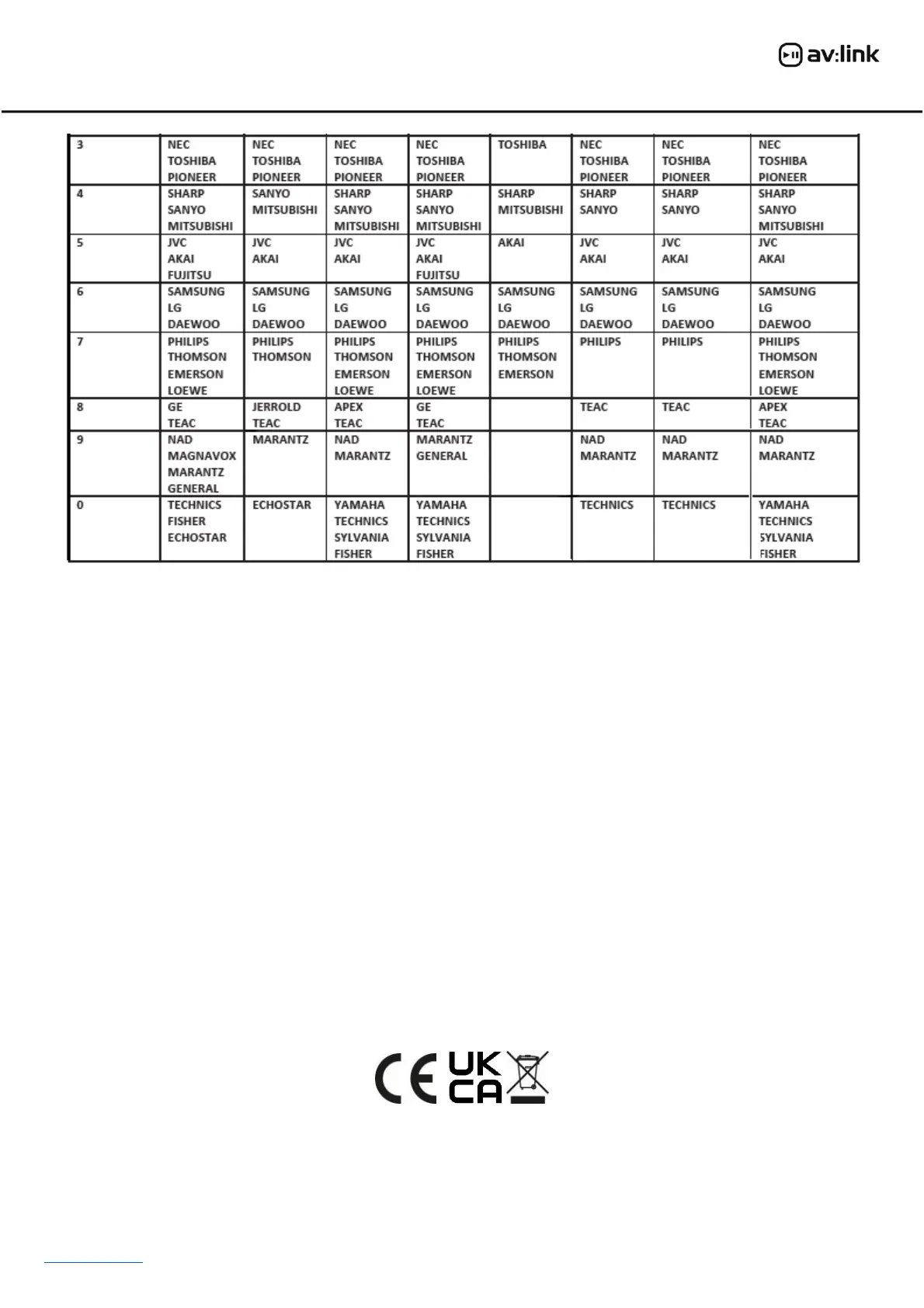
If your device does not respond to the remote control after you have tried all the codes listed, you can try
the auto search method. This method allows you to find the code for your device by scanning through all
codes retained in the memory of the remote control. This method may also work if your brand is not listed
at all.
Example: Auto searching for a TV brand code.
• Switch your television on (i.e. not on standby) and aim the remote control towards it.
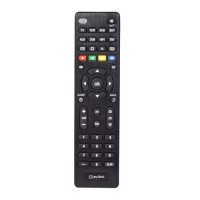
• Press and hold the TV button on the remote control for 3 seconds until the light in the Power button
stays on.
• Press the Power button on the remote control and the LED indicator will flash to indicate that the
remote is sending a power on/off signal repeatedly for every code saved in its memory.
• When your TV turns itself off press the OK button on the remote to save the correct code for your TV.
• Repeat the above process for all devices that you wish to program i.e. VCR, DVD, etc.
Warning:
• For reasons of electrical safety this device must never be immersed in water, exposed to damp conditions
or excessive force.
• Please do not use this device if you find that it is damaged in any way and only use the batteries
recommended by the manufacturer.
• Do not attempt to repair this device or take apart under any circumstances, as this will invalidate your
warranty.
This product is classed as Electrical or Electronic equipment and should not be disposed with other household or commercial waste at
the end of its useful life. The goods must be disposed of according to your local council guidelines.
Errors and omissions excepted.
Copyright© 2023 AVSL Group Ltd, Unit 2 Bridgewater Park, AVSL (Europe) Ltd, Unit 3D North Point House,
Taylor Road, Trafford Park, Manchester. M41 7JQ. North Point Bus. Park, New Mallow Road, Cork, Ireland.


 To Previous Page
 Loading...