EasyManua.ls Logo

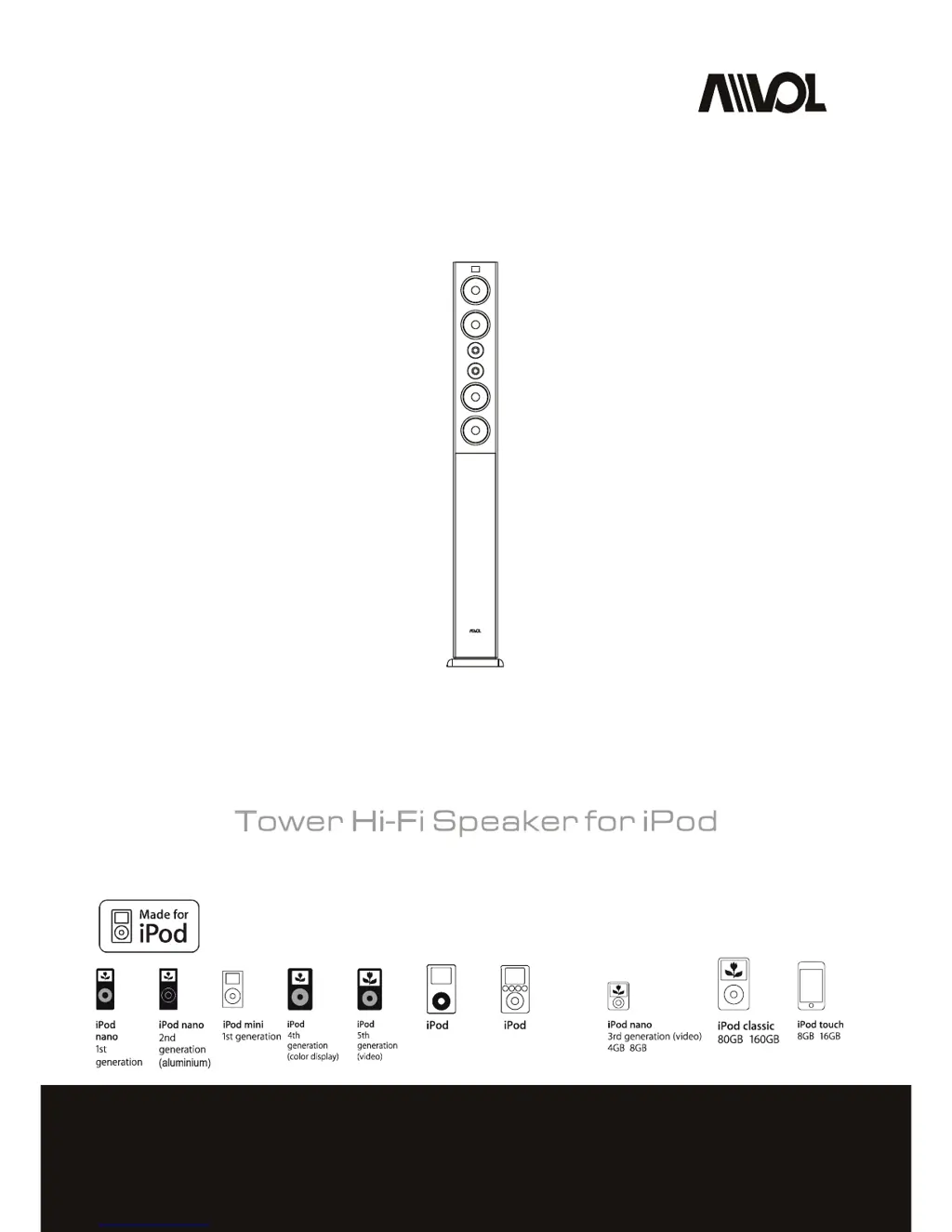
Avol AIS200T - User Manual

Avol AIS200T
10 pages
Print Icon
To Next Page IconTo Next Page
Loading...
Pleasereadthefollowinginstructionscarefullybeforeconnecting,operatingoradjustingthisproduct.
keepthismanualinaconvenientplaceforfuturereference.Please
USER'SMANUAL
AIS200T

Questions and Answers

  • J
    Jason Tran DDSAug 17, 2025
    What to do if my Avol Speakers aren't charging my iPod?
    • J
      Jaime HarperAug 17, 2025
      If your iPod isn't charging when docked with the Avol Speakers, ensure the power cable is securely plugged into a functioning wall socket and that your iPod is firmly seated in the dock.
  • N
    Nancy ObrienAug 20, 2025
    How to fix distorted sound from Avol AIS200T Speakers?
    • B
      Bradley VillegasAug 20, 2025
      Distortion and noise are often noticed with high-powered speakers when playing a poor quality audio source, especially WAV and MID files. Try using a different audio source, such as a music CD, or switch to a better quality audio player.
  • T
    Tracey DunnAug 22, 2025
    What to do if Avol AIS200T volume level too low?
    • J
      Jean SheltonAug 22, 2025
      If the volume level seems too low on your Avol Speakers, turn the "Volume" knob on the panel to adjust it.
  • K
    Kerry ShepardAug 26, 2025
    What to do if my iPod does not dock properly with Avol Speakers?
    • H
      hooverbiancaAug 26, 2025
      If your iPod isn't docking correctly with the Avol Speakers, make sure the correct bracket is in place for your iPod. Also, check both the connector and your iPod for any obstructions.
  • T
    troymyersAug 27, 2025
    What to do if my Avol AIS200T Speakers have mal-operation?
    • J
      Julia YoungAug 28, 2025
      Unplug the power cable from your Avol Speakers. After one minute, plug it in again to reset the system.
  • E
    Eric GonzalesAug 30, 2025
    What to do if Avol Speakers power isn't turned on?
    • J
      Jimmy MooreAug 30, 2025
      If the power isn't on for your Avol Speakers, switch the "Power" button.
  • J
    Jason WrightSep 1, 2025
    What to do if the Avol AIS200T Speakers audio cable isn't connected properly?
    • T
      Teresa SimmonsSep 1, 2025
      Connect the audio cable to the audio source. Ensure the signal cable is firmly inserted into the correct jack and is fully connected to the "line-out", "audio-out", or the headphone jack on your sound card or other audio source.
  • M
    michaelhudsonSep 4, 2025
    What to do after quickly undocking or docking my iPod with Avol AIS200T Speakers?
    • C
      Charles BrownSep 4, 2025
      Remove your iPod from the dock, wait for five seconds, and then return it to the dock. If that doesn't work, unplug the power cable for one minute, then plug it back in to reset the system.
  • D
    Darius MartinSep 6, 2025
    What to do if the Avol Speakers power cable is not connected?
    • A
      Ashley FreemanSep 6, 2025
      Ensure that the Avol Speakers are plugged in.
  • T
    Thomas BerrySep 9, 2025
    What to do if Avol Speakers batteries expired?
    • S
      skingSep 9, 2025
      Change the batteries in your Avol Speakers.

Summary

IMPORTANT SAFETY INSTRUCTIONS

Safety Precautions and Guidelines

Essential safety instructions for operating and maintaining the AIS200T speaker system.

WHATS INCLUDED

Included Components

List of items provided with the AIS200T speaker system.

GETTING STARTED

Connecting the System

Instructions for connecting the AIS200T speaker system to power and audio sources.

Placing a Correct Dock Insert

Guidance on selecting and inserting the correct adapter for your iPod model.

USING THE SYSTEM

System Operation and Remote Control

Details on power, volume, audio input, and comprehensive remote control functions.

Remote Control Battery Replacement

Instructions for changing the battery in the remote control unit.

TROUBLESHOOTING

Common Issues and Solutions

Troubleshooting steps for iPod/audio source, no sound, and system responsiveness.

Sound Distortion and Remote Issues

Resolving sound distortion problems and troubleshooting remote control malfunctions.

SPECIFICATION

LIMITED WARRANTY

Warranty Details and Exclusions

Information on warranty period, what is covered, and what is excluded.

Customer Service Information

Contact details and support channels for customer service assistance.

Avol AIS200T Specifications

General IconGeneral
BrandAvol
ModelAIS200T
CategorySpeakers
LanguageEnglish

Related product manuals