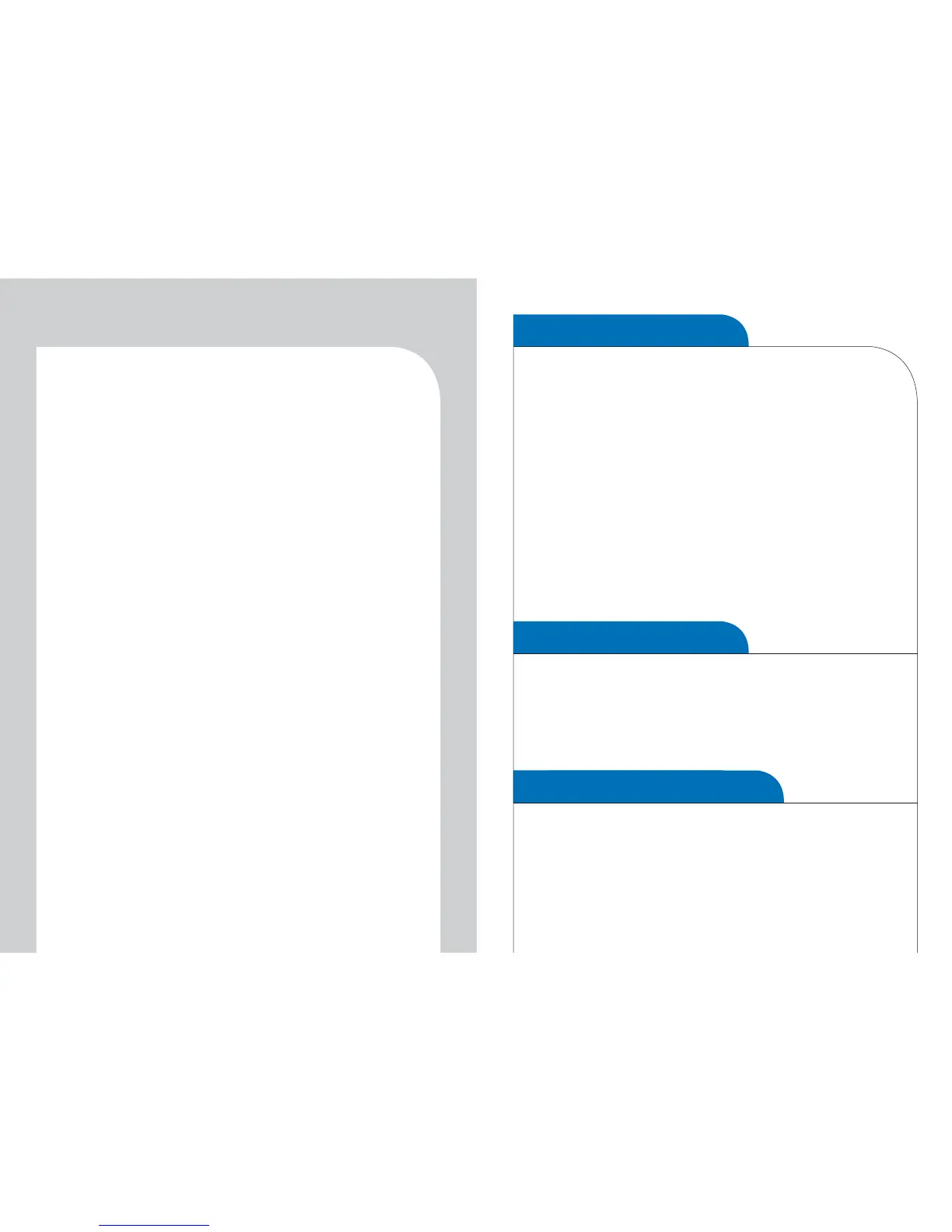
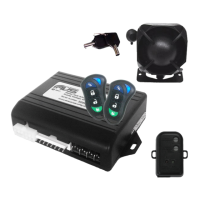
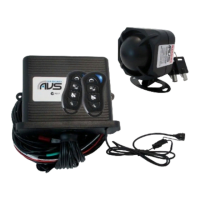
Disarming
SILENT DISARMING
1. Press button 1 (the large bottom button).
2. The indicators will flash twice and the AVS S5/S4 siren will
chirp twice.
3. The doors will un-lock (if optional central locking installed).
4. The LED light on the dash will go out. The system is now
disarmed.
NOTE: If you take longer than 38 seconds to leave the car
after turning off the ignition when you press button 1 it will
DISARM not arm the system. Press it again to arm. The
indicators will flash once and the siren will chirp once (AVS
S5/S4) to confirm the system has armed. See
auto-immobilisation for more information.
ALARM TRIGGER
If a door, bonnet or boot is opened (AVS S5/S4), or the shock sensor
is activated (AVS S5/S4) or the glass break sensor is activated (AVS
S5) while the system is armed the siren will sound and the indicators
will flash for 30 seconds. The system will then re-set itself.
DOOR AJAR WARNING
If the AVS S5/S4 siren chirps for four seconds on arming a door,
bonnet or boot is open. The system will exclude that zone until it is
properly closed.
SILENT ARM
NOTE: If the siren (AVS S5/S4) chirps four times on disarm the
alarm has been triggered while you were away from the vehicle.
To silently disarm the AVS S5/S4 press button 1 and 2 together.
Auto-immobilisation
The system will immobilise the car 38 seconds after the ignition
is turned off. The LED light on the dash will light solid to show it
is in auto-immobilise mode. The system must be disarmed before
the car can be started. Follow the disarming instructions.
Panic/car finder (AVS S5/S4)
1. Ensure the car ignition is off.
2. Press button 4 (the right button).
3. The indicators will flash and the siren will sound.
4. Cancel panic by pushing button 4 again.
To silently arm the AVS S5/S4 press button 1 and 2 together.


 To Next Page