5.System Setting
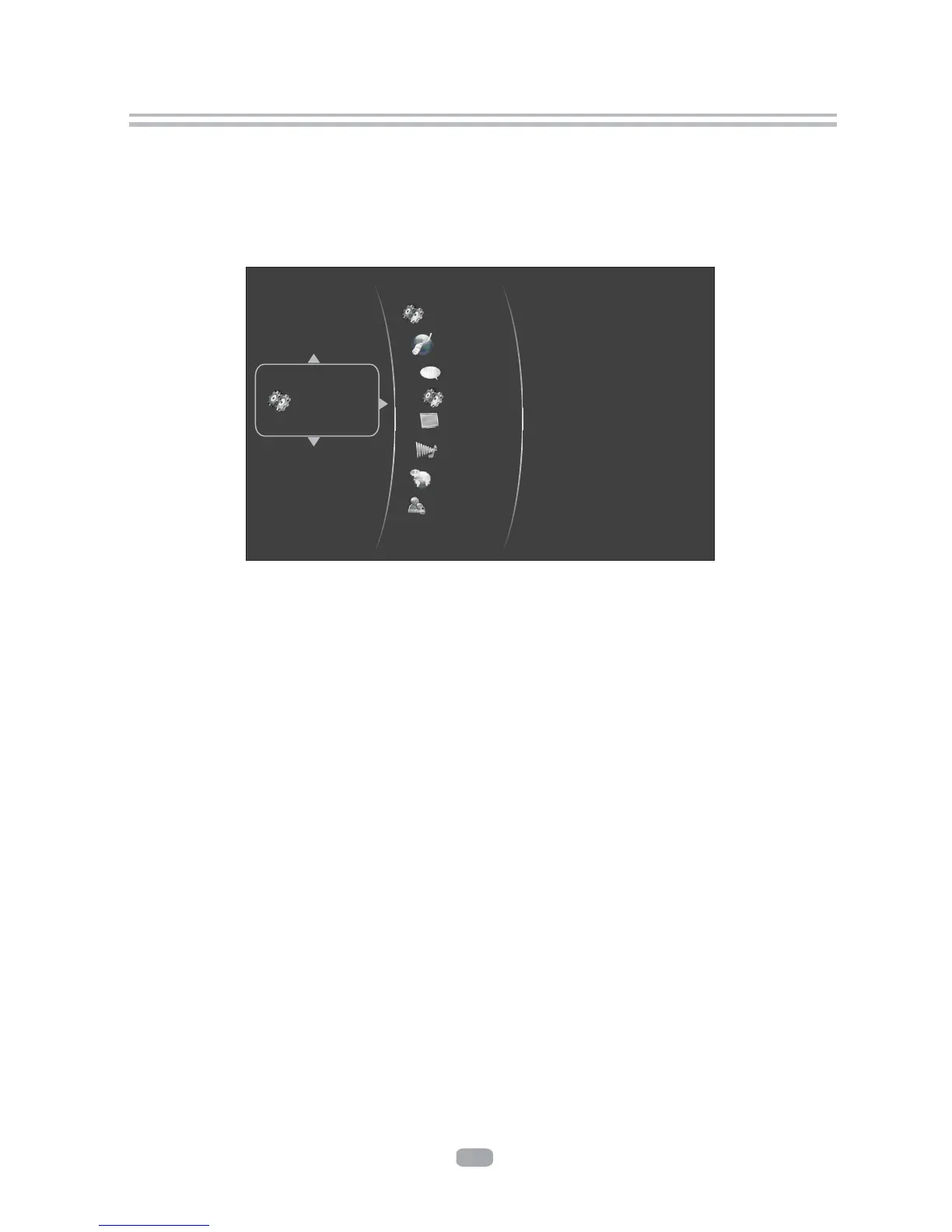
Press SETUP button under stop status or press RIGHT button in main menu. System
will bring out setting menu as below picture:
Settings
Main Menu Setting Menu
System
Network
Info
Display
Audio
Language
Parental
11
5.1Language
5.1.1 OSD: set language used for user interface displayed .
5.1.2 Menu: set language used for BD/DVD menu (not available on all disks).
5.1.3 Audio: select audio language for BD/DVD disk (not available on all disks) .
5.1.4 Subtitle: select subtitle language used for BD/DVD disk (not available on all disks).
BD Live


 To Next Page