SETUP
25
Initial Setup
Change Password
1
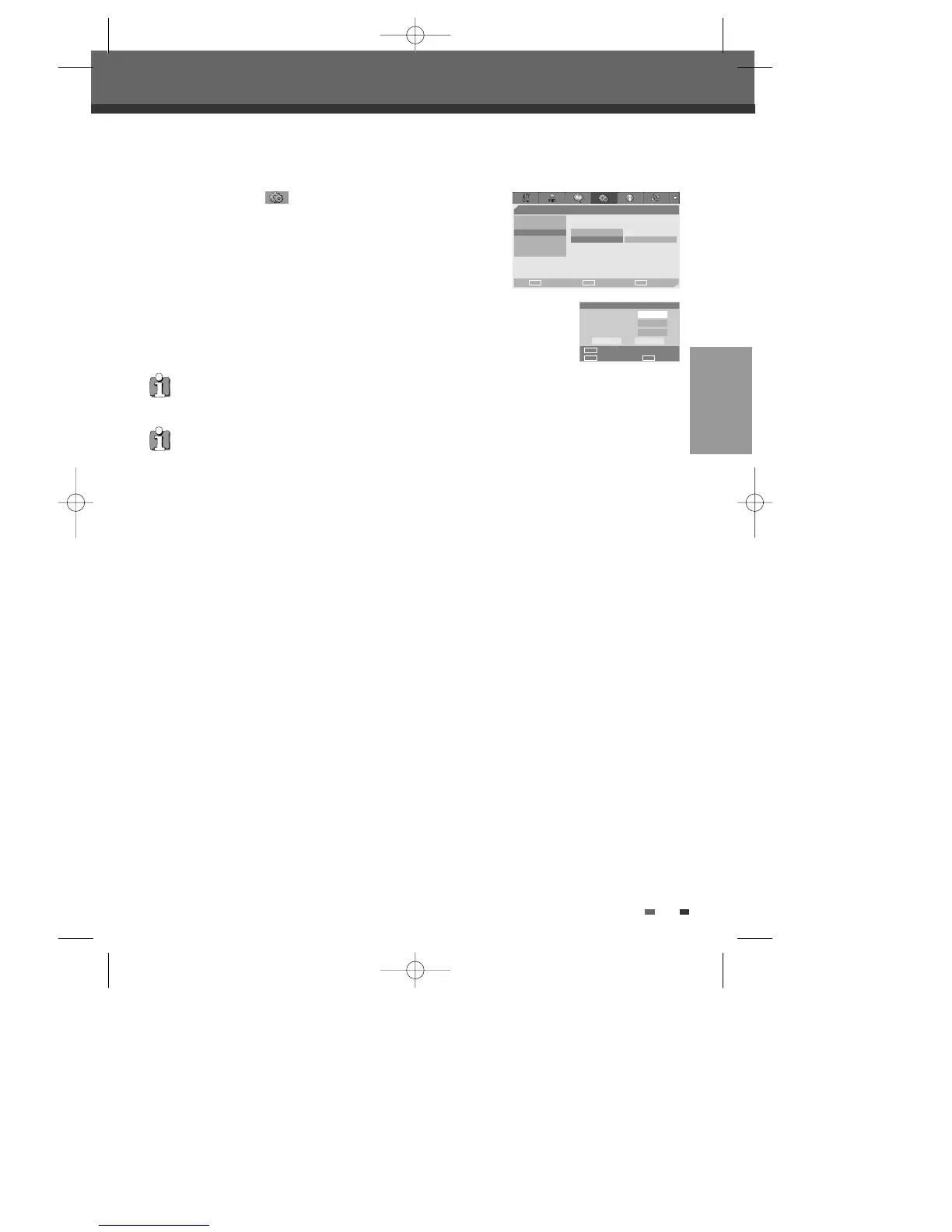
While ‘Preferences ‘ is selected, press [†] to select ‘Parental
Ctrl‘.
2
Press [√] to select ‘Password‘. Then press [ENTER].
3
The ‘Input Password’ submenu appears. Enter your current 4-digit
password then press [ENTER].
4
Enter a new 4-digit password, then press [ENTER]. Re-enter the new password to
confirm, press [ENTER].
•
Master Password :
If you forget your password, press 3,3,0,8 on the remote
control and then press [ENTER].
• Set the new password to something other than '0000'.
Preferences
Choose OK Exit
ENTER SETUP
œ √
…
†
Video
Audio
Parental Ctrl Parental
Auto Settings • Password Change
VCR
Modulator Out
Input Password
Old Password
New Password
Confirm PWD
Input digits
Select OK
OK Cancel
ENTER
0-9
œ √
…
†
‘Auto Settings’ is not available for this set.
DF-Q7412D-JS/H 2006.3.15 3:38 PM ˘ ` 25 mac001 1200DPI 90LPI



 To Next Page