Installation Instr. : E9xDGA
Autor:
AWRON GmbH
Version: V1.1
Datum: 28.04.2015
Seite: 9
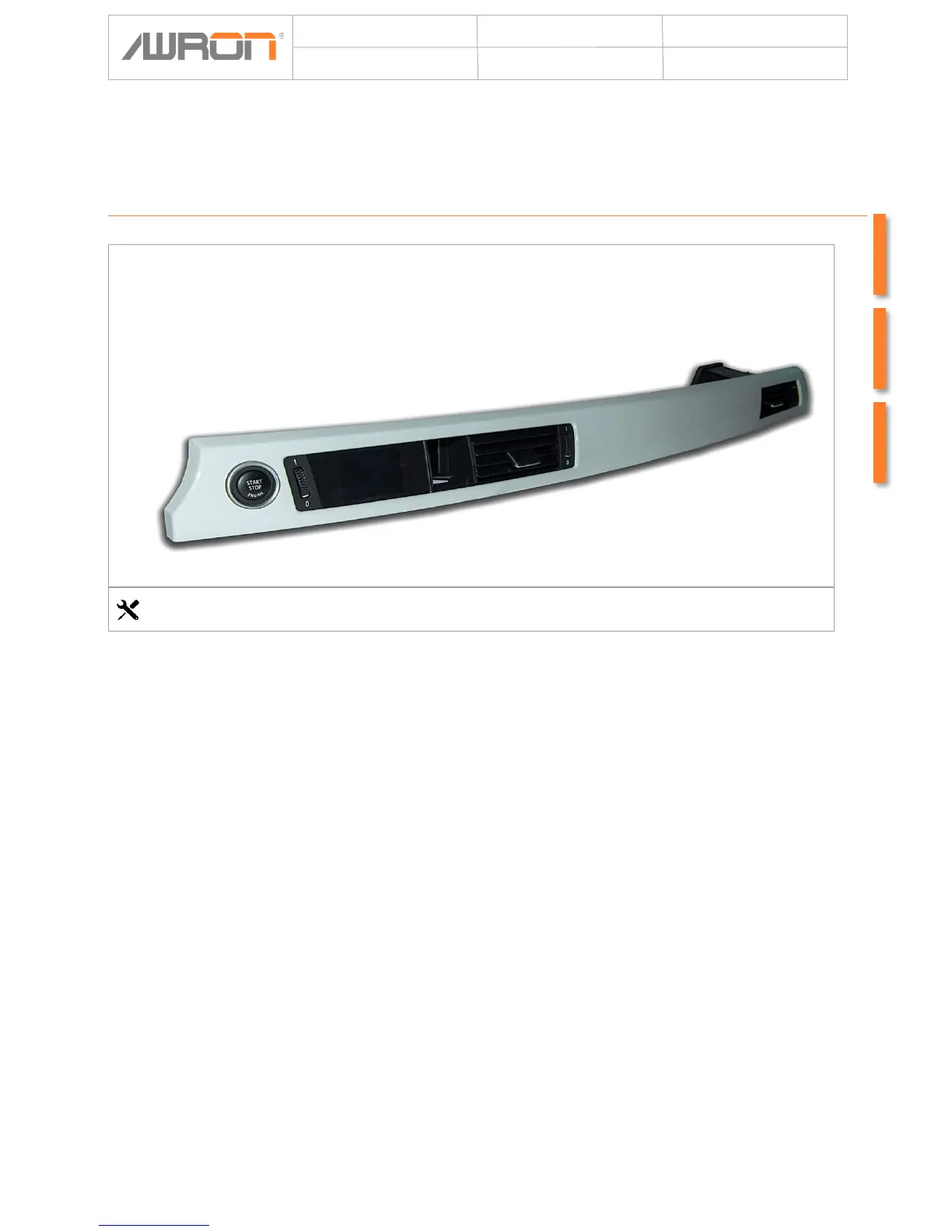
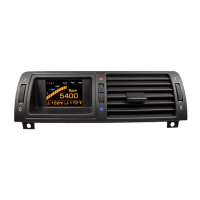
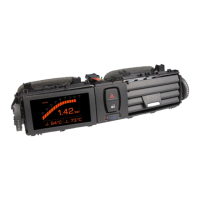
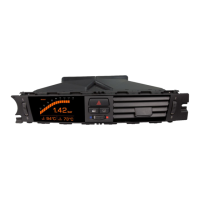
Clip the new ventilation duct with the AWRON display in your interior trim and
carefully remove the nuts.
The AWRON display can now be connected to the wiring harness and installed.
Now close the Start button and run the cable out of the control element between
the display and demister.
Then, the interior trim are installed in reverse order. Now connect the two plugs to
the control element and push it in from the front.
Mounting AWRON display
No tools required


 To Next Page