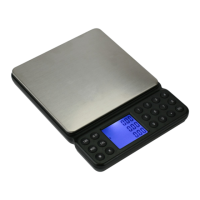
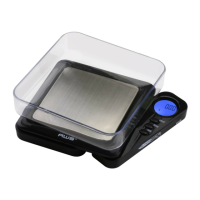
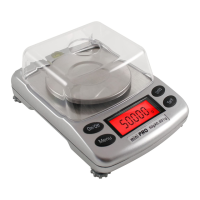
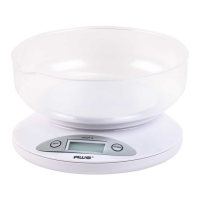
2K/5K-BOWL
IV. Operation
1. Placethescaleonaat,levelsurfaceandpressthe
ON/OFF key to turn the scale on.
2. Once the start-up process completes and the scale
goes to zero you are ready to weigh.
3. Place the quantity to be weighed onto the weighing
platform.
4. Wait a couple seconds for the display to stabilize
before taking a weight reading.
V. Changing the Unit of Measure
1. To change the displayed unit of measure, tap the
MODE key.
• 2K-BOWL Units: g (gram) oz (ounce) ozt (troy
ounce) dwt (pennyweight)
• 5K-BOWL Units: kg/g (kilogram/gram) lb/oz
(pound/ounce)
VI. Using the Tare Feature
You can use this scale’s tare feature to subtract the weight
of an empty container or vessel for net weight determination.
NOTE: The weight of the container will subtract from the
available capacity.
1. Place the empty container or vessel on the weighing
platform.
2. Tap the ON/OFFkeybriey.Thedisplaywillthen
reset to zero. If the container is removed, it’s weight
will be displayed as a negative number.
3. Youmaynowllthecontainerwiththequantityto
be weighed. The display will show the net weight of
the contents.
4. To return to normal weight display (gross weight),

 To Next Page
 Loading...