11
EN
SETTINGS
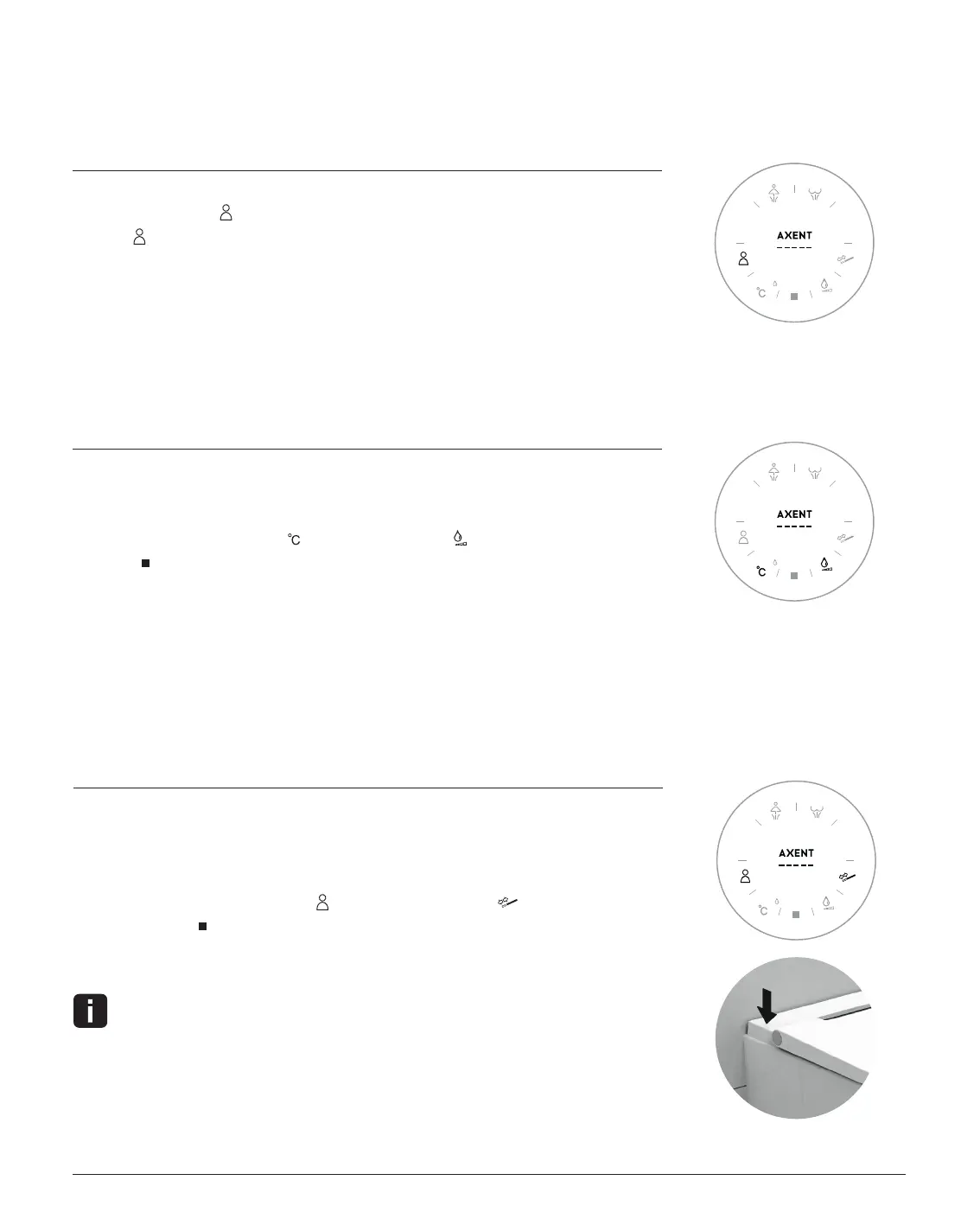
SIGNAL TONE
Settings mode is active.
1. Press User Profile multiple times.
2. The
icon - flashes slowly the signal tone is active.
- flashes quickly the signal tone is off.
3. The display switches off after a few seconds, and your setting is saved.
Factory setting: The signal tone is active.
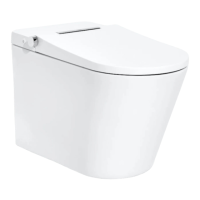
SYSTEM RESET
You would like to reset your personal settings to the factory default settings.
Settings mode is active.
1. Press and hold Temperature and press Flow Rate once.
2. Stop
flashes three times.
3. The settings of the remote control and the device are reset to the factory settings.
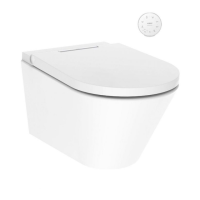
SHOWER TOILET STANDBY MODE
If you are away for prolonged periods (e.g. on holiday), you can set the shower toilet
to standby mode.
Settings mode is active.
1. Simultaneously press User Profile and Spray Arm Position .
2. Hold until Stop
flashes three times and then switches off.
3. The Standby mode of the device is now activated.
To deactivate standby mode, gently knock the rear cover on the left side.


 To Next Page