11
Caution:
1. Fully discharge the tested capacitor in case it damages the meter.
2. When measuring in-line capacitor, the power should be turned off and all capacitors should be
discharged completely.
3. It takes about 30 seconds to input stable reading at 100uF Range.
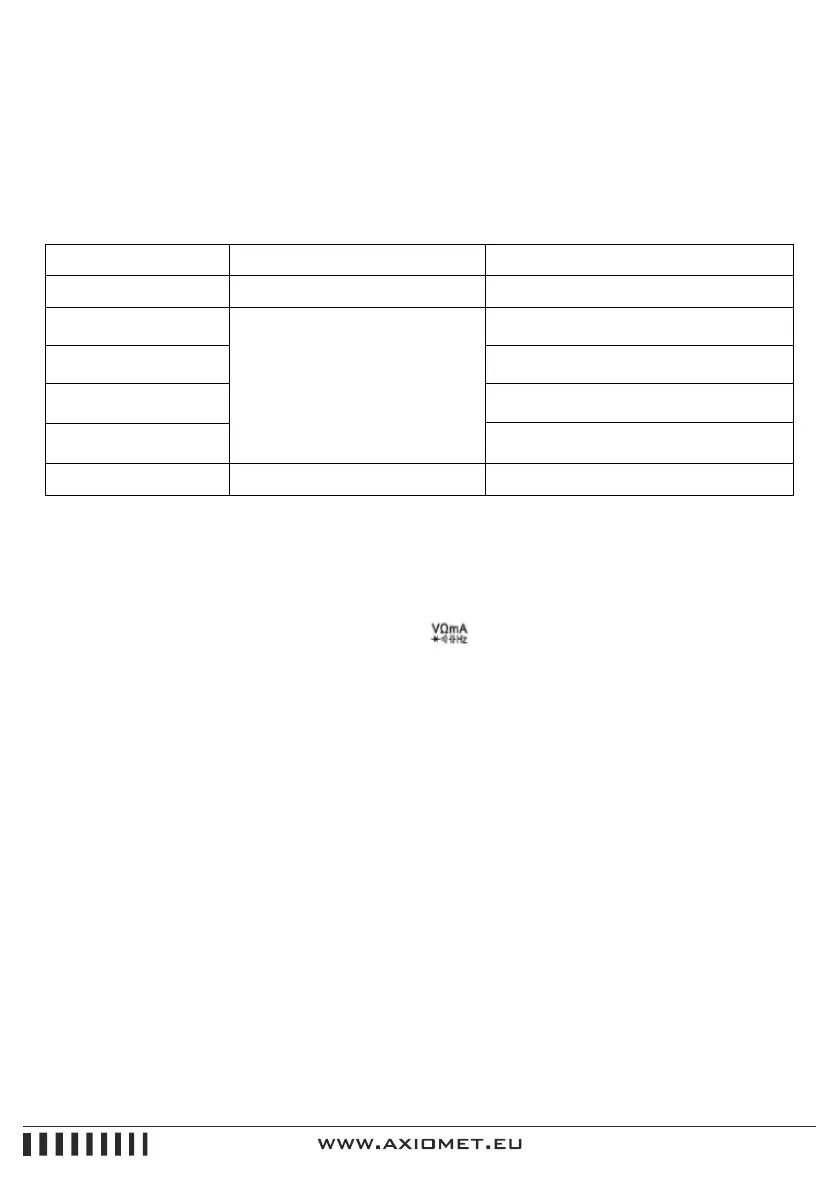
Range Accuracy Resolution
4nF ±(5.0% + 90 d) 1pF
40nF
±(3.5% + 8 d)
10pF
400nF 100pF
4uF
1nF
10nF
40uF
100uF ±(5.0% + 8 d) 100nF
Overload Protection: 250V DC or AC Peak Value.
2.2.8. Frequency (F)
1.Connect test leads and shielded cable to “COM”, terminals.
2.Rotate function switch to “Hz” gear. Connect test leads and the cable to the signal source or the
tested load. The tested signal will show on the screen.
Caution:
1. When inputting AC RMS over 10V, it could show reading, but excess vibration may appear.
2. It is recommended to test weak signals by shielded cable under noisy circumstances.
3. Select ACV gear when testing the frequency of high voltage. Then press “Hz/DUTY” button to
enter frequency measurement status.
4. Don’t input voltage of over 250V DC or AC peak value in case it damages the meter.


 To Next Page
 Loading...