AXISC8110NetworkAudioBridge
Thedeviceinterface
Thedeviceinterface
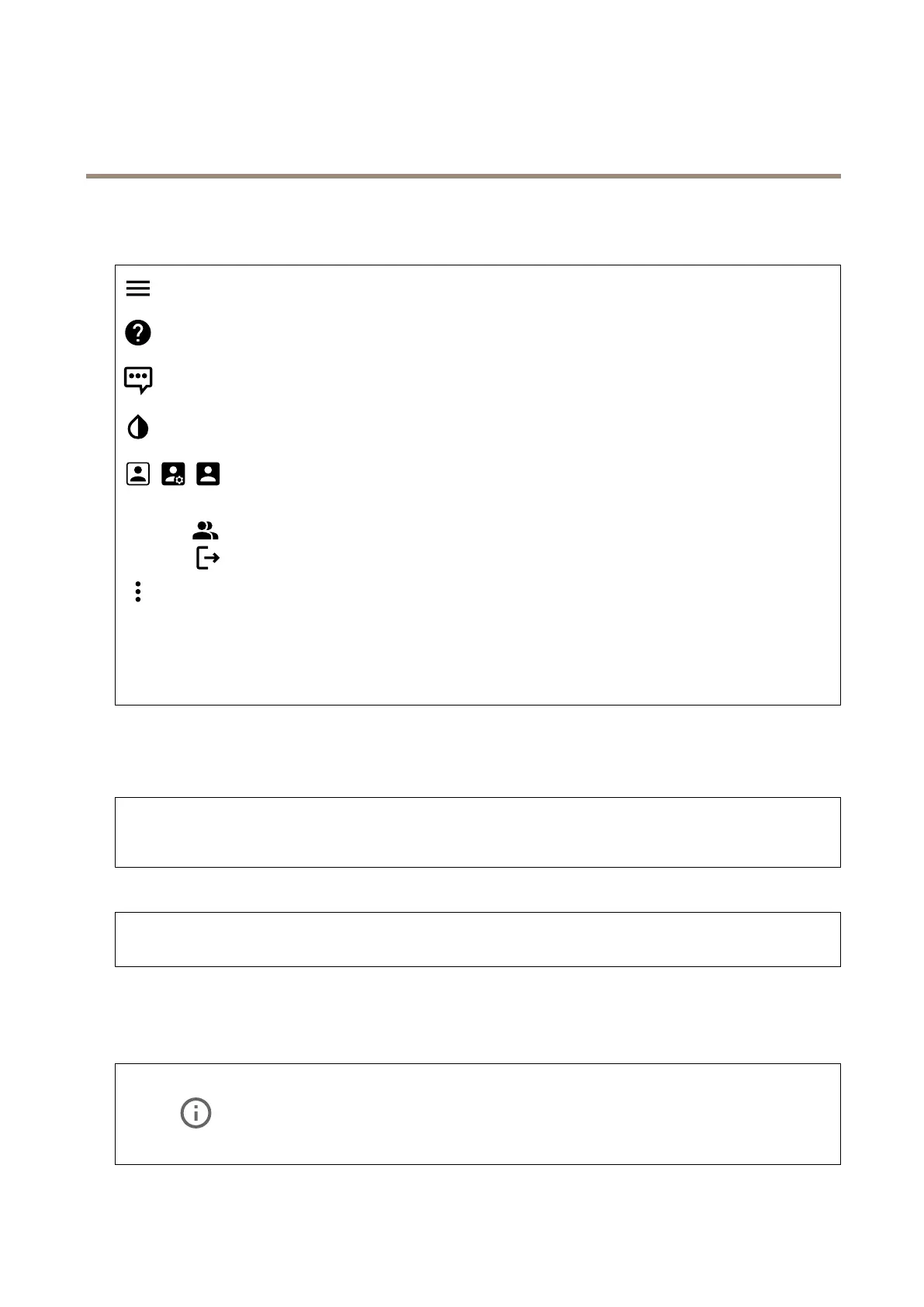
Showorhidethemainmenu.
Accesstheproducthelp.
Changethelanguage.
Setlightthemeordarktheme.
Theusermenucontains:
•Informationabouttheuserwhoisloggedin.
•
Changeuser:Logoutthecurrentuserandloginanewuser.
•
Logout:Logoutthecurrentuser.
Thecontextmenucontains:
•Analyticsdata:Accepttosharenon-personalbrowserdata.
•Feedback:Shareanyfeedbacktohelpusimproveyouruserexperience.
•Legal:Viewinformationaboutcookiesandlicenses.
•About:Viewdeviceinformation,includingrmwareversionandserialnumber.
•Legacydeviceinterface:Changethedeviceinterfacetothelegacydeviceinterface.
Status
NTPsync
ShowsNTPsynchronizationinformation,includingifthedeviceisinsyncwithanNTPserverandthetimeremaininguntil
thenextsync.
NTPsettings:ClicktogototheDateandtimepagewhereyoucanchangetheNTPsettings.
Deviceinfo
Showsdeviceinformation,includingrmwareversionandserialnumber.
Upgradermware:ClicktogototheMaintenancepagewhereyoucandoarmwareupgrade.
Audio
Overview
Locatedevice:Clicktoplayasoundthathelpsyouidentifythespeaker.Forsomeproducts,aLEDwillashonthedevice.
Calibrate
:Clicktocalibratethespeaker.
LaunchAXISAudioManagerEdge:Clicktolaunchtheapplication.
10



 To Next Page