Section 4: Configuring the AXIS 200+ AXIS 200+ Users Manual
32
Configuring using a Web Browser
To configure the AXIS 200+, enter the name or Internet address into
the location/address field of your Web browser:
or
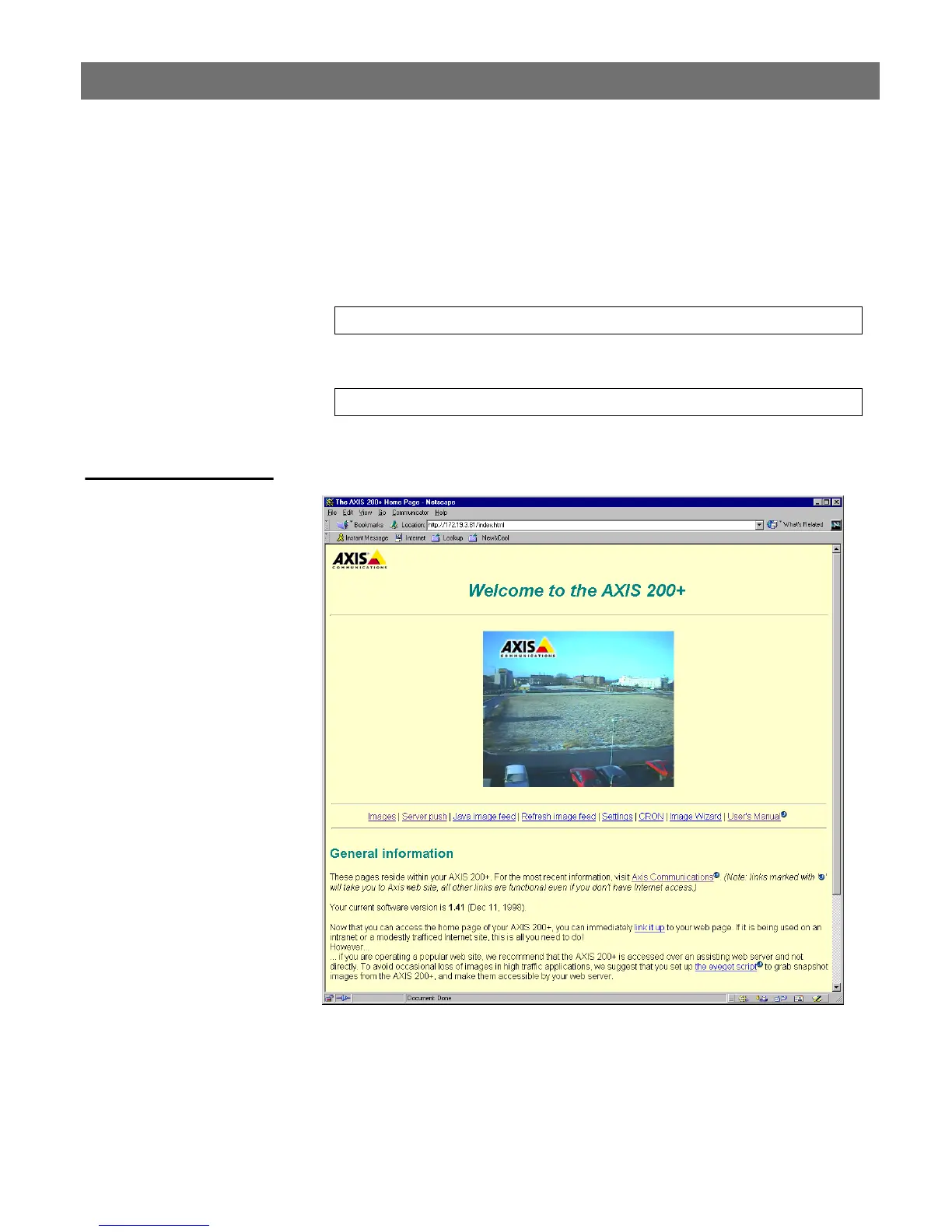
The Home Page
The Home Page for your AXIS 200+ will be displayed:
On the AXIS 200+ Home Page, click on the Settings link to reach the
Configuration pages.
http://cameraname/
http://172.16.253.80/



 To Next Page