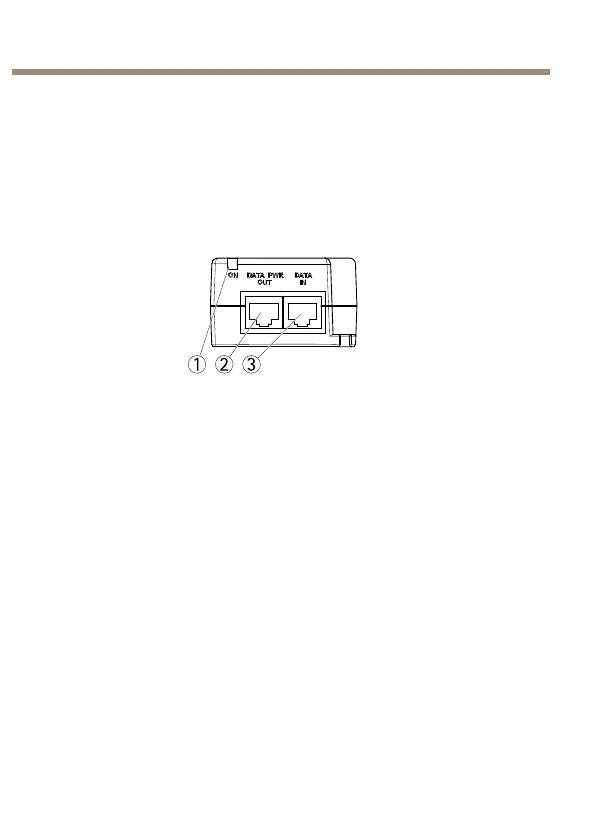
AXIST8134Midspan60W
2.Connectthemidspan(DATA&POWEROUT)tothecamera,
usingthenetworkcable(Category5/5e/6)thathasbeen
connectedtothecamera.
3.Connectthemidspantoagrounded(earthed)mainspower
outlet(100–240VAC)usingthesuppliedpowercable.
4.MakesurethattheLEDsonthemidspanindicatethecorrect
conditions.SeeIndicatorsonpage10
1
PortLEDindicator
2
DATA&POWEROUT
3
DATAIN
12



 To Next Page