AXISC8210NetworkAudioAmplifier
Additionalsettings
Additionalsettings
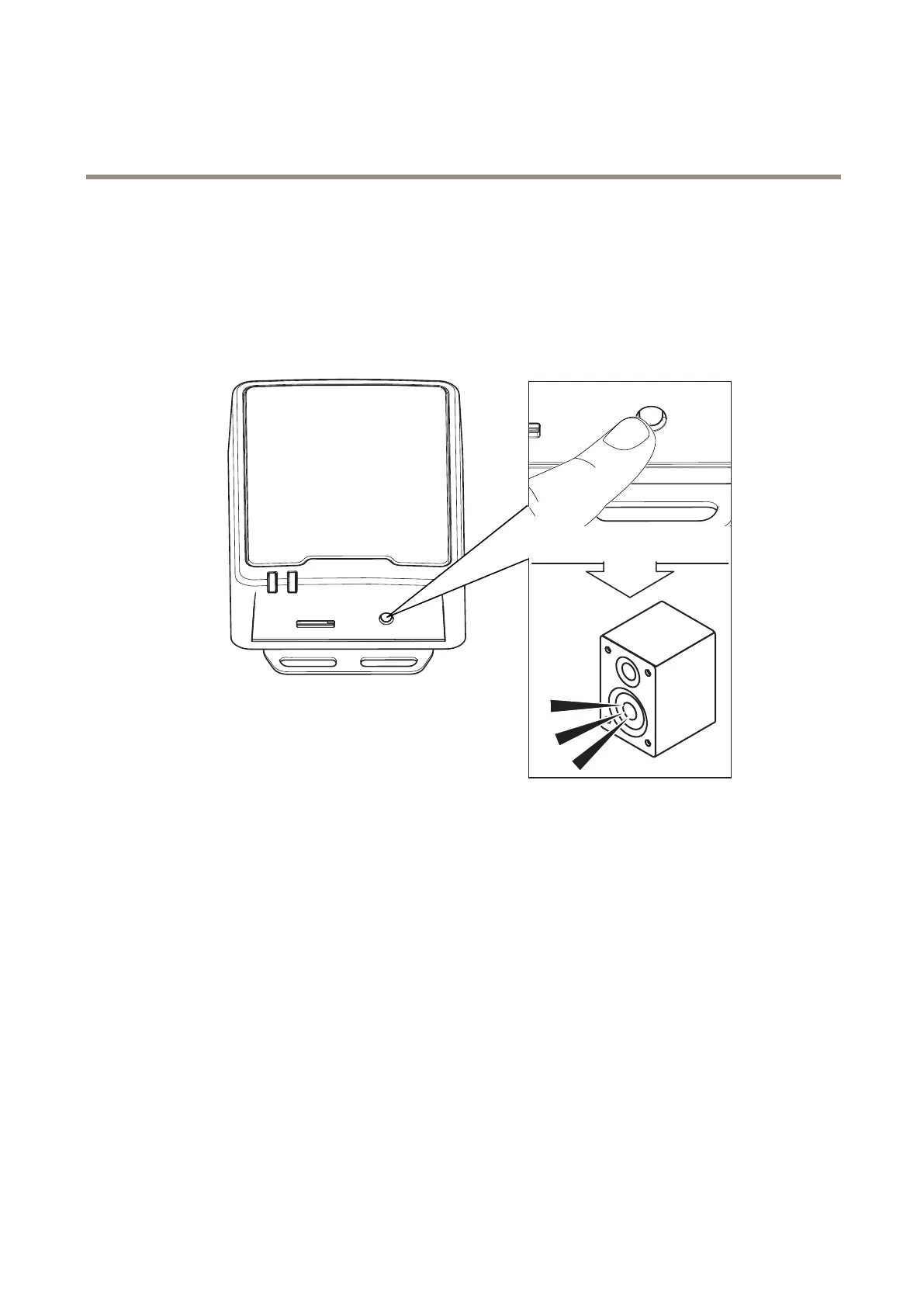
Testtheimpedance
Testtheimpedanceafteryouhaveconnectedthespeakerandbeforeyouusetheamplierforthersttimeorwhenyouhave
changedthespeakersetup,connectedtotheamplier.TheSPKLEDwillashgreenwhenanimpedancetestisrequired.Performthe
impedancetestbypressingthecontrolbuttonuntilyouheartonesfromthespeaker.
CONTRO L
CONTRO L
S TA T SPK
SetupdirectSIP(P2P)
Usepeer-to-peerwhenthecommunicationisbetweenafewuseragentswithinthesameIPnetworkandthereisnoneedforextra
featuresthataPBX-servercouldprovide.TobetterunderstandhowP2Pworks,seePeer-to-peerSIP(P2PSIP)onpage11.
Formoreinformationaboutsettingoptions,seeSIPonpage26.
1.GotoSystem>SIP>SIPsettingsandselectEnableSIP.
2.Toallowthedevicetoreceiveincomingcalls,selectAllowincomingcalls.
3.UnderCallhandling,setthetimeoutanddurationforthecall.
4.UnderPorts,entertheportnumbers.
-SIPport–ThenetworkportusedforSIPcommunication.Thesignalingtrafcthroughthisportisnon-encrypted.
Thedefaultportnumberis5060.Enteradifferentportnumberifrequired.
-TLSport–ThenetworkportusedforencryptedSIPcommunication.Thesignalingtrafcthroughthisportis
encryptedwithTransportLayerSecurity(TLS).Thedefaultportnumberis5061.Enteradifferentportnumber
ifrequired.
6



 To Next Page