AXISD1110VideoDecoder4K
Specifications
ForSDcardrecommendations,seeaxis.com.
microSD,microSDHC,andmicroSDXCLogosaretrademarksofSD-3CLLC.microSD,microSDHC,microSDXCare
trademarksorregisteredtrademarksofSD-3C,LLCintheUnitedStates,othercountriesorboth.
Buttons
Controlbutton
Thecontrolbuttonisusedfor:
•Resettingtheproducttofactorydefaultsettings.SeeResettofactorydefaultsettingsonpage29.
•Connectingtoaone-clickcloudconnection(O3C)serviceovertheinternet.Toconnect,pressandholdthebutton
forabout3secondsuntilthestatusLEDashesgreen.
Connectors
HDMIconnector
UsetheHDMI
TM
connectortoconnectadisplayorpublicviewmonitor.
Networkconnector
RJ45EthernetconnectorwithPoweroverEthernet(PoE).
USBconnector
UsetheUSBconnectortoconnectexternalaccessories.Seetheproduct’sdatasheetforsupportedaccessories.
Important
OnlyoneUSBstorageissupportedatatime.
TurnoffthedevicebeforeremovingtheUSBstorage.
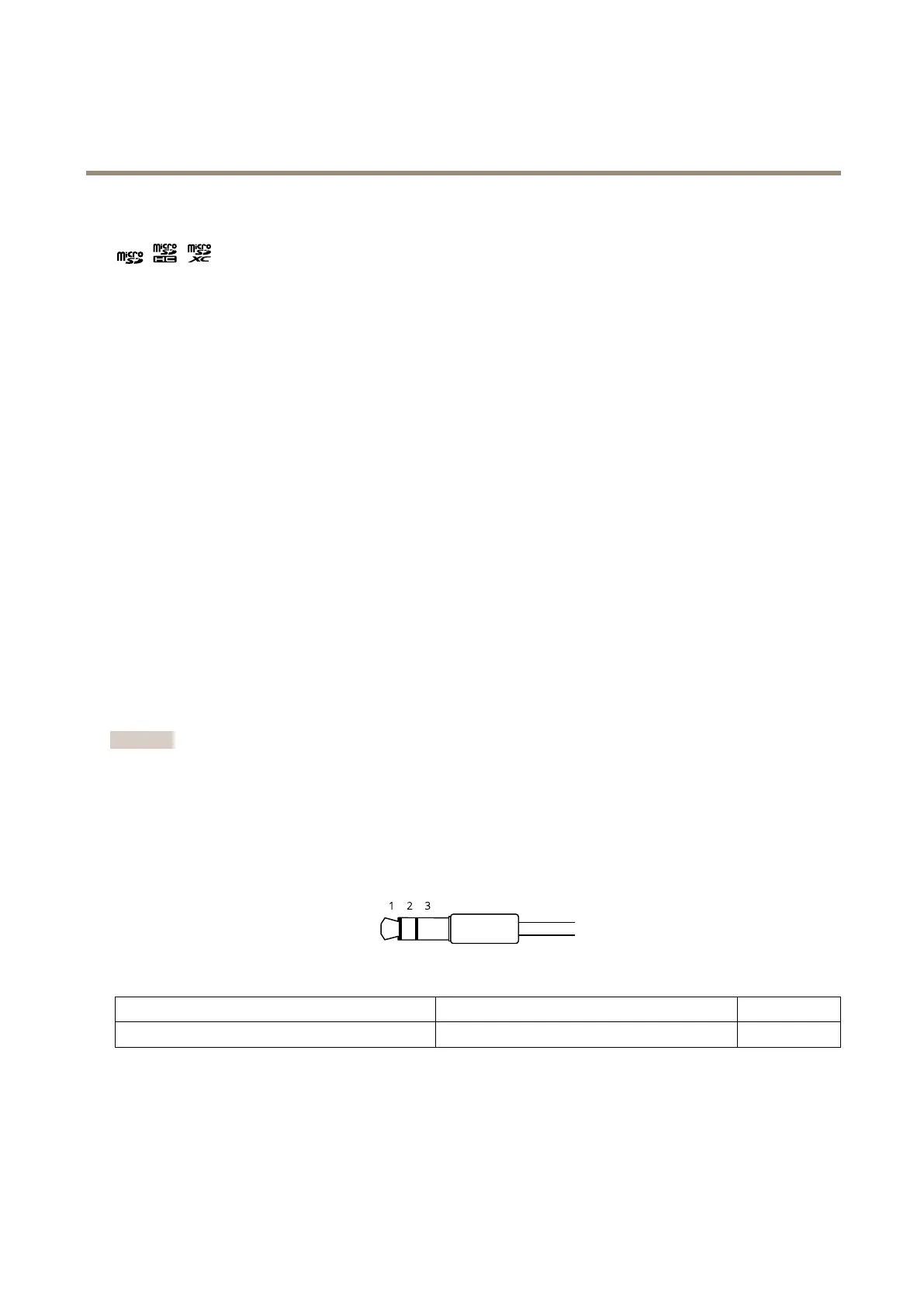
Audioconnector
•Audioout–3.5mmoutputforaudio(linelevel)thatcanbeconnectedtoapublicaddress(PA)systemoranactive
speakerwithabuilt-inamplier.Astereoconnectormustbeusedforaudioout.
Audiooutput
1Tip2Ring
3Sleeve
Channel1,unbalancedline,monoChannel1,unbalancedline,monoGround
Powerconnector
AC/DCconnector.Usethesuppliedadapter.
2-pinterminalblockforDCpowerinput.UseaSafetyExtraLowVoltage(SELV)compliantlimitedpowersource(LPS)witheither
aratedoutputpowerlimitedto≤100Woraratedoutputcurrentlimitedto≤5A.
27



 To Next Page