AXISQ1659NetworkCamera
Thewebinterface
Triggerdelay:Entertheminimumtimethatthetamperingconditionsmustbeactivebeforethealarmtriggers.Thiscanhelp
preventfalsealarmsforknownconditionsthataffecttheimage.
Triggerondarkimages:Itisverydifculttogeneratealarmswhenthecameralensissprayed,sinceitisimpossibletodistinguish
thateventfromothersituationswheretheimageturnsdarkinasimilarway,forexample,whenthelightingconditionschange.
Turnonthisparametertogeneratealarmsforallcaseswheretheimageturnsdark.Whenit’sturnedoff,thedevicedoesn’t
generateanyalarmwhentheimageturnsdark.
Note
Fordetectionoftamperingattemptsinstaticandnon-crowdedscenes.
Audiodetection
Thesesettingsareavailableforeachaudioinput.
Soundlevel:Adjustthesoundleveltoavaluefrom0–100,where0isthemostsensitiveand100theleastsensitive.Usethe
activityindicatorasaguidewhenyousetthesoundlevel.Whenyoucreateevents,youcanusethesoundlevelasacondition.
Youcanchoosetotriggeranactionifthesoundlevelrisesabove,fallsbeloworpassesthesetvalue.
Accessories
PTZ
SelectPTZmode:SelectaPTZmodethatsuitsyourtypeofinstallation.Seeavailablemodesbelow.
•Digital:SelectthismodetousedigitalPTZandviewareas.
•Mechanical:Selectthismodetoconnecttoanexternalpan-tiltdevice.
-Driver:Selectthedriverforyourconnectedpan-tiltdevice.Thedriverisrequiredfortheconnecteddeviceto
functioncorrectly.
-Devicetype:Selectthetypeofdeviceyou’reconnectingtofromthedrop-downlist.Thedevicetypeis
driverdependent.
-Deviceid:Typetheidoraddressoftheconnecteddevice.Youcanndtheaddressinthedocumentationof
thedevice.
FormoreinformationaboutPTZdrivers,see.
I/Oports
Usedigitalinputtoconnectexternaldevicesthatcantogglebetweenanopenandclosedcircuit,forexample,PIRsensors,door
orwindowcontacts,andglassbreakdetectors.
UsedigitaloutputtoconnectexternaldevicessuchasrelaysandLEDs.YoucanactivateconnecteddevicesthroughtheVAPIX®
ApplicationProgrammingInterfaceorthewebinterface.
Port
Name:Editthetexttorenametheport.
Direction:
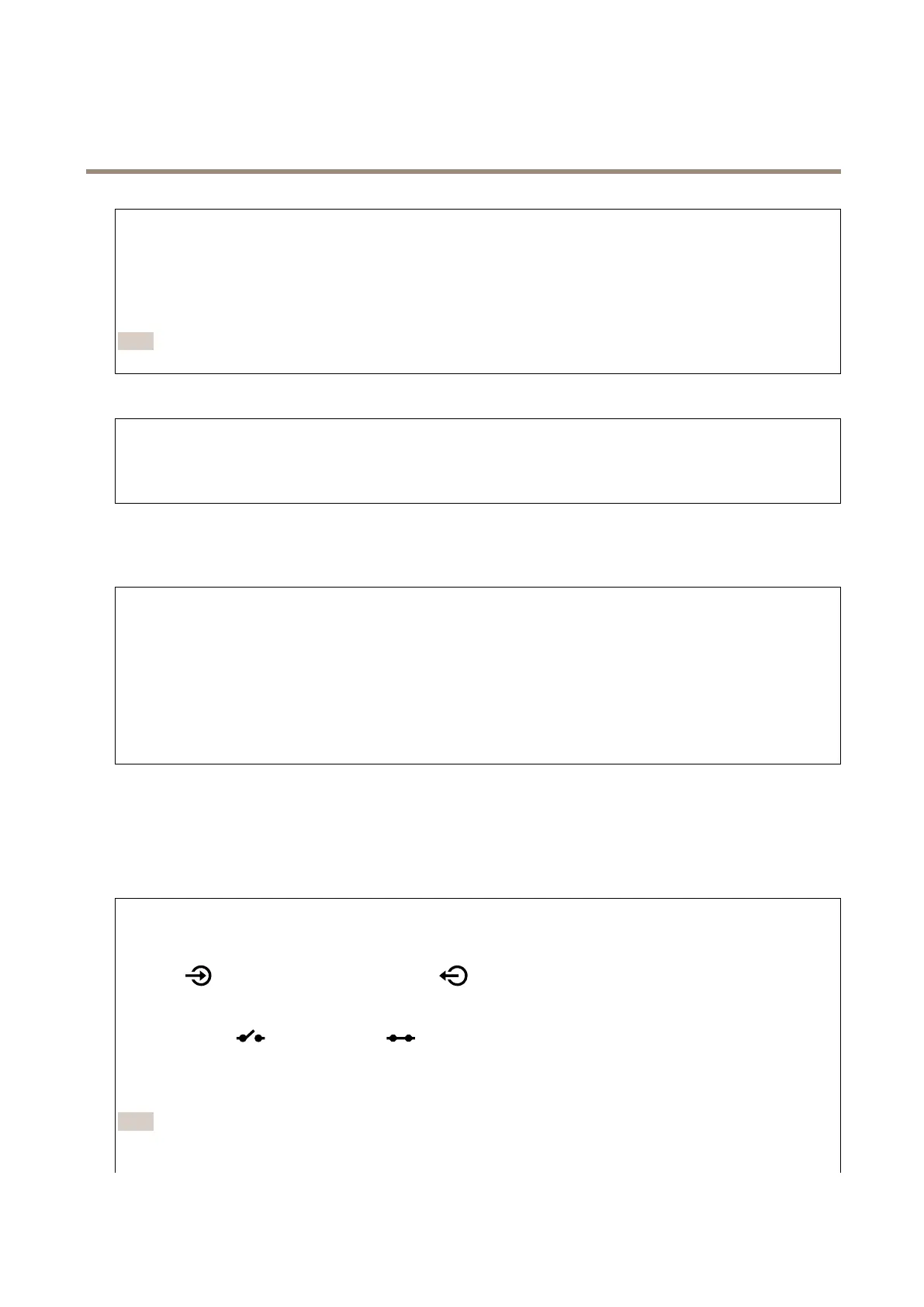
indicatesthattheportisaninputport.indicatesthatit’sanoutputport.Iftheportiscongurable,
youcanclicktheiconstochangebetweeninputandoutput.
Normalstate:Clickforopencircuit,andforclosedcircuit.
Currentstate:Showsthecurrentstateoftheport.Theinputoroutputisactivatedwhenthecurrentstateisdifferentfromthe
normalstate.Aninputonthedevicehasanopencircuitwhenit’sdisconnectedorwhenthereisavoltageabove1VDC.
Note
Duringrestart,theoutputcircuitisopen.Whentherestartiscomplete,thecircuitgoesbacktothenormalposition.Ifyou
changeanysettingsonthispage,theoutputcircuitsgobacktotheirnormalpositionsregardlessofanyactivetriggers.
47



 To Next Page