AXISQ35NetworkCameraSeries
Specifications
SDcardslot
NO NO
NO
TICE TICE
TICE
•RiskofdamagetoSDcard.Don’tusesharptools,metalobjects,orexcessiveforcewheninsertingorremovingtheSDcard.
Useyourngerstoinsertandremovethecard.
•Riskofdatalossandcorruptedrecordings.UnmounttheSDcardfromthedevice’swebinterfacebeforeremovingit.
Don’tremovetheSDcardwhiletheproductisrunning.
ThisdevicesupportsmicroSD/microSDHC/microSDXCcards.
ForSDcardrecommendations,seeaxis.com.
microSD,microSDHC,andmicroSDXCLogosaretrademarksofSD-3CLLC.microSD,microSDHC,microSDXCare
trademarksorregisteredtrademarksofSD-3C,LLCintheUnitedStates,othercountriesorboth.
Buttons
Controlbutton
Thecontrolbuttonisusedfor:
•Resettingtheproducttofactorydefaultsettings.SeeResettofactorydefaultsettingsonpage19.
FunctionButton
Thefunctionbuttonhasmultiplefunctions:
•AslevelingAssistant–Thisfunctionhelpstoensuretheimageislevel.Pressthebuttonforabout2secondstostartthe
levelingassistantandpressagaintostop.ThestatusLED(see)andbuzzersignalassistlevelingoftheimage.Theimageis
levelwhenthebuzzerbeepscontinuously.
•ToviewtheStatusLED–PressthebuttononcetolightuptheStatusLEDs.Pressagaintoturnthemoff.TheLEDs
willturnoffautomaticallyafter10seconds.
Connectors
Networkconnector
RJ45EthernetconnectorwithPoweroverEthernet(PoE).
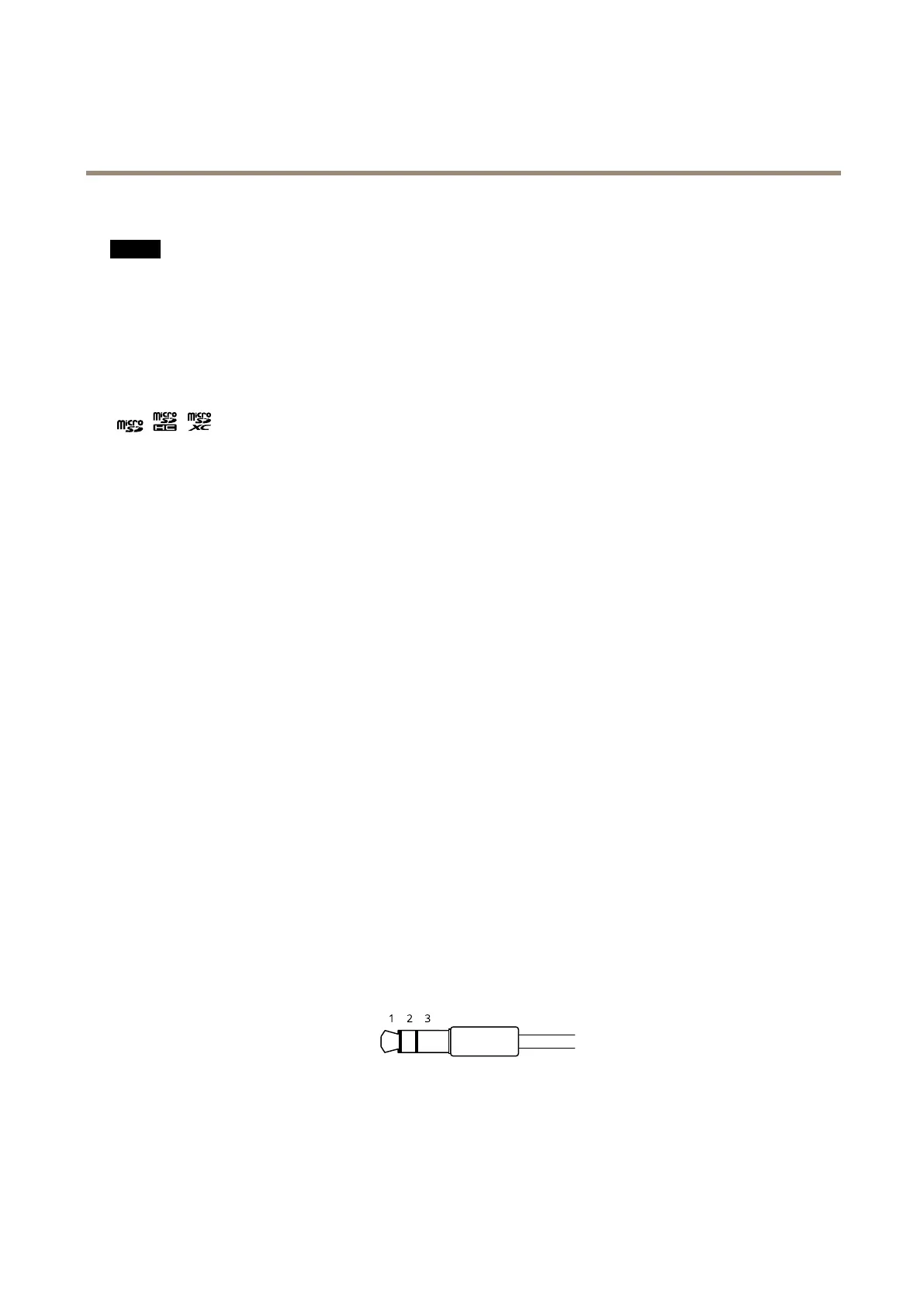
Audioconnector
•Audioin–3.5mminputforamonomicrophone,oraline-inmonosignal(leftchannelisusedfromastereosignal).
•Audioout–3.5mmoutputforaudio(linelevel)thatcanbeconnectedtoapublicaddress(PA)systemoranactive
speakerwithabuilt-inamplier.Astereoconnectormustbeusedforaudioout.
Audioinput
60



 To Next Page