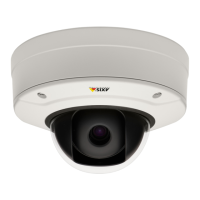
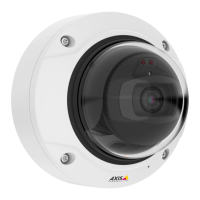
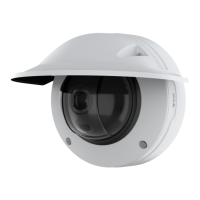
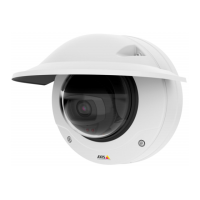
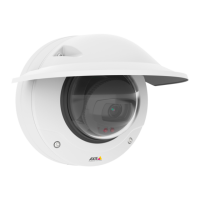
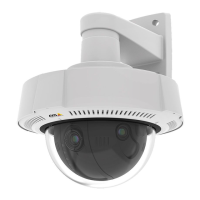
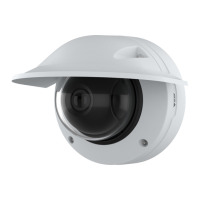
AXISQ3527-LVENetworkCamera
Configureyourdevice
-TurnonDynamicGOPandsetahighUpperlimitGOPlengthvalue.
Setupnetworkstorage
Tostorerecordingsonthenetwork,youneedtosetupyournetworkstorage.
1.GotoSystem>Storage.
2.ClickAddnetworkstorageunderNetworkstorage.
3.TypetheIPaddressofthehostserver.
4.TypethenameofthesharedlocationonthehostserverunderNetworkshare.
5.Typetheusernameandpassword.
6.SelecttheSMBversionorleaveitonAuto.
7.SelectAddshareevenifconnectionfailsifyouexperiencetemporaryconnectionissues,oriftheshareisnotyet
congured.
8.ClickAdd.
Addaudiotoyourrecording
Turnonaudio:
1.GotoVideo>Stream>Audioandincludeaudio.
2.Ifthedevicehasmorethanoneinputsource,selectthecorrectoneinSource.
3.GotoAudio>Devicesettingsandturnonthecorrectinputsource.
4.Ifyoumakeanychangestotheinputsource,clickApplychanges.
Editthestreamprolethatisusedfortherecording:
5.GotoSystem>Streamprolesandselectthestreamprole.
6.SelectIncludeaudioandturniton.
7.ClickSave.
Recordandwatchvideo
Recordvideodirectlyfromthecamera
1.GotoVideo>Image.
2.Tostartarecording,click.
Ifyouhaven’tsetupanystorage,click
and.Forinstructionsonhowtosetupnetworkstorage,seeSetup
networkstorageonpage15
3.Tostoprecording,click
again.
Watchvideo
1.GotoRecordings.
15


 To Next Page