AXISQ36DomeCameraSeries
Thedeviceinterface
Audiomixer
Input
TenBandGraphicAudioEqualizer:Turnontoadjustthelevelofdifferentfrequencybandswithinanaudiosignal.Thisfeature
isforadvanceduserswithaudiocongurationexperience.
Talkbackrange
:Choosetheoperationalrangetogatheraudiocontent.Anincreasetotheoperationalrangecausea
reductionofsimultaneoustwo-waycommunicationcapabilities.
Voiceenhancement
:Turnontoadjustthevoicecontentinrelationtoothersounds.
Recordings
Ongoingrecordings:Showallongoingrecordingsonthecamera.
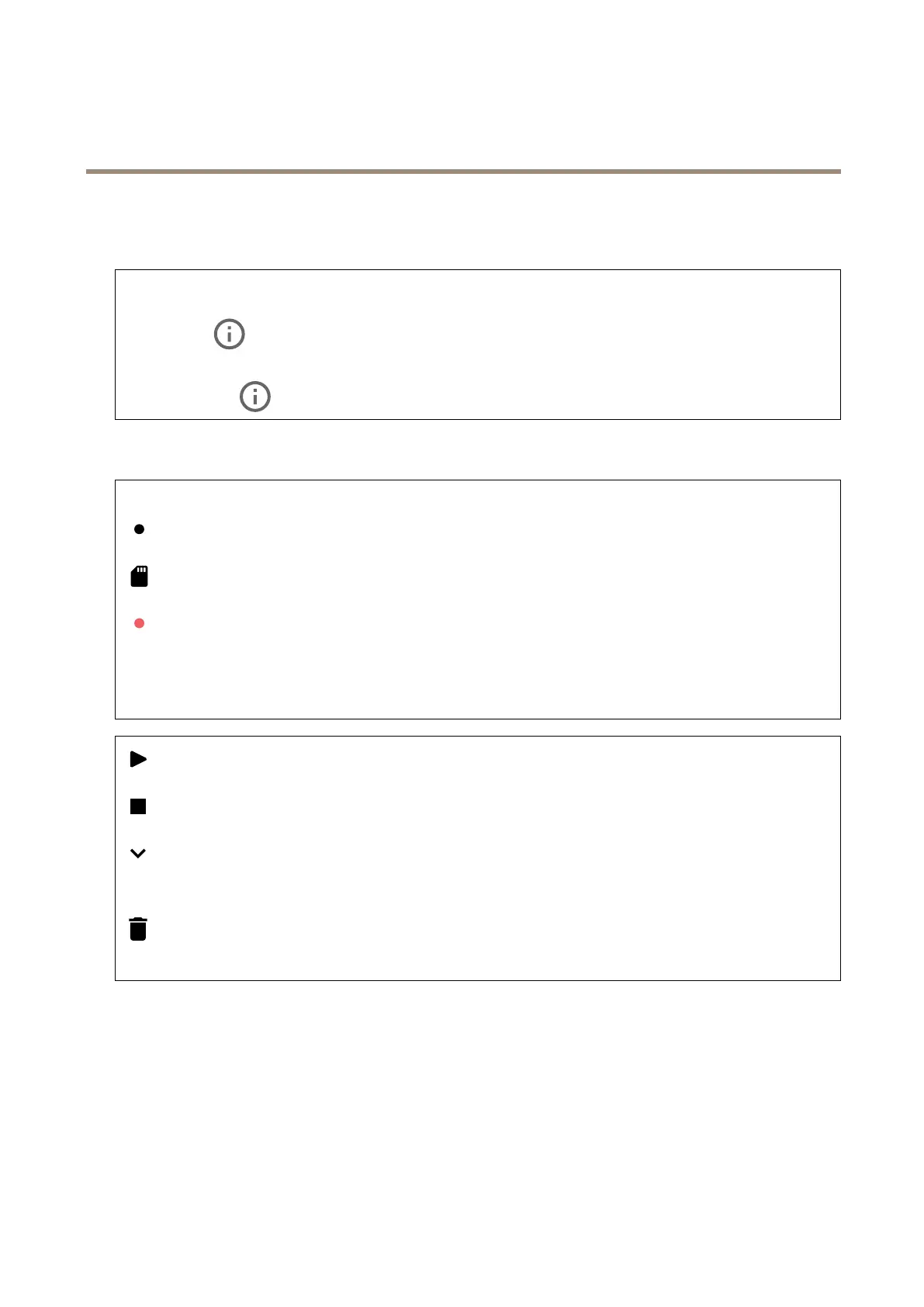
Selecttostartarecordingonthecamera.
Choosewhichstoragedevicetosaveto.
Selecttostoparecordingonthecamera.
Triggeredrecordingswillendbothwhenmanuallystoppedandwhenthecameraisshutdown.
Continuousrecordingswillcontinueuntilmanuallystopped.Evenifthecameraisshutdown,therecordingwillcontinue
whenthecamerastartsupagain.
Clicktoplaytherecording.
Clicktostopplayingtherecording.
Clicktoshowmoreinformationandoptionsabouttherecording.
Setexportrange:Ifyouonlywanttoexportpartoftherecording,enterfromwhentowhen.
Clicktodeletetherecording.
Export:Clicktoexport(partof)therecording.
32



 To Next Page