AXIST864SeriesMultiChannel
Howtoinstalltheproduct
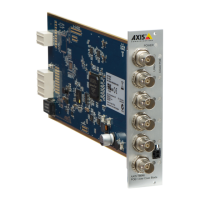
AXIST8646isdesignedtobeinstalledintothefollowingracks:
•AXIS2911UVideoServerRack
•AXISQ7900Rack
•AXISQ7920VideoEncoderChassis
Note
Theracksuppliesenoughpowerforthebladetooperateandsupportethernetovercoax.
TosupplyPoE+overcoaxtotheCompactorDeviceunitandcamera,thebladeneedsan
extrapowersupply:
•AXIST8082suppliesupto4000W.
•AXIST8085suppliesupto500W.
1.Toinstallthebladeintheracks/chassis,followtheinstructionsintheInstallation
Guideincludedwiththeracks/chassis.Theinstallationguidesarealsoavailableat
www.axis.com
2.Toinstallthepowersupply,followtheinstructionsintheInstallationGuideincluded
withthepowersupply.Theinstallationguidesarealsoavailableatwww.axis.com
3.Connectthedcpowercablefromthepowersupplytotheblade.
4.InstalltheAXIST8642PoE+OverCoaxDeviceortheAXIST8643PoE+OverCoax
Compact.FollowtheinstructionsintheInstallationGuideforAXIST864SeriesSingle
Channel,availableatwww.axis.com
Congurationexamples
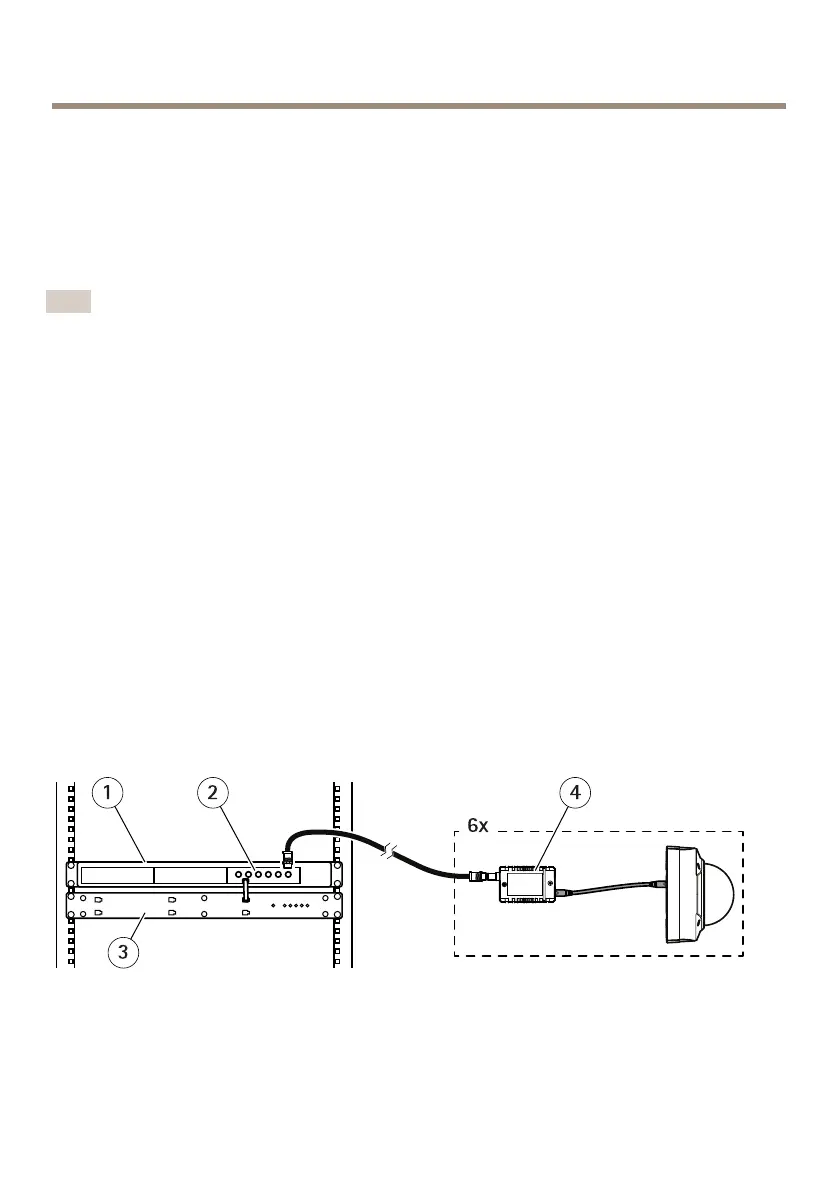
Example1:PoE+OverCoaxsolutionwithDeviceunits.
1
Rack/Chassis
2
Bladeunit,AXIST8646
3
Powersupply
4
Deviceunit,AXIST8642
12


 To Next Page