EasyManua.ls Logo

Axnes AXS-SW-0221 - User Manual

Axnes AXS-SW-0221
36 pages
Print Icon
To Next Page IconTo Next Page
Loading...
Axnes AS
Confidential document and information
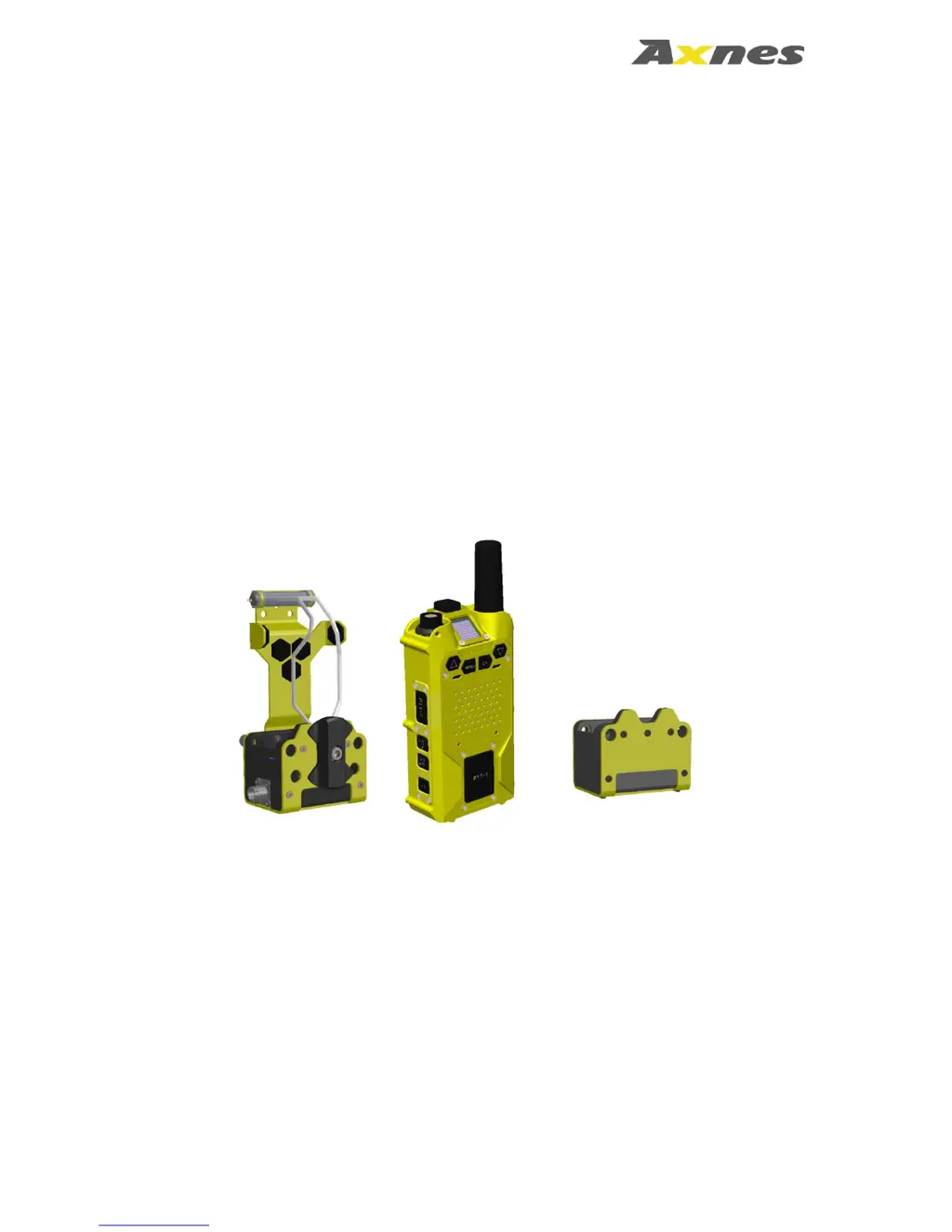
PNG MP50 Transceiver Release 2
with AXS-SW-0221
and
PNG CHG50 / CHG55 Charger
Operation Manual
Document number:
AX-PNG-UMAN-1220
Revision:
Issue C
Date:
2018-Jun-05

Questions and Answers

  • M
    Megan RobertsonAug 13, 2025
    What to do if my Axnes AXS-SW-0221 unit will not charge?
    • J
      James WalkerAug 13, 2025
      If your Axnes Transceiver unit isn't charging, there are a few things you can check: * Ensure the MP50 temperature is between 0°C and 50°C. * Inspect the charger contacts on both the MP50 and the cradle, ensuring they are clean and free of any corrosion. * Verify the leads to the charger cradle are properly connected and that the cradle is receiving power. The AC adapter should have an LED indicating power.
  • A
    Alvin ShermanAug 17, 2025
    How to fix Axnes Transceiver when there is no communication with the intercom?
    • M
      mooreraymondAug 17, 2025
      To troubleshoot a lack of communication with the intercom on your Axnes Transceiver, verify that the MP50 is operating in intercom mode and that the MP50 and the PNG Base Station configurations are correctly set.
  • K
    Kevin MasonAug 20, 2025
    What to do if there is no reception in direct mode on my Axnes AXS-SW-0221 Transceiver?
    • A
      Arthur FranklinAug 21, 2025
      If you're experiencing no reception in direct mode on your Axnes Transceiver, the squelch might be set too high. Adjust the squelch to an appropriate level.
  • K
    Kenneth HowellAug 25, 2025
    Why does my Axnes AXS-SW-0221 not transmit in VOX mode?
    • K
      Kelsey FoleyAug 25, 2025
      If your Axnes Transceiver is not transmitting in VOX mode, it could be due to several reasons: * The VOX trigger level may be too high. Reset the VOX trigger level to the configured VOX Min level or reduce the VOX Min level. * The MP50 might be incorrectly detecting the microphone. If the microphone type is known, you can override the microphone detection in the menu.
  • S
    Sarah CochranAug 28, 2025
    How to eliminate white noise in direct mode on my Axnes AXS-SW-0221 Transceiver?
    • D
      Dustin MarshallAug 28, 2025
      To eliminate white noise in direct mode on your Axnes Transceiver, adjust the squelch to the appropriate level, as it might be set too low.
  • C
    Cynthia PhillipsAug 31, 2025
    What causes continuous transmit in VOX mode on Axnes Transceiver, and how to stop it?
    • J
      Jeffery MedinaAug 31, 2025
      Continuous transmitting in VOX mode on your Axnes Transceiver is likely due to a VOX trigger level that is too low. To resolve this, increase either the VOX trigger level or the VOX Min level.
  • T
    Troy ConnerSep 4, 2025
    Why the PNG Base Station does not receive GPS position reports from my Axnes AXS-SW-0221 Transceiver?
    • E
      Erin ShepherdSep 4, 2025
      If the PNG Base Station isn't receiving GPS position reports from your Axnes Transceiver, consider the following: * Low signal coverage for the GPS module may be the issue, especially inside buildings, in narrow terrain, or during heavy weather. * If using the MP50 in water, ensure the GPS module is exposed above water for optimal signal reception. * Also, verify that GPS is activated in the GPS menu and check the GPS status by pressing the OK button while the key lock is on.
  • M
    matthew46Sep 8, 2025
    How to fix a dim display on my Axnes Transceiver?
    • R
      Richard MitchellSep 8, 2025
      To fix a dim display on your Axnes Transceiver, try cycling the power off and on. This will reset the display intensity. You can also adjust the display intensity in the menu.

Axnes AXS-SW-0221 Specifications

General IconGeneral
BrandAxnes
ModelAXS-SW-0221
CategoryTransceiver
LanguageEnglish