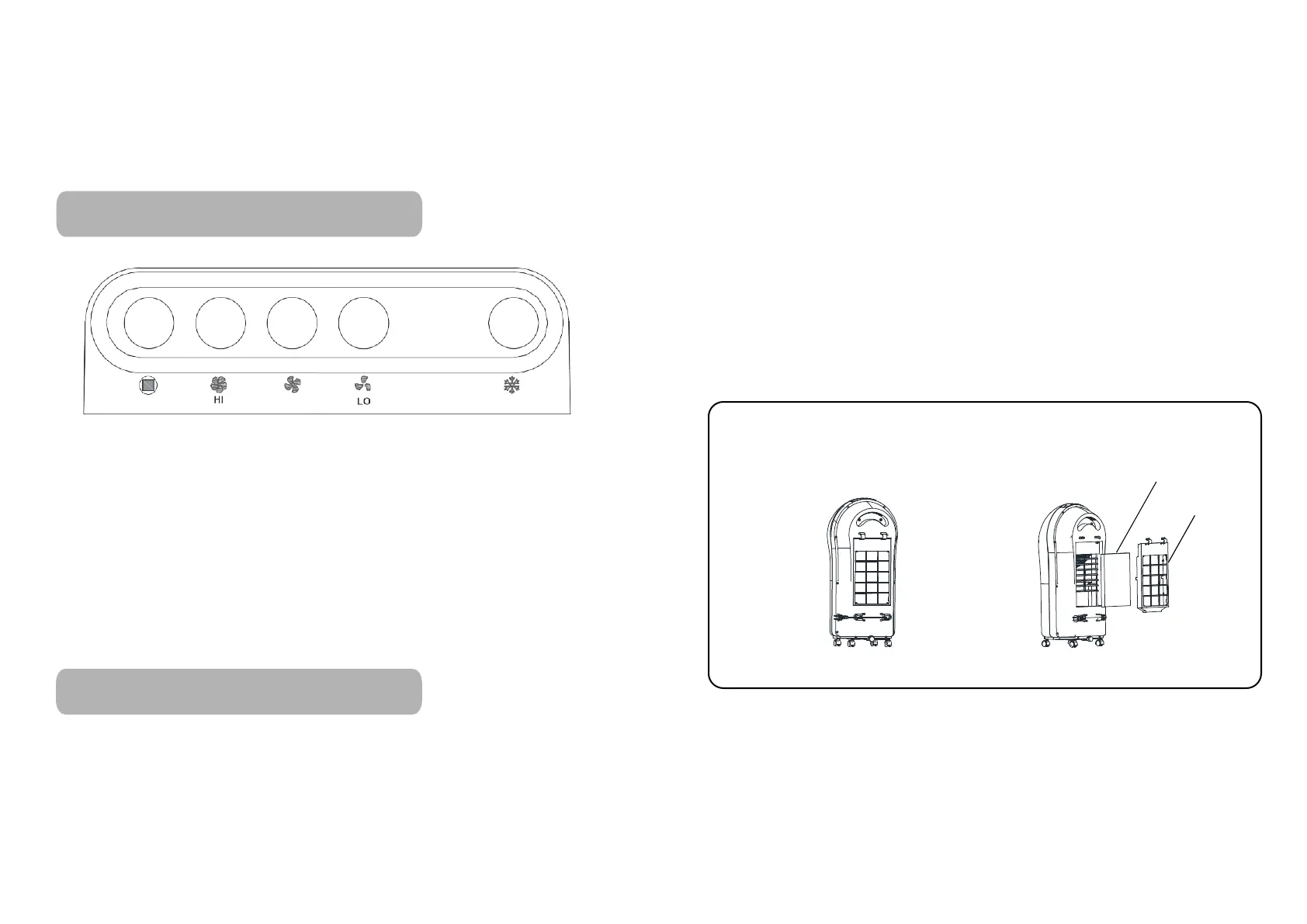
CONTROL PANEL FU NCTION
SETUP INSTRUCTION
3 4
CONTROL PANEL FUNCTION
SETUP INSTRUCTION
CLEAN & REPLACE THE FILTER
Honeycomb paper
Filter frame
CONTROL PANEL FUNCTION
First machine plugged in power
1,”Hi”Key:High speed wind mode
2,”ME”Key:Middle speed wind mode
3,”LO”Key:Low speed wind mode
4,”FROID”Key:Cold air mode,Open the water
pump to humidify and cool the honeycomb paper
5,”ARRÊRT”Key:STOP key
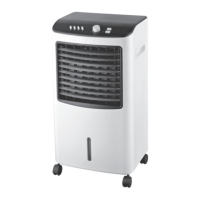
1.
control panel
2.Air outlet frame
Air outlet cover plate3.
4.Front shell
5.water tank
6.Castor
Rear shell
Filter frame
Honeycomb paper
power cord
Water plug
7.
8.
9.
10.
11.
The filter is already assembled before delivery from factory.
But the filter should be cleaned or replaced after a certain
time use.It should be operated by Technical people or ask
for advice by local distributor.The method is mentioned below.
1.Hold the filter down to the board position with force to back
side can remove filters.
2.Take the filter out of the filter frame.Tap the filter with
certain object for cleaning.If
the filter is really dirty.Dip it into
natural detergent solution to wash and flush with water.
3.Put the cleande or newly replaced filter slightly into its
pr pero position
Note:
1.
Filter can normally, if damagbe use for one year e
occurs,
the filter should be changed
immediately.
The machine from factory is nylon mesh.
i.
Add water and ice into wate tank
ii. Put the ice or water into wate tank
How to clean the filter:
Remove the filter, take out the dirty filter and clean it (it can
be cleande by water). When it is dry,please install it as per
directive.
2.
ARRÊT
FROID
ME


 To Next Page