6
Ayon Audio – Hart 18 – 8101 Gratkorn – Austria – Phone: +43 3124 24954
www.ayonaudio.com
2. Connecting
To assure reliable operation always turn the Crossfire OFF while making or changing input or
speaker connections. No connections should be made while the amplifier is ON.
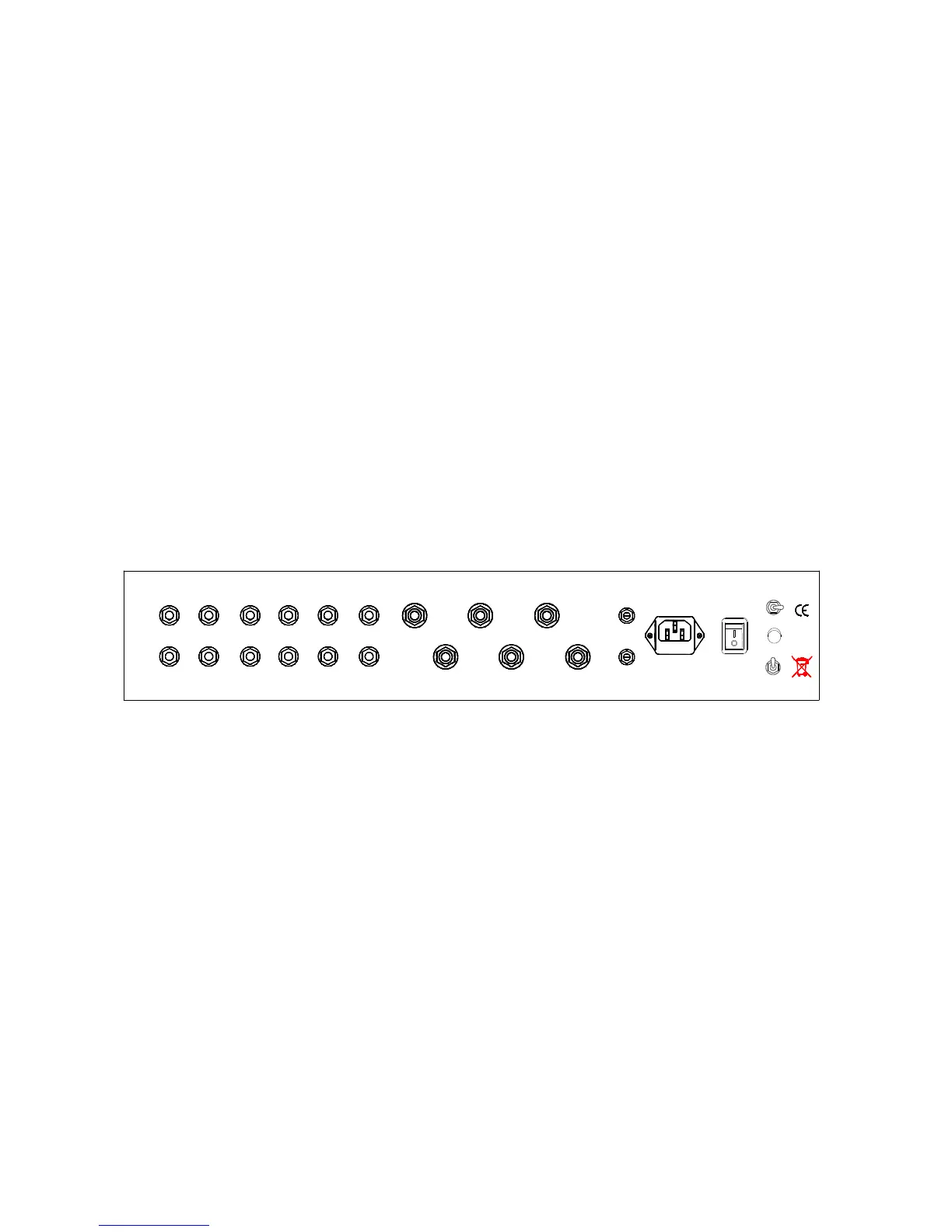
R e a r p a n e l
All input and output connectors are clearly marked on the rear panel.
LOUDSPEAKER: There are three sets of gold speaker output terminals at the rear panel: Left out,
common, 4, 8, ohm, Right out, common, 4, 8, ohm. Connect the speaker input terminals to
corresponding speaker output terminals at the rear panel according to the impedance of the
speaker with high quality audio cord. Pay close attention to proper matching of positive and
negative and left and right channels.
a.) INPUT: LINE1, LINE2, LINE3 and LINE4 connect your device with a high quality RCA lead.
You can then select any source input for LINE1, LINE2, LINE3 & LINE4.
Rotate input selector accordingly.
b.) The Crossfire is equipped with a Direct In. This connection allows the Crossfire to be used as
a stereo amplifier connected to a separate Pre-Amplifier.
c.) The Crossfire is also equipped with a source output (Pre-Out), an output for connection to a
sub-woofer, headphone or other device.
d.) Bias: Regulation of static working point bias current
Line 4Line 3Line 2Line 1 Direct In 1 Bias 2Common4 Ohm8 Ohm
Bias 2
Bias 1
~AC In Power
Phase
Ground
Source
Right
Left
Serial No. 0
Ayon - Austria
ayonaudio.com
Pre Out
rear panel
(1)source input (4x line & Direct in) and source output (Pre out)
(3)speaker out ( Common, 4 Ohm or 8 Ohm )
(4)potentiometer for bias adjustment ( Bias 1 & Bias 2 )
(5)power inlet - with fuse
(6)power switch
(7)ground switch – for power amp operation only
(8)phase indicating lamp – 230V Schuko only
(9)bias meter selector ( Bias 1 & Bias 2 )
The power connection is located at the rear panel. Plug the AC power cord into receptacle.
Power switch off = “0” - Power switch on = “|”.


 To Next Page
 Loading...