9
Ayon Audio – Hart 18 – 8101 Gratkorn – Austria – Phone: +43 3124 24954
www.ayonaudio.com
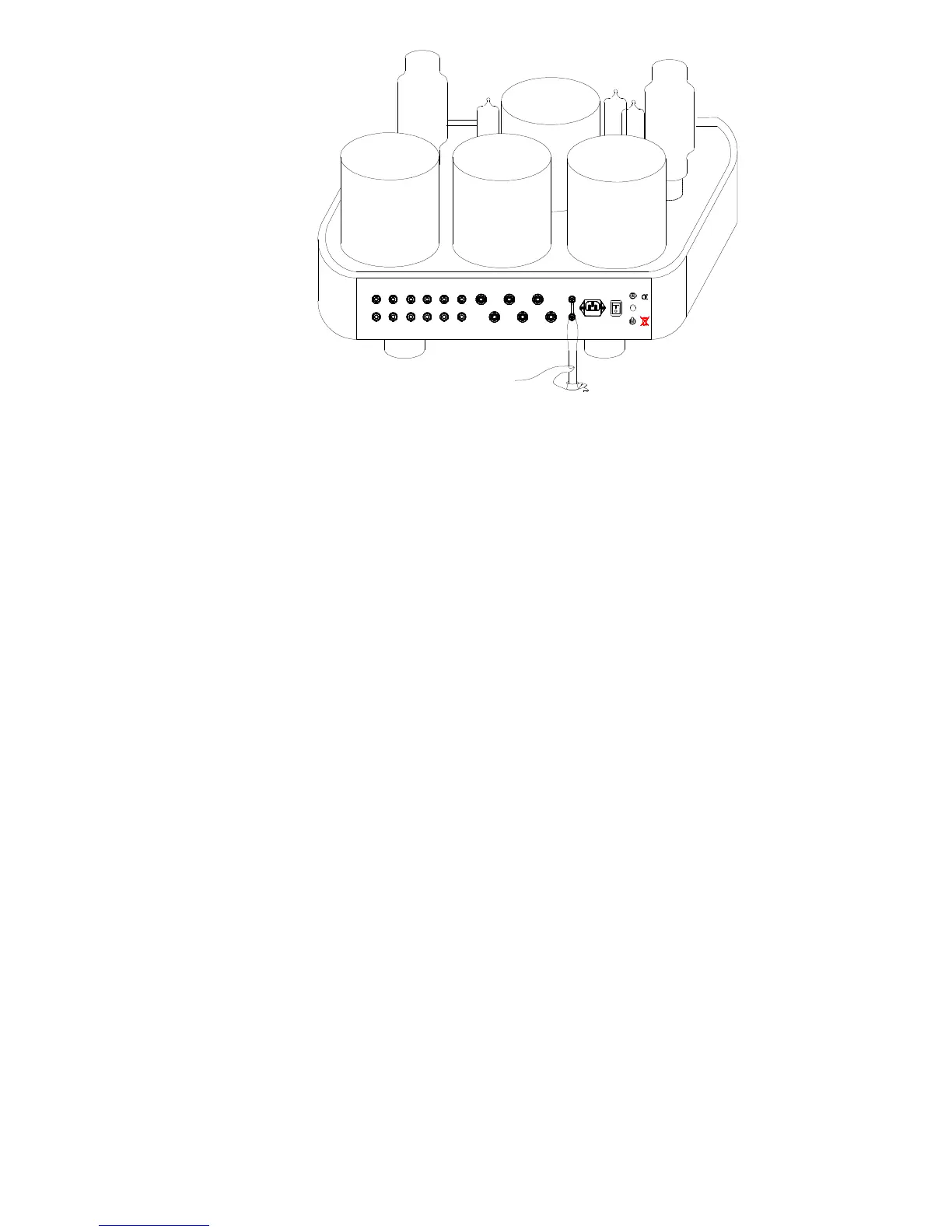
Line 4Line 3Line 2Line 1 Direct In 1 Bias 2Common4 Ohm8 Ohm
Bias 2
Bias 1
~AC In Power
Phase
Ground
Source
Right
Left
Serial No. 0
Ayon - Austria
ayonaudio.com
Pre Out
bias adjustment
7. Power tube – protection board
In order to protect the output level to the tubes, this unit is equipped with a special
protection power tube circuit to detect over currents and voltages.
When an over current or DC-input from the sources is detected or a power tube itself has a
problem, the protection circuit will shut off the output tube’s current and continue to do so until
the power is switched off. The protection circuit may also activate when it is connected to a
speaker with lower impedance than allowed, resulting in a large input that creates an over
current. When the protection circuit has activated (cut off), then turn off, wait 2 minutes and
then turn the power back on. Should the protection circuit continue to activate even after
removing the cause (power tubes, signal tubes or DC input source signal) of the over current,
please contact your dealer.
Note: When a large signal is input while a protection circuit is functioning, a slight electrical
noise from the current may be heard. This is not cause for alarm. This is the circuit maintaining
its protection of the output tubes.
8. Troubleshooting – in general
If you experience any problem with this unit, please take the time to look through this chart and
see if you can solve the problem yourself before you call your dealer.
No power: Check the connection to the AC power supply. Check and make sure the AC
source is not a switched outlet and that, if it is, the switch is turned on. Insert the power cord into
the AC inlet of this unit.
There is no sound: Press the power switch to turn on the unit, your external pre-amplifier (if any),
and disc player etc. Make sure a signal is output from a pre-amplifier or a CD-player etc.
Check if the pre-amplifier, speakers and source components are secure connected.
Select input setting of the pre-amplifier etc. correctly. Adjust the pre-amplifier volume.
The protection circuit is in operation when there is no Bias on all TP’s (tubes) readable.
Turn off the unit and solve the cause of problem.
Power tube will not bias: If the meter provides a reading but the tube will not bias correctly,
the tube is probably bad.



 To Next Page
 Loading...