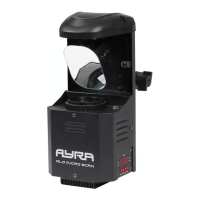
Operation and mounting
To activate the device, plug it into a mains socket. Once it's connected to an active power source, it will turn
on automatically.
During calibration, ‘AYRA’ will be shown on the display, which means the device is not ready to be operated.
Once the device has fully started up, it will jump to the last-used mode. Operation modes and other settings
shown on the display can now be adjusted or changed by means of the menu buttons.
Should the device detect a DMX signal, it will automatically switch to DMX mode and will display the last-
used address. For new devices, this will normally be DMX address 001. Of course, you can change the DMX
address via the display using the menu buttons.
Using the display and the menu buttons, you can adjust the functions and settings of the device. Press
'Enter' to confirm an adjustment or select a function, use ‘Up’ and ‘Down’ to change amounts and ‘Menu’ to
go back to the menu. By holding the ‘Menu’ button down for 2 seconds after saving a specific setting, the
device will return to operation mode and adopt the setting. This will also be done after any changes in the
operation mode or DMX address. This operation is not always necessary, considering the device
automatically does this after a new setting is confirmed.
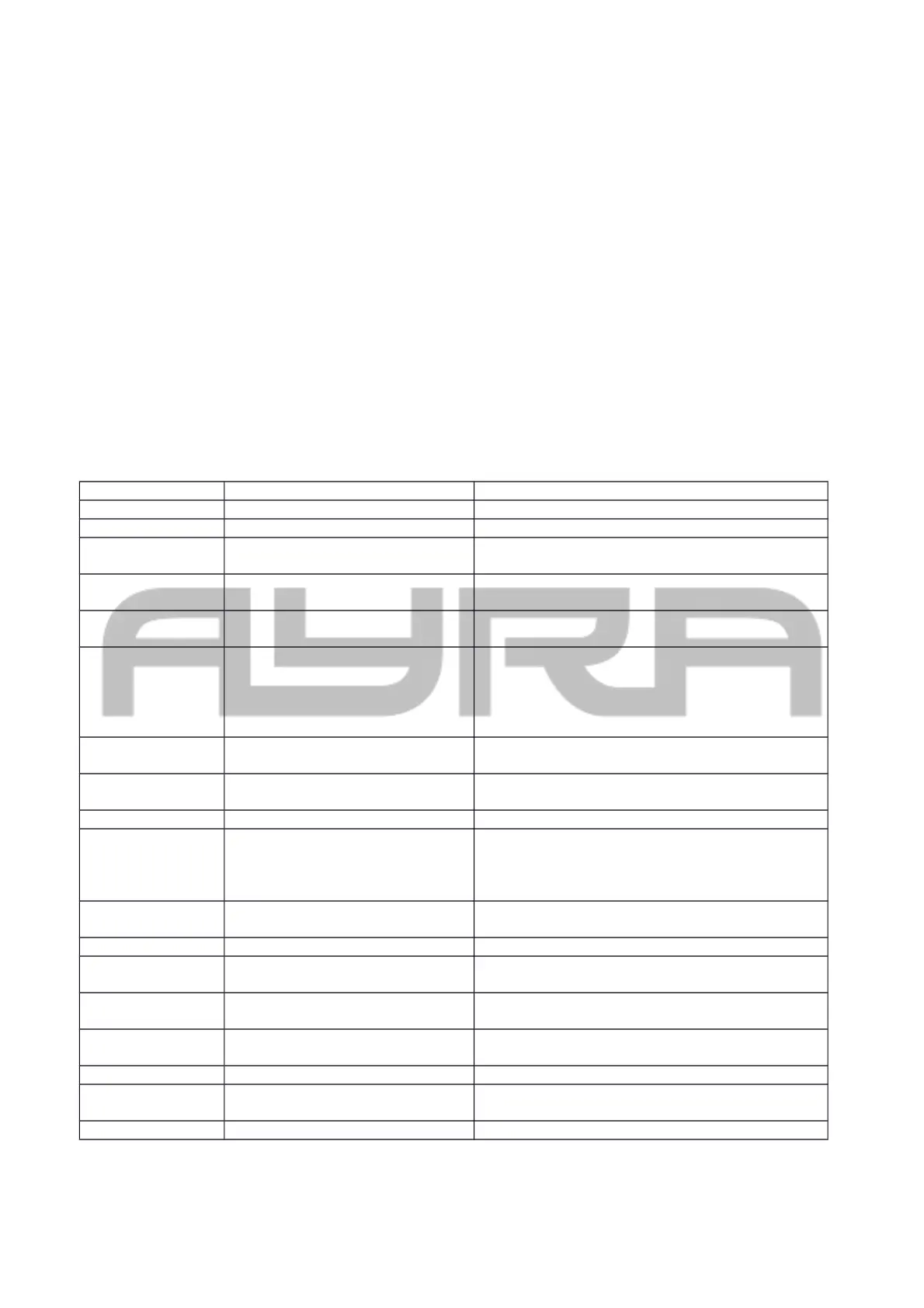
The menu contains the following options and functions
display Mode Function
ADDR DMX address configuration Address A001 … A512
CHND Channel mode selection 1CH/8CH/10CH
RCND Remote Control mode Specific addresses available for compatible
controllers (RC 1-4 adjustable)
SLND Slave mode Master - NAST
Slave 1 – SL 1
SHND Show mode (for sound-activated
operation)
SH0 random show
SH1-16 show program 1-16
AUTO Automatic mode (speed user-
adjustable)
AU0 random show
AU1-16 show programma 1-16
(Adjust the speed per program by holding down
the 'Enter' button and using the Up/Down keys to
select a speed between 1 and 9. 1=slow, 9=fast)
SPLC Split Colour on/off YES (Split colour on)
NO (Split colour off)
SOUN Sound-controlled mode (activates
built-in microphone)
Mode: ON / OFF
SENS Sound sensitivity 000 – 100: Sensitivity in %
BLND Blackout mode in case of signal
loss
Yes: Blackout mode will activate in case of DMX
signal loss
No: Switch to standalone mode in case of DMX
signal loss
LED LED Display on/off when not in
use
ON/OFF
DISP Display inversion Display inversion, disp - dslp
PAN Invert Pan (mirror) NO – do not invert pan
YES – invert pan
TILT Invert tilt (mirror) NO – do not invert tilt
YES – invert tilt
TEST Test mode This mode tests all the functions displayed to
make sure they are working properly.
HOUR Time registration 0000 – 9999 usage in hours
VER Firmware version number Display of firmware version number (can not be
updated by user)
RSET Reset function Starts up and recalibrates the device again
The information in this user manual is subject to change at any time without notice.
Version: 1.0 Date of creation and author's initials:18-02-2017 RV Revision date and author's initials: -


 To Next Page
 Loading...