At the beginning of the sketch two libraries called Wire and RTClib are
imported. These libraries are used to import functions that can be used for
communication between the module and Uno.
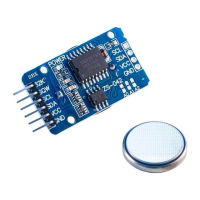
Next, an object called RTC_DS3231 is created with the following line of
code: RTC_DS3231 rtc;
Where rtc object represents the RTC module.
Then a char array called daysOfTheWeek is created which represents the
names of weekdays, and these predefined names are used to display
current day status in the Serial Monitor.
At the beginning of setup() function, communication is started between
Uno and RTC with the following line of code: Rtc.Begin();
Next, the function called rtc.adjust() is used. This function sets date
and time in the module. It has one argument, a DateTime object. To set
the current date and time of the PC during upload time, the following line of
code is used:
rtc.adjust(DateTime(F(__DATE__), F(__TIME__)));
- 18 -


 To Next Page