To detect I2C address of the module, i2ctools should be installed. If It is
not installed, open the terminal and execute the following command:
sudo apt-get install i2ctools -y
Checking the RTC module I2C address is done by executing the following
command in the terminal:
i2cdetect -y 1
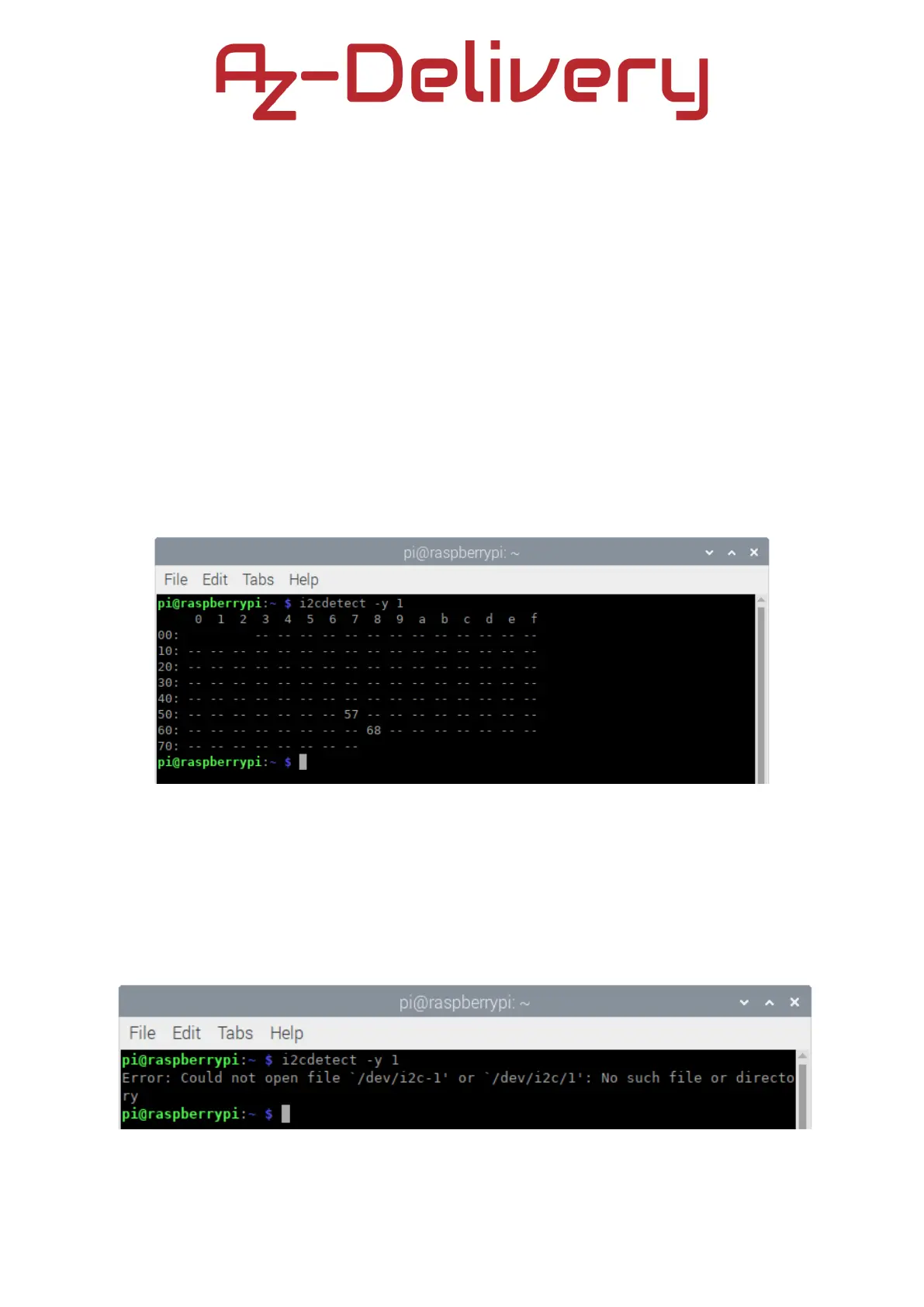
The output should look like on the following image:
Where, the 0x68 is the I2C address of the RTC module and 0x57 is the I2C
address of the EEPROM chip.
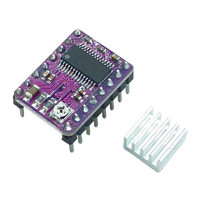
If I2C interface is not enabled before executing the previous command, the
error will be displayed as on the following image:
- 22 -


 To Next Page