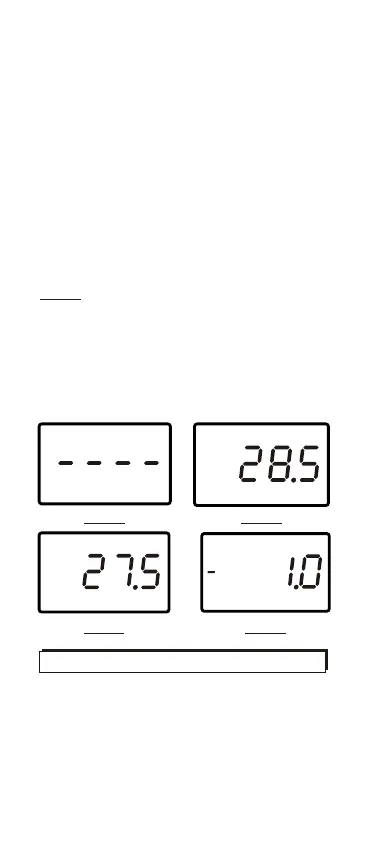
Press T1.T2/T1-T2 button to display the
temperature for T1 input. (Fig.8) Press
T1.T2/T1-T2 button again to display the
temperature for T2 input. (Fig.7)
Press T1.T2/T1-T2 button one more time
to display the differential temperature
between the two thermocouples.(Fig.9)
The display will show T1,T2 or T1-T2 in
turns by pressing the same button.
Note:
Model 8801 can only display one
temperature. Only make sure the
thermocouple is plugged at the left side
on the top . No reading but 4 dashes (---
-) (Fig.6) will be appeared until you plug
in a K type thermocouple.
o
C
T1-T2
o
C
T1
o
C
T1
o
C
T2
Fig.6
Fig.7
Fig.8 Fig.9
MAX HOLD FUNCTION
Select the desired input, then press the
MAX HLD button.
The meter will record and update the
maximum values. "MAX" "HOLD"
appears on the display.(Fig.10)
4


 To Next Page