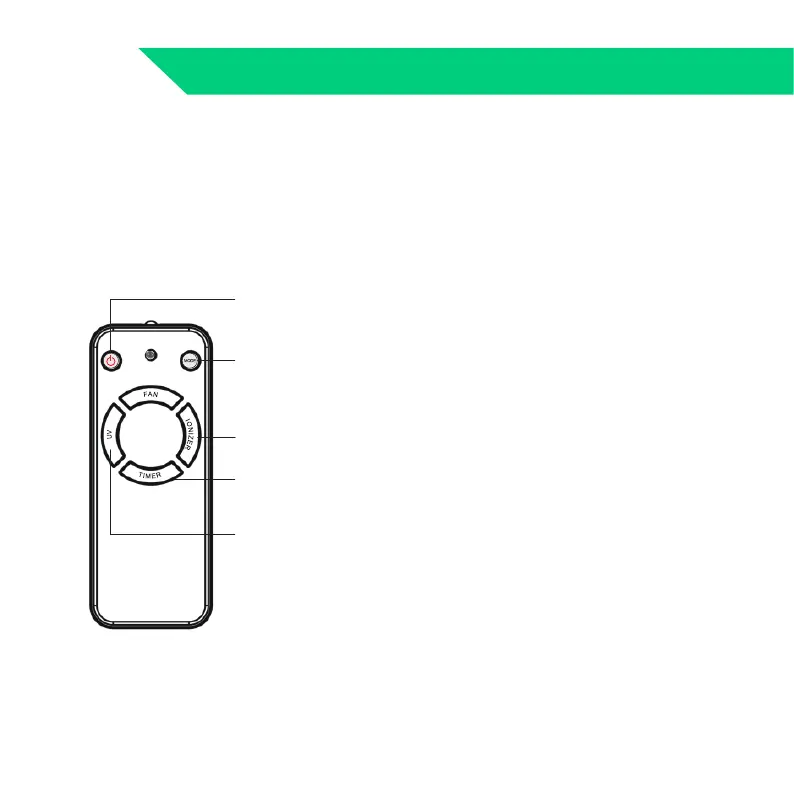
1. Easy to turn ON and OFF
2. MODE
MODE button is divided into automatic mode and sleep
mode.
Starting the unit is an automatic mode(FAN SPEED Icon all
bright)
3. FAN SPEED
1st Time to Press FAN SPEED → Lo (Low)
2nd Time to Press FAN SPEED→Mid (Middle)
3rd Time to Press FAN SPEED→Hi (High)
4th Time to Press FAN SPEED→SLEEP (SLEEP MODE)
5th Time to Press FAN SPEED→SLEEP MODE(LED is on);
6thTime to Press FAN SPEED→AUTO MODE
4.UV
Start working automatically. (No manual switch is required.)
It will automatically turn off after working for 4 hours.
5. TIMER
With the timer, you can have the air purifier operate for a set
number of hours(1H,2H, 4H, 8H hours). When the set time
has elapsed, the air purifier will automatically switch off.
6.IONIZER: Negative-ion on/off
REMOTE CONTROL TIPS 08
REMOTE CONTROL TIPS
Power on/off
Mode
Negative-Ion
on/off
Timer
UV on/off

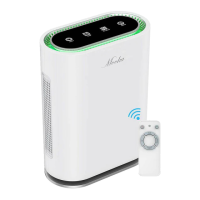

 To Next Page