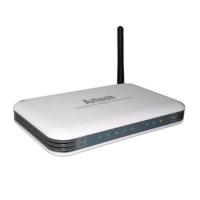
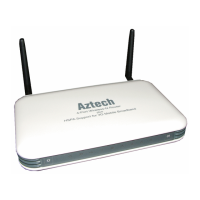
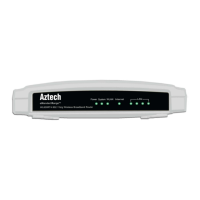
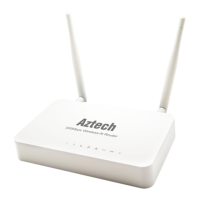
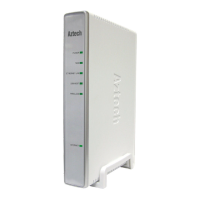
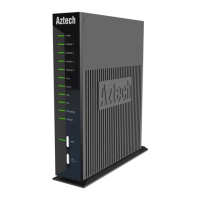
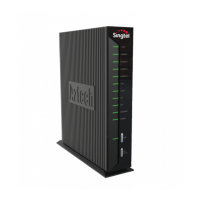
MODEL
DSL5018EN
Step 3: Setting Up Your Internet Connection
Once the Hardware Setup is completed, proceed to the steps below
to establish the connection with your Internet Service Provider.
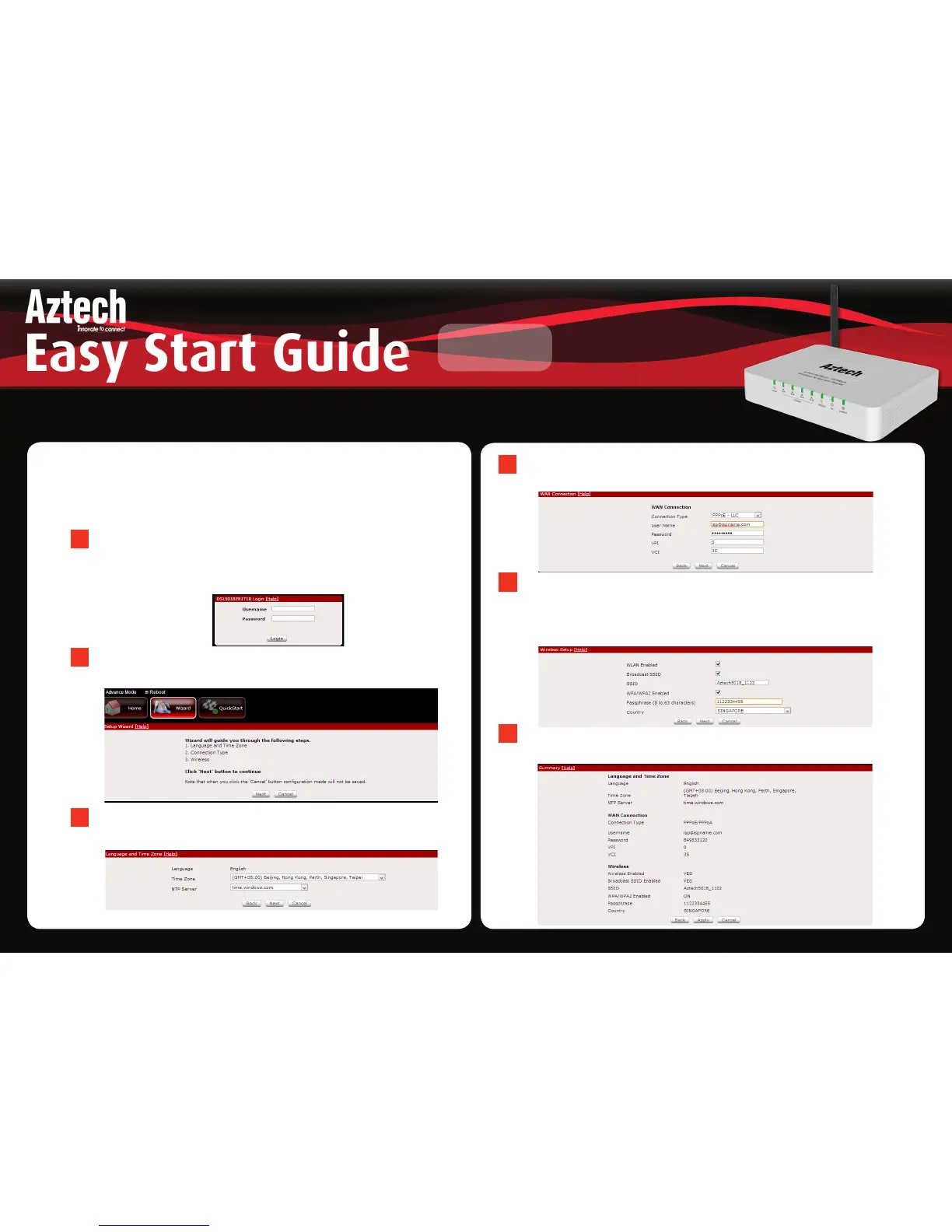
Launch the Internet Browser, input http://192.168.1.1 on the
address bar and press Enter. Input ‘admin’ for the username
and ‘admin’ for the password. Click Login.
Click the Wizard Tab and follow the step by step guide in
setting up your Internet Connection.
A
B
Select the Timezone that you would like to set on the modem
router.
C
Select the WAN Connection type supplied by your Internet Service
Provider and click Next.
D
Your device has been programmed with a default wireless network
name and default wireless password this information can be found
underneath the modem router’s label, click next to confirm your
settings.
E
The summary settings of your modem router will be displayed
click the Apply button for the settings to take effect.
F


 To Previous Page